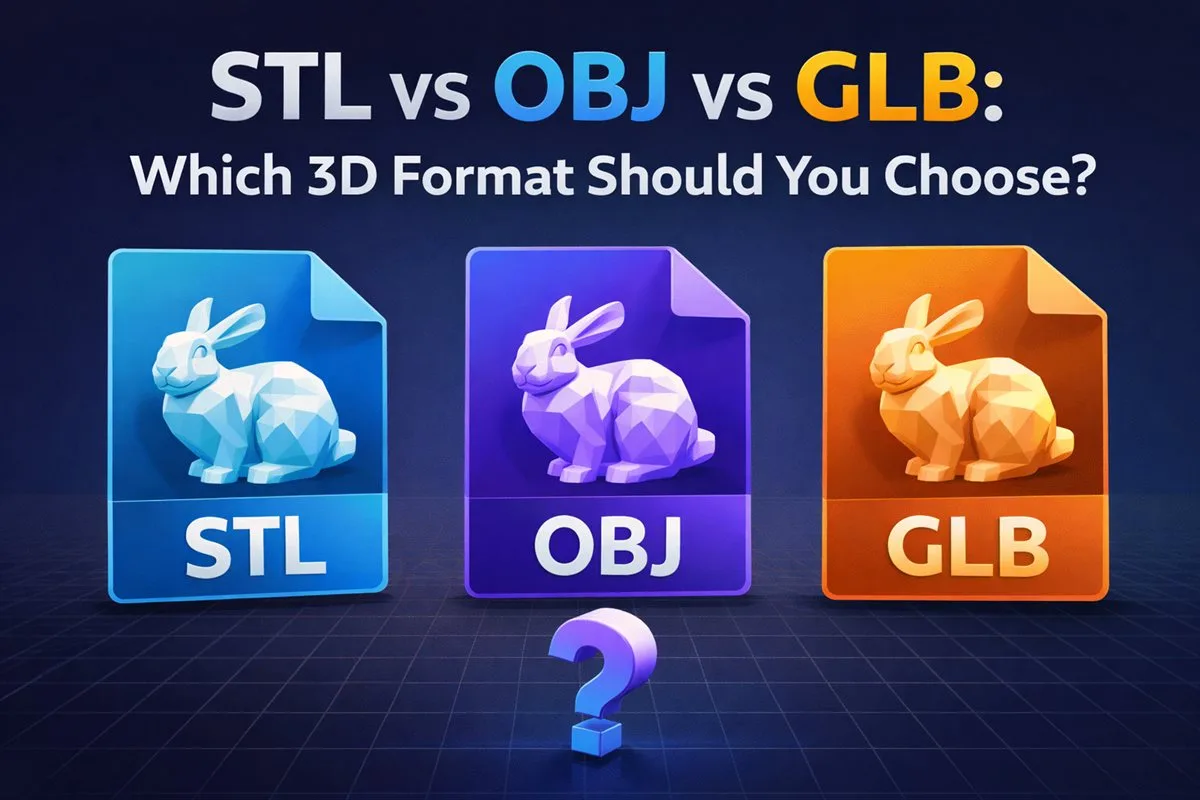
File Formats
3D Converter vs Blender: When Each One Wins
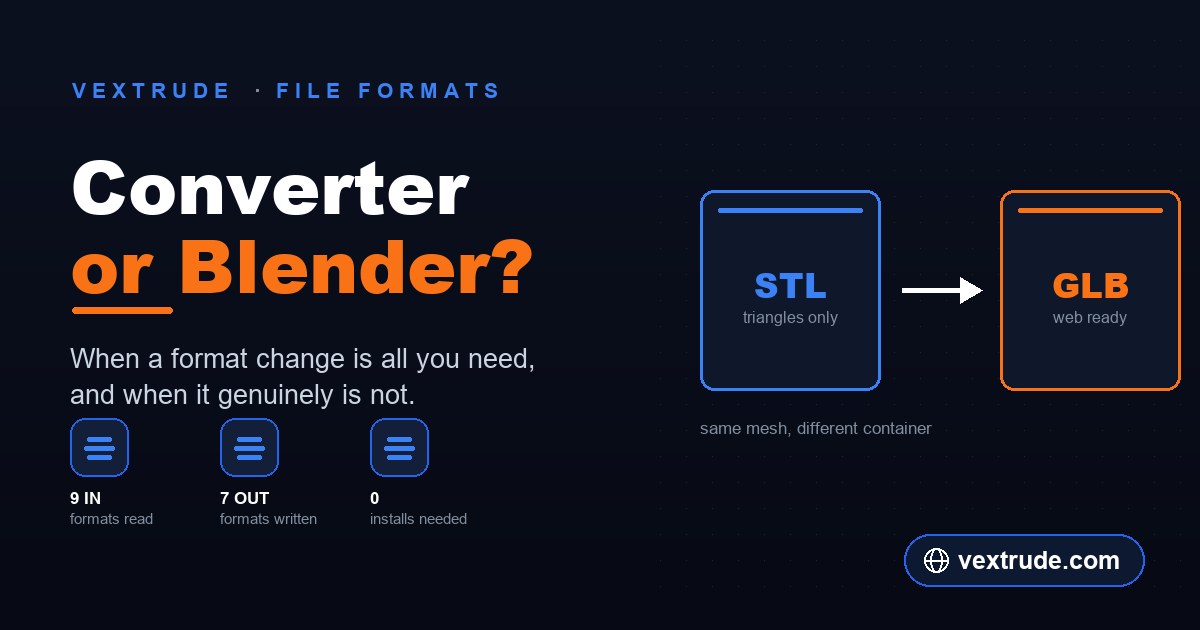
Both will turn an STL into a GLB. One takes ten seconds; the other gives control you may not need.
Sep 12, 2026 • 8 min read
Deep dives into vector workflows, file formats, and printing techniques.
Written by designers, for designers.
Both will turn an STL into a GLB. One takes ten seconds; the other gives control you may not need.
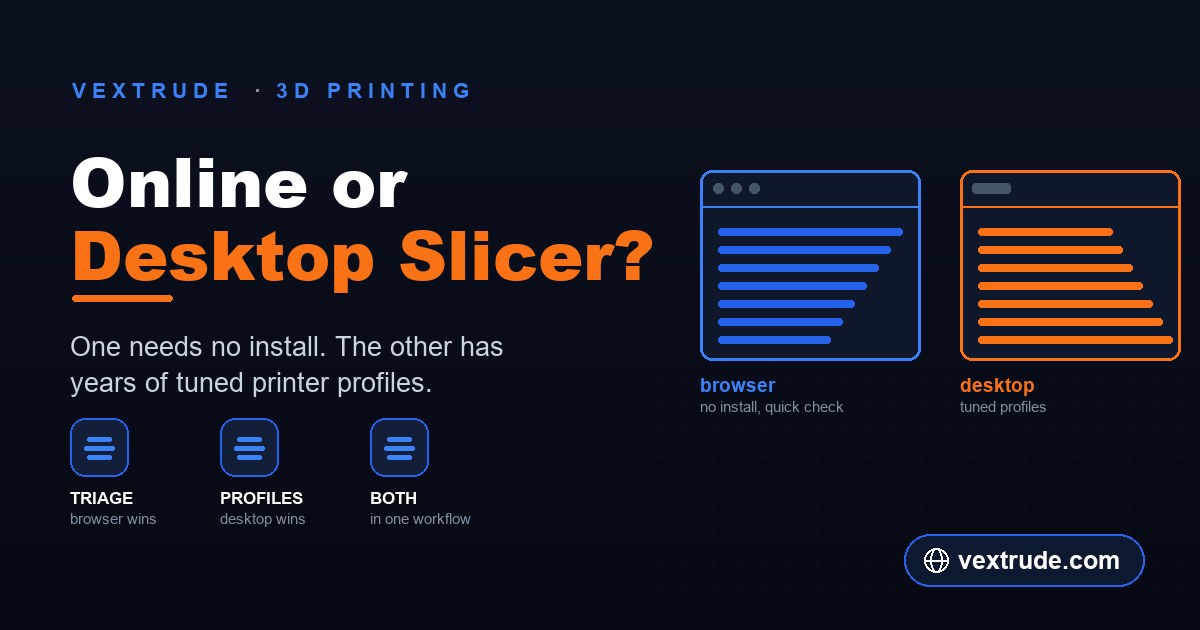
A browser slicer will not replace a tuned desktop profile. It is a different tool for a different moment.
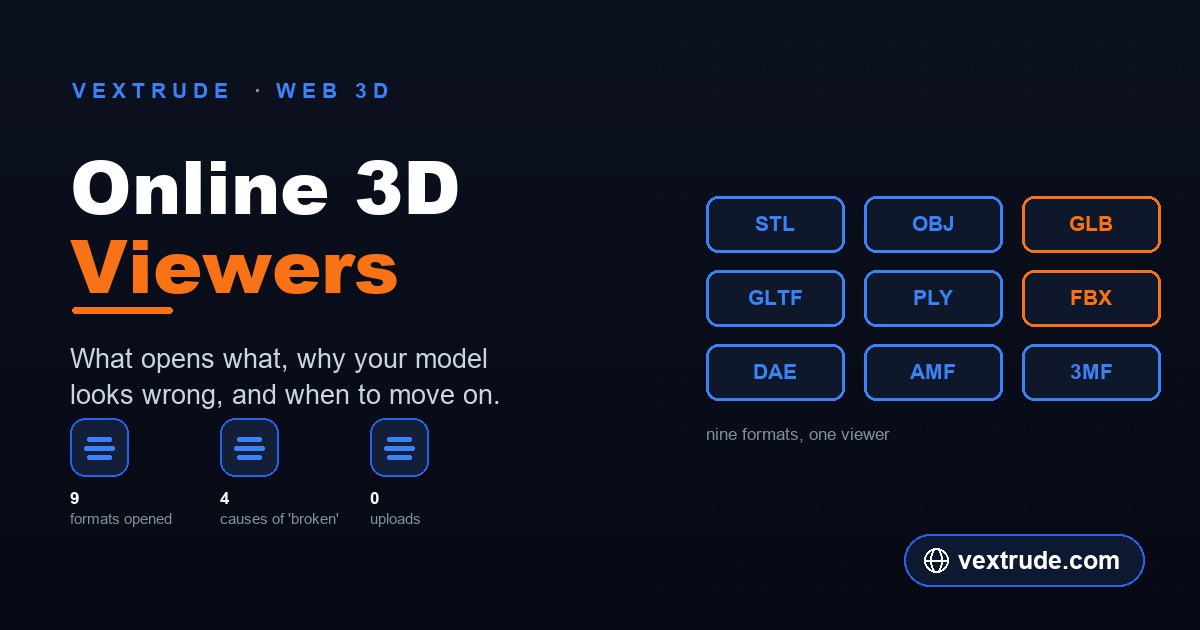
Nine formats, three rendering models, and the reasons a file that opened yesterday shows up empty today.
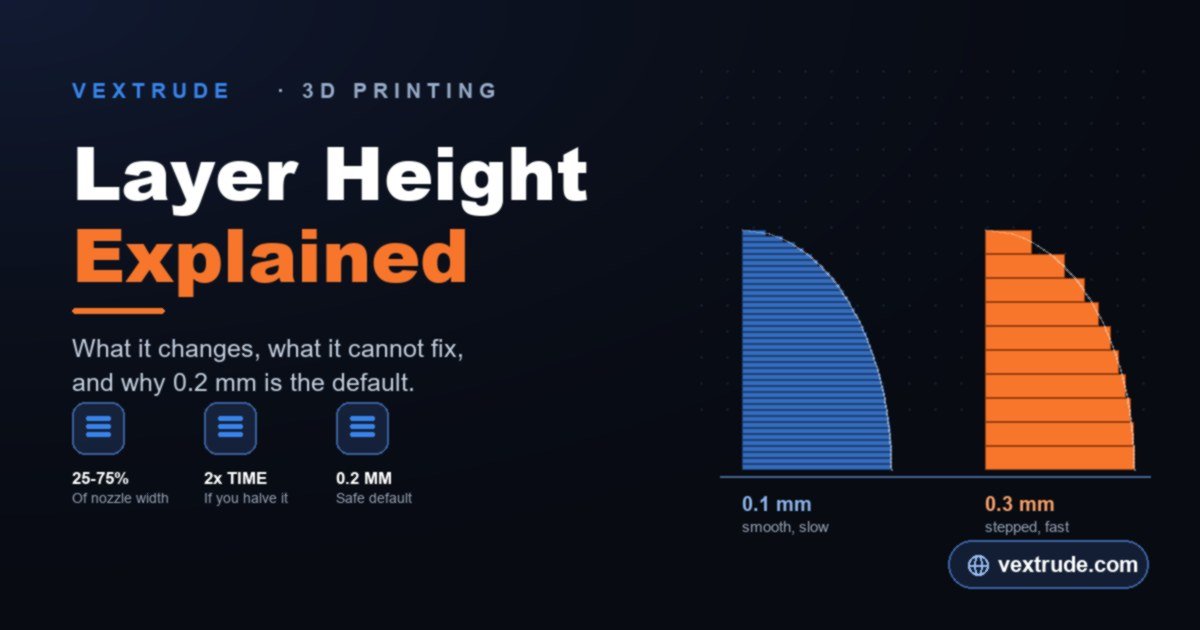
It trades print time for smoother curves — and changes far less than most people think.
Extrusion depth, ring-hole placement, minimum feature size and the test print that saves a spool.
Most printed codes fail on contrast, not geometry. Module size, colour pairing and error correction.
Lithophanes fail at the photo stage. Contrast, subject isolation, cropping and backlighting.
Four maps that look similar and do completely different things — and only one changes geometry.
Why traced logos come out lumpy and heavy, and the settings that actually fix it.
Where the bloat comes from, why ASCII files are five times larger, and how much decimation is safe.
iOS will not open your GLB. What Quick Look needs, and how to serve both formats from one page.
The six steps between a mesh and G-code — and why some problems can only be fixed at one of them.
Perimeters carry the load, not infill. Why parts snap along layer lines, and what to change.
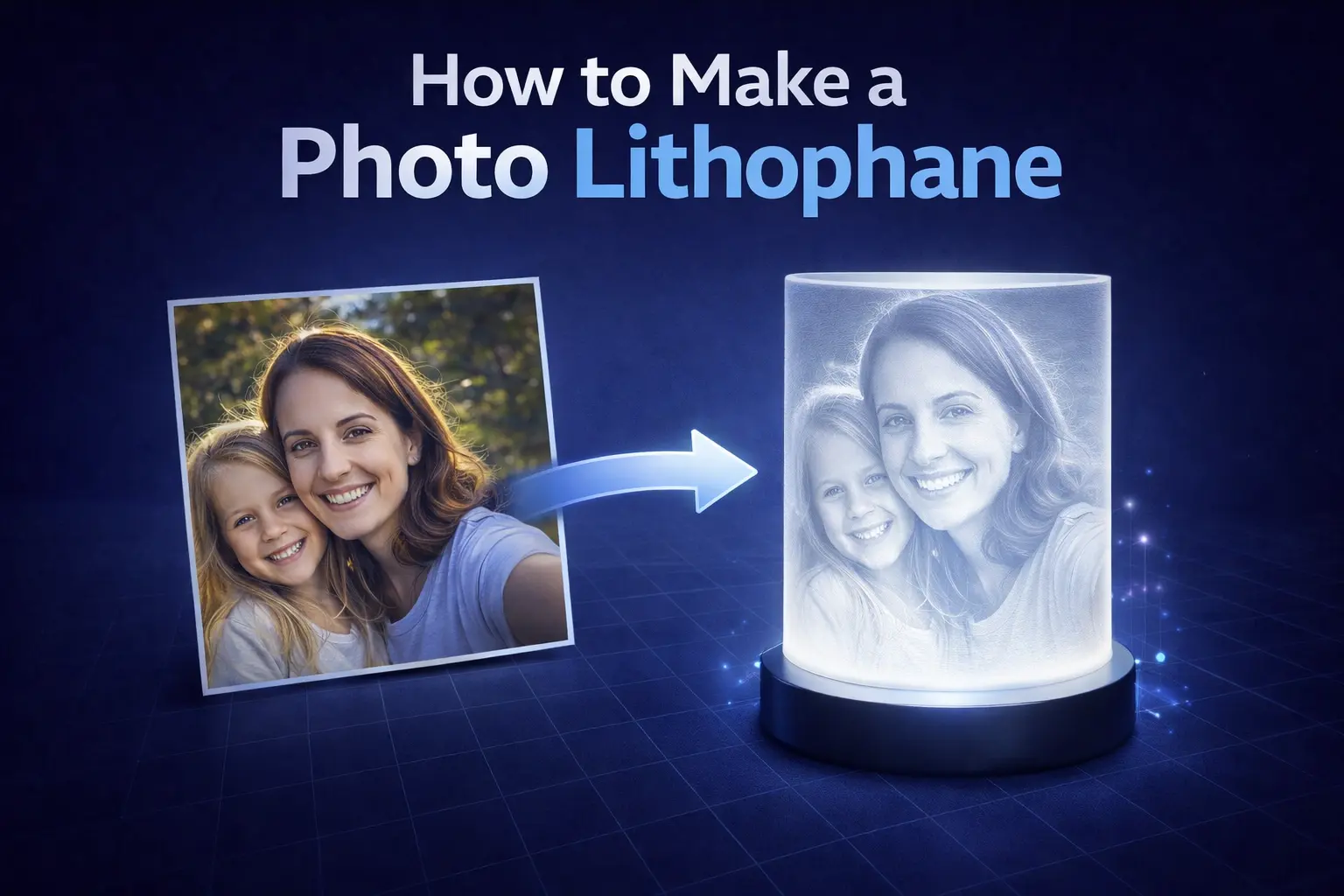
Choose the right photo, pick a shape, dial in thickness and slicer settings, and print lithophanes that actually look great.
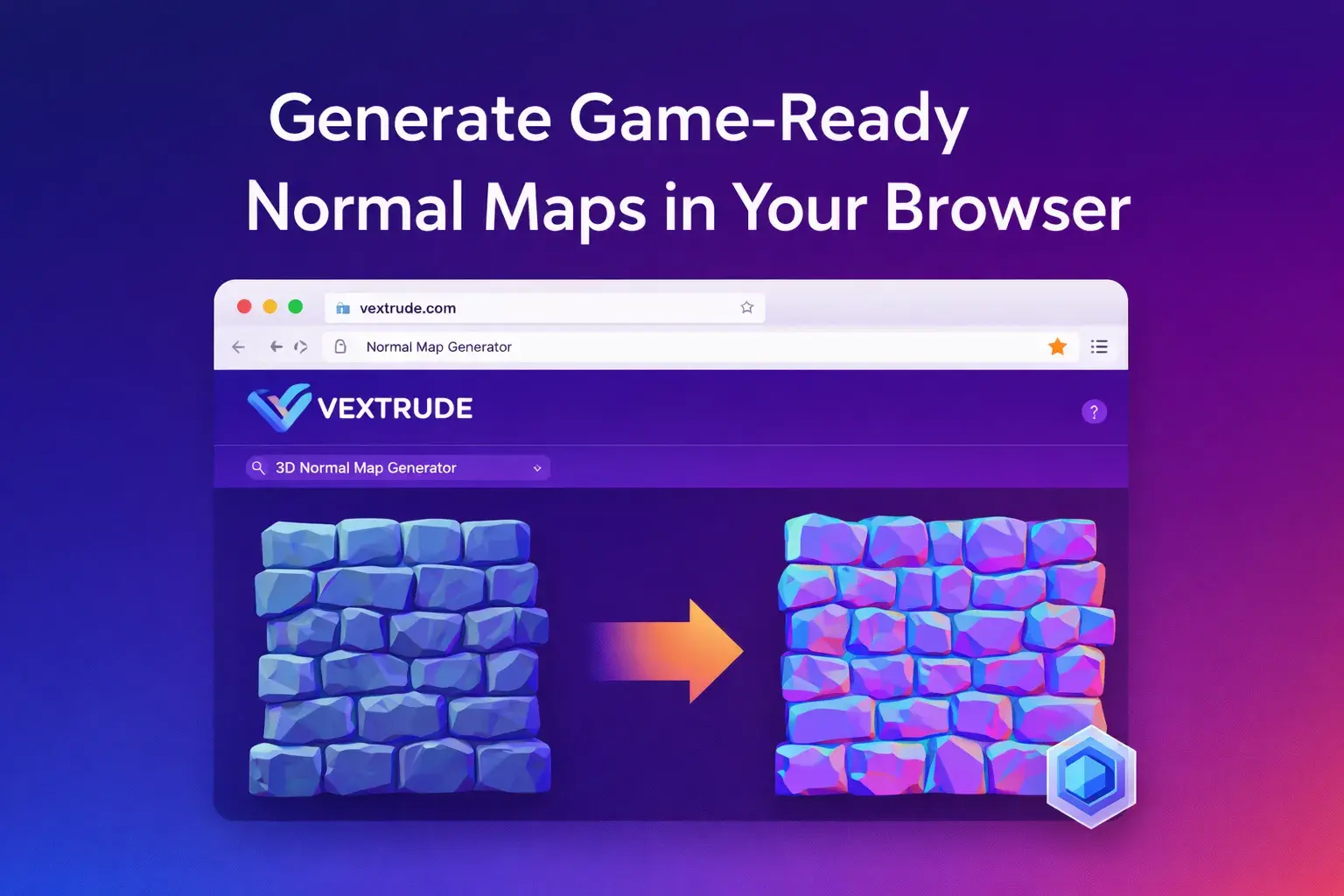
Learn how to turn a single height or diffuse texture into normal, displacement, AO and specular maps using the Vextrude Normal Map Generator.
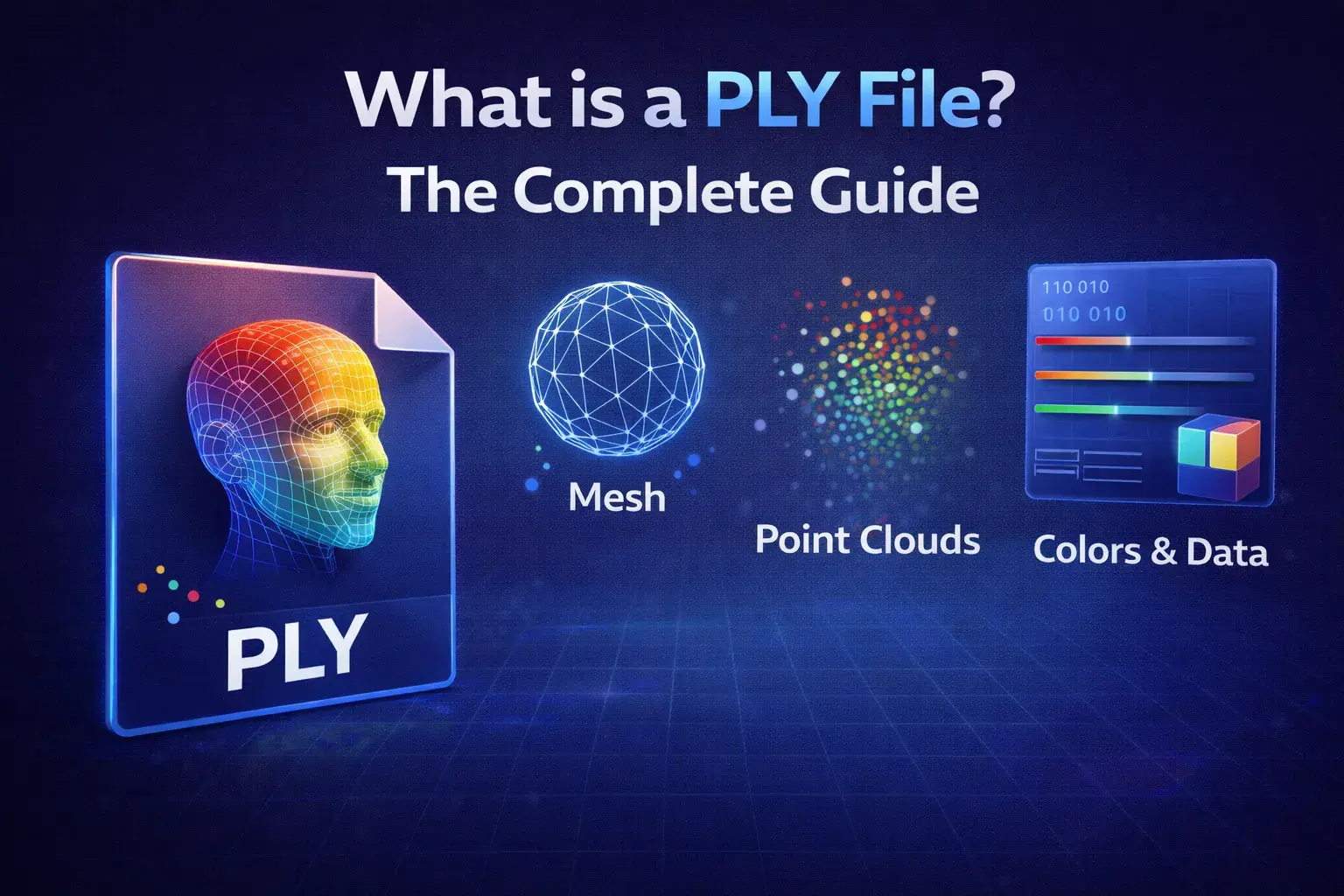
Learn about the PLY file format, its use in 3D scanning and point clouds, and how it differs from STL and OBJ.
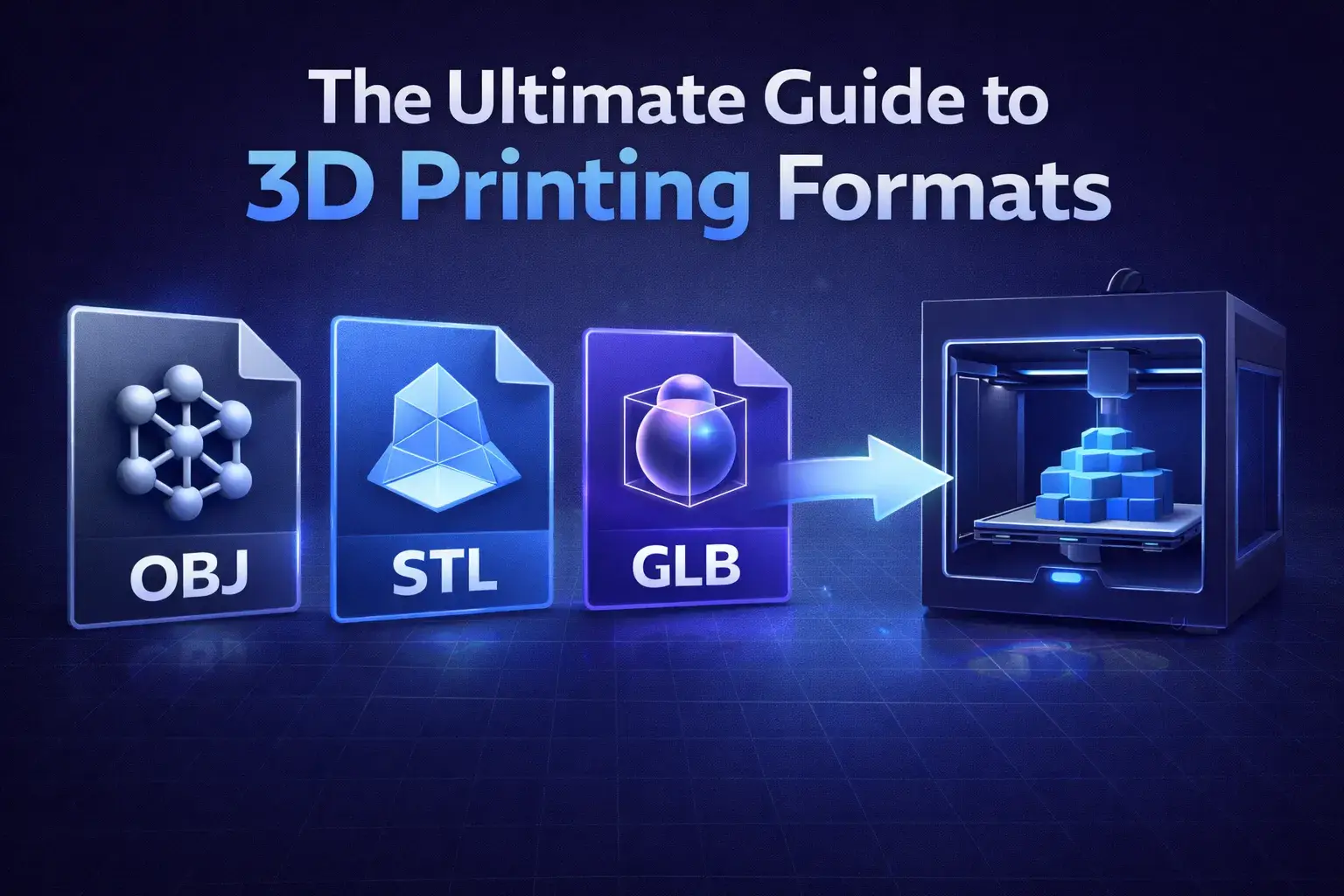
Which 3D file format is best for printing? We compare STL, OBJ, and 3MF to help you get the perfect print.
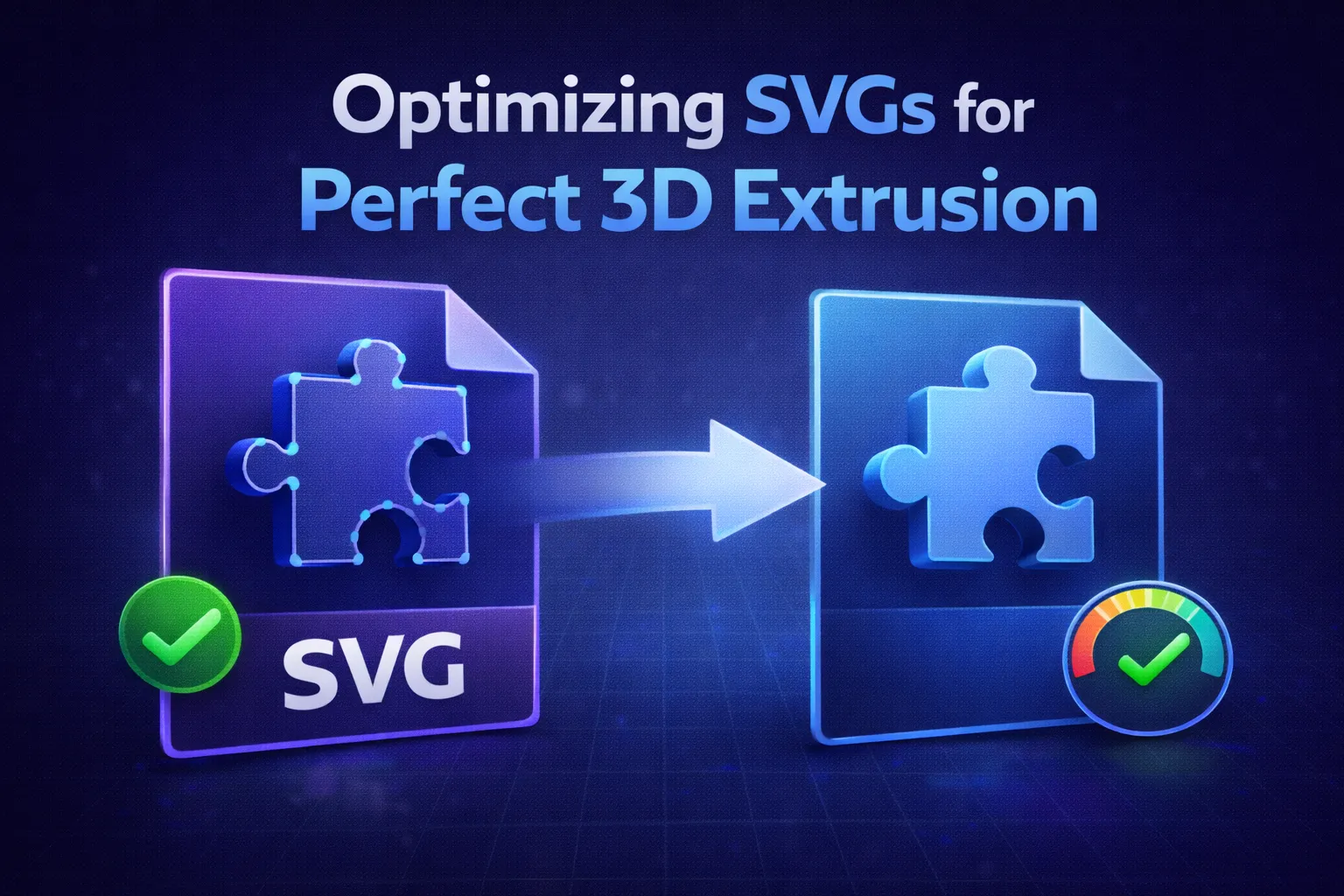
Why won't my SVG extrude? Learn how to fix open paths, self-intersections, and other common vector errors.
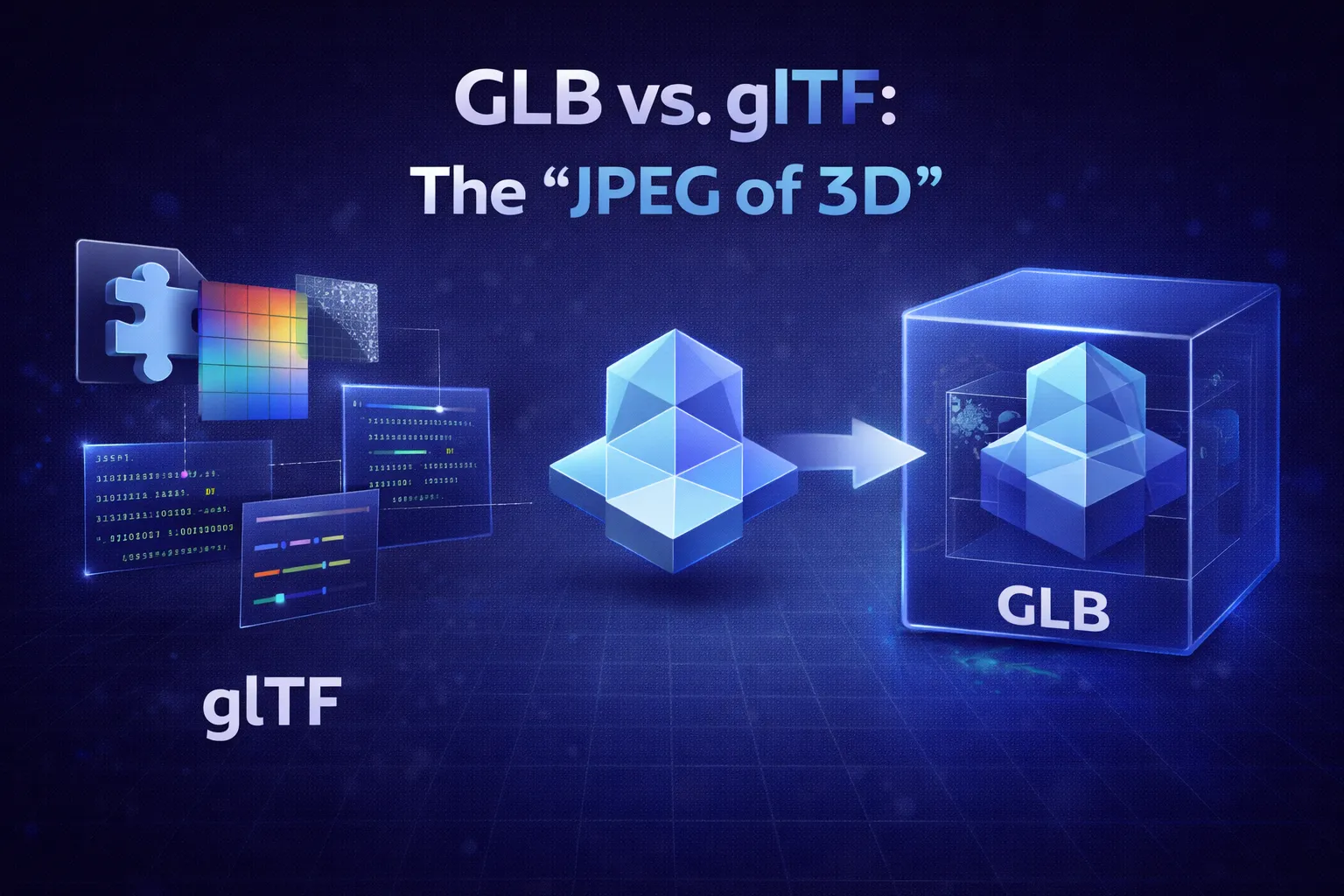
Confused by GLB and glTF? We explain the difference between the binary and JSON formats and why GLB is best for the web.
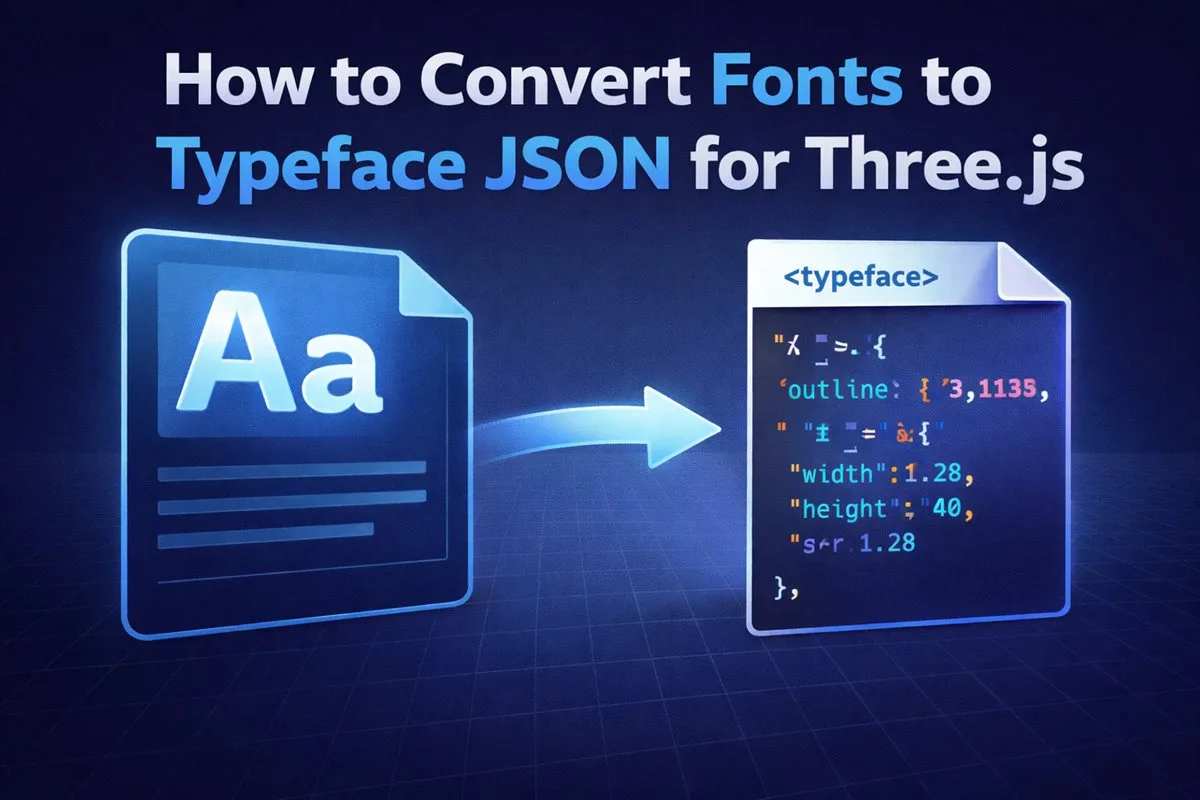
Learn why Three.js needs special font files and how to create them instantly using the new Vextrude Font Converter.
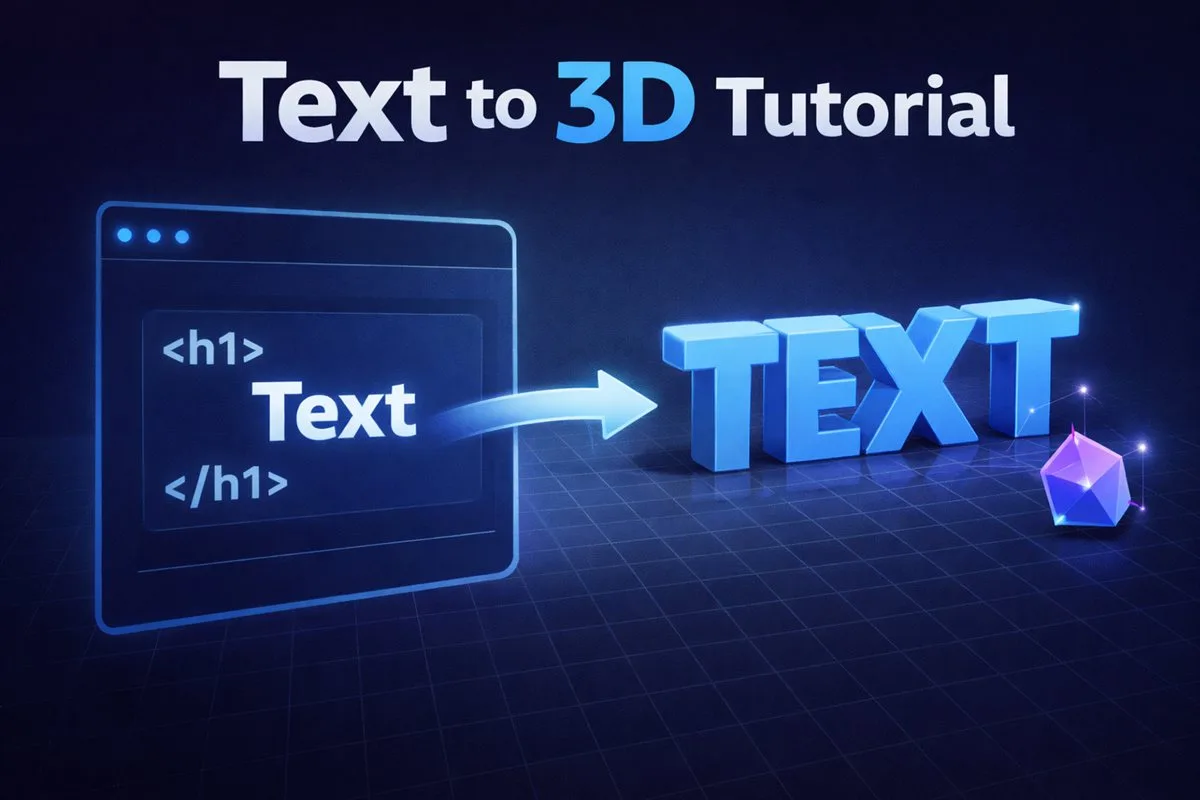
A step-by-step guide to creating stunning 3D text using Vextrude. Learn about extrusion, materials, and exporting.
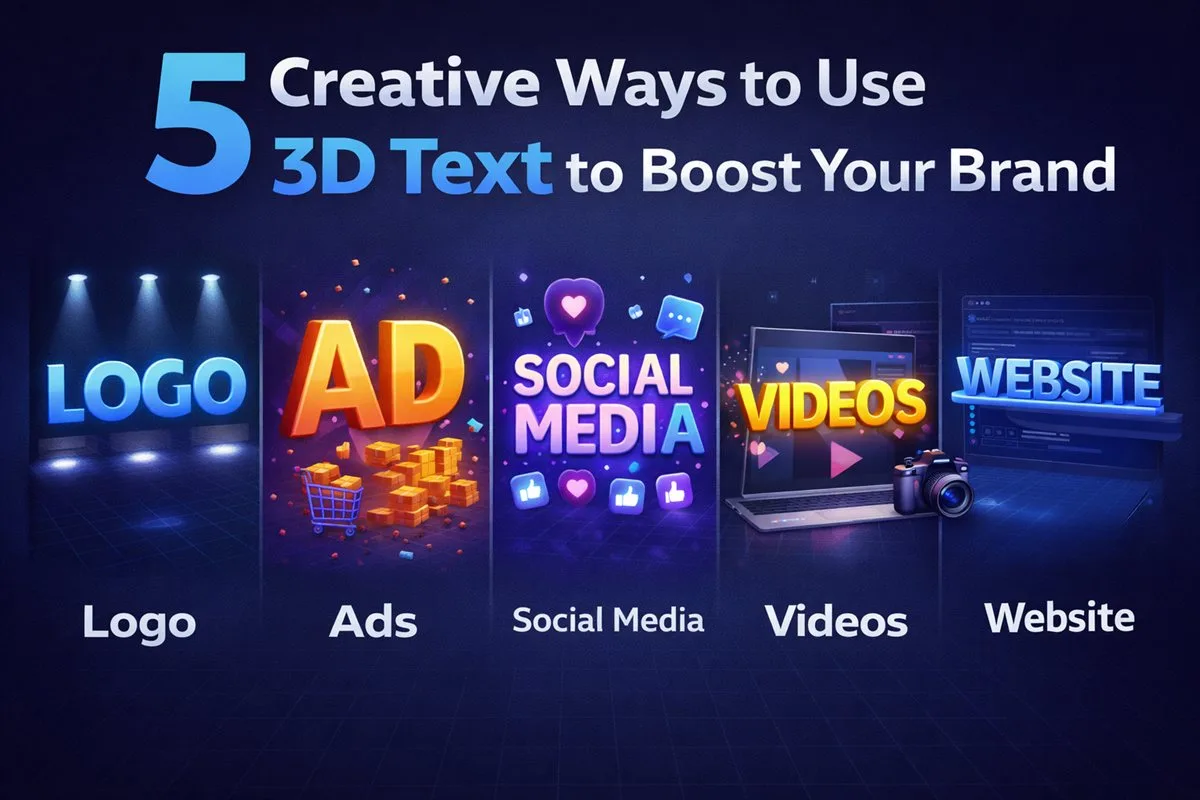
Discover 5 unique ways to use 3D typography for branding, social media, game design, and more.
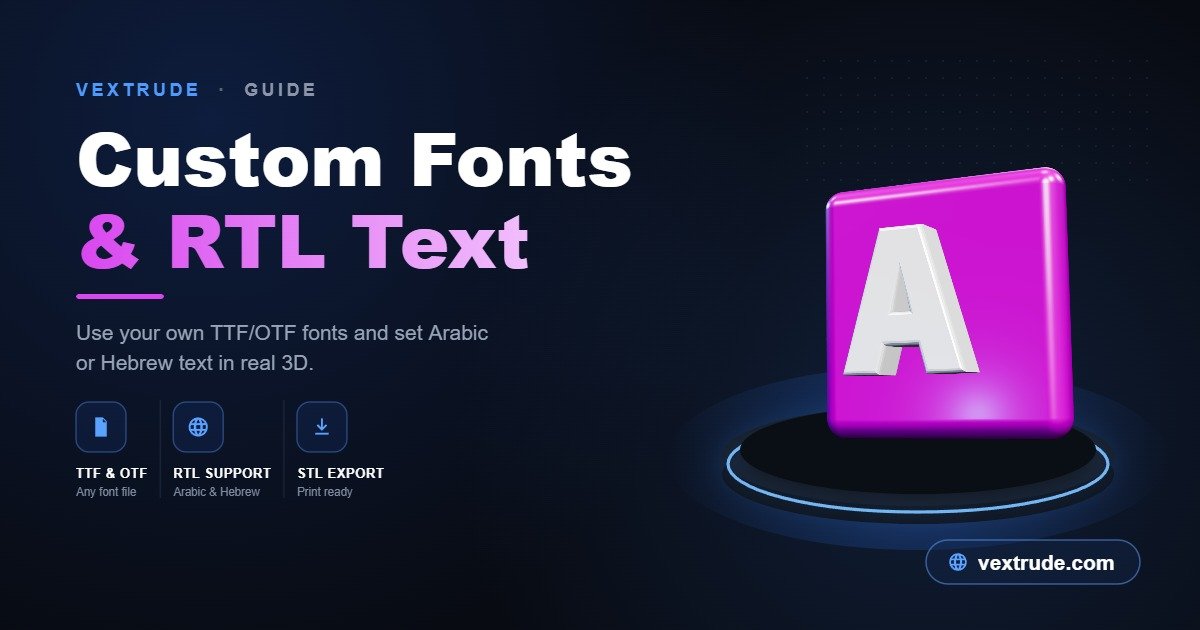
A deep dive into rendering Arabic/Urdu 3D text correctly and using custom TTF/OTF fonts in the browser.
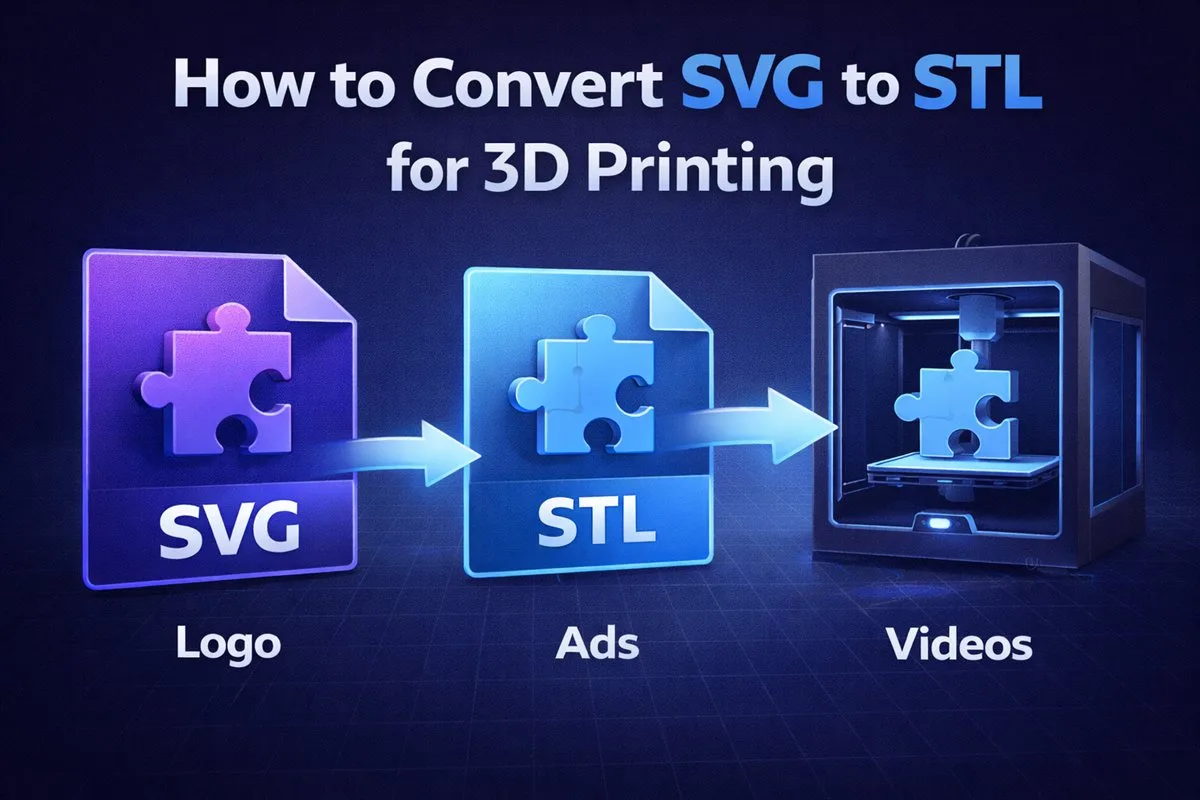
A step-by-step guide to turning your 2D logos into 3D printable models using Vextrude's instant converter.
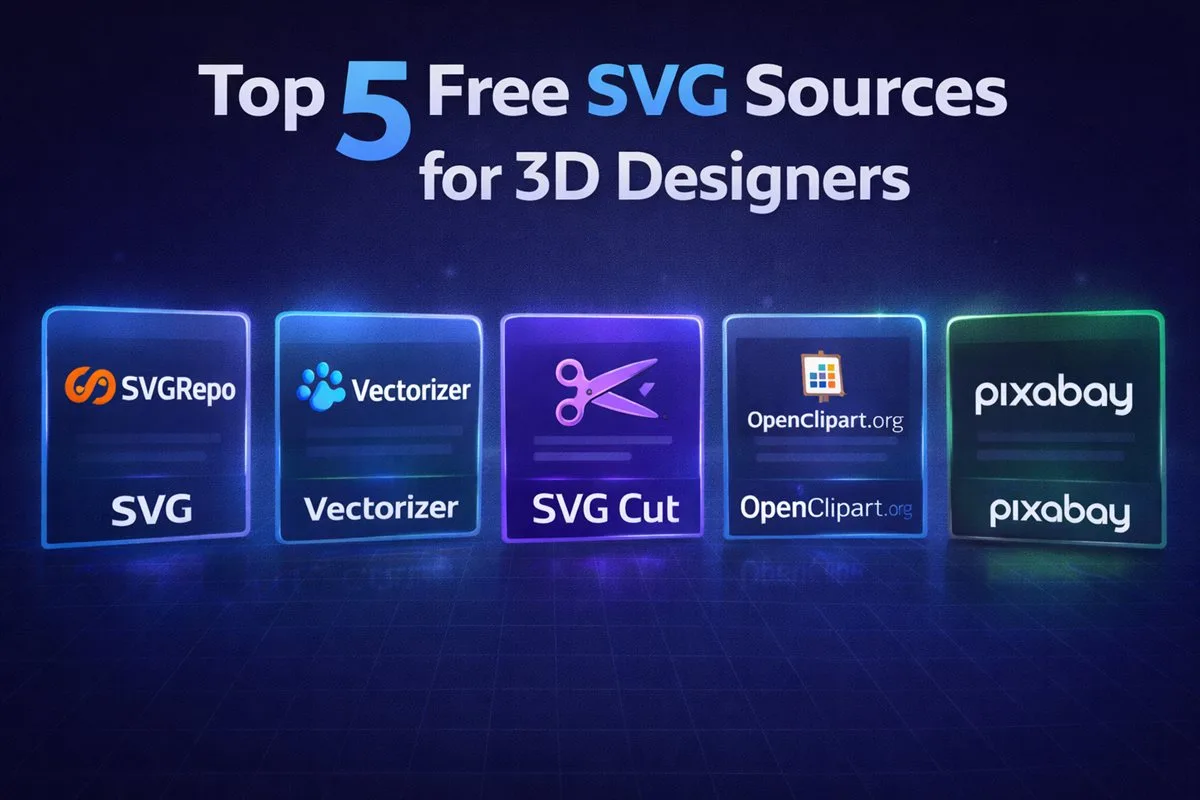
Stop searching. We've curated the best websites to download high-quality, clean SVG files for your next project.
Learn how to embed interactive 3D logos on your website using GLB files, Three.js, and React Three Fiber.
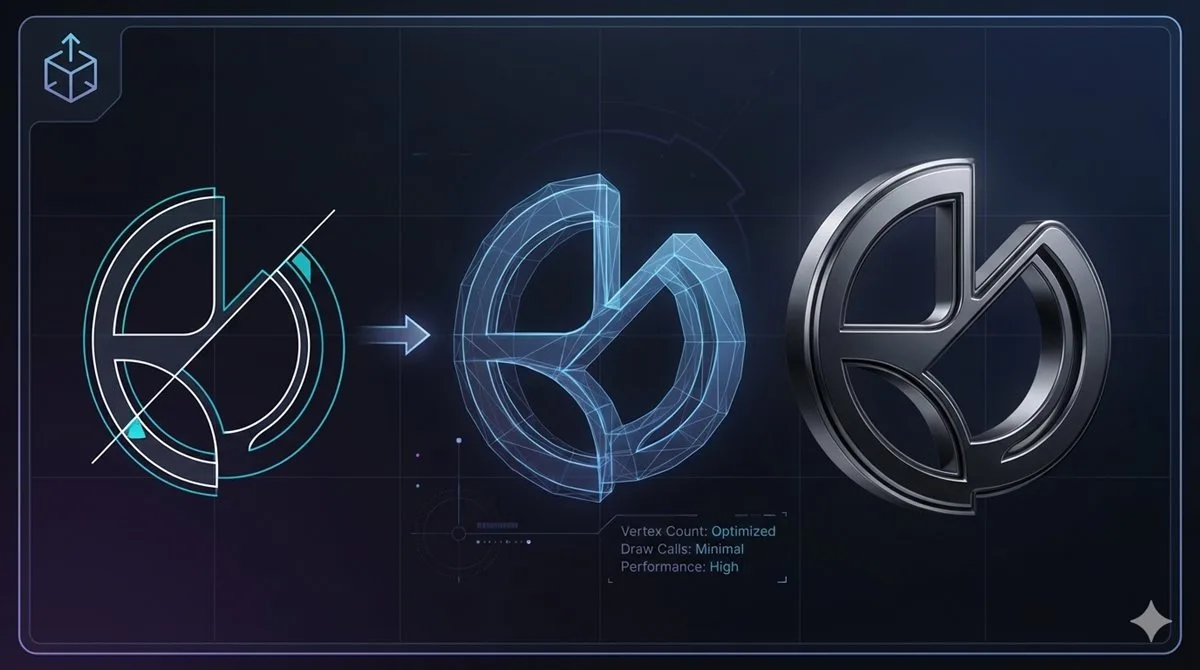
Why does my 3D model look broken? Learn how to clean up your SVG paths and remove overlaps.
Get the latest 3D design tips, feature updates, and free resources delivered straight to your inbox.
We respect your privacy. Unsubscribe at any time.