What Is the 3D Text Generator?
The 3D Text Generator is a free online tool that turns any word or phrase into a real, printable 3D model — entirely in your browser, with no installation, account, or upload required. Type your text, pick from dozens of fonts, and dial in depth, bevel, curve, materials, and lighting in real time. When it looks right, export render-ready OBJ, GLB, or PLY, print-ready STL and 3MF, a transparent PNG for design work, or a WebM video of an animated reveal. Everything runs locally on your device, so your designs never leave your machine.
Create 3D Typography in Seconds
Transform standard fonts into stunning 3D models for web, print, and AR.
Type
Enter your text and choose from standard fonts or upload your own .TTF/.OTF file.
Style
Adjust extrusion depth, bevel thickness, line height, and materials in real-time.
Export
Download your 3D text as .OBJ, .GLB, or .STL files ready for any 3D software.
Why use Vextrude Text?
Built for designers who need quick, high-quality 3D lettering without opening Blender.
Fast Performance
Optimized geometry merging, smart debouncing, and smooth viewport with auto-fit camera.
Custom JSON Fonts
Upload your own typeface .json files. Create them instantly using the Font Converter tool.
Material Presets
Preview your text in Plastic, Metal, or Neon materials with realistic lighting and shadows.
3D Typography & Extrusion Basics
Everything you need to know about turning flat words into real 3D geometry.
What Makes Text 3D?
3D text is built by taking a 2D letter outline and “extruding” it — pushing every point along the outline outward to create real depth. The result is a solid mesh with a front face, a back face, and side walls that a 3D printer, game engine, or renderer can treat like any other object.
Choosing the Right Font
Bold, geometric fonts (like sans-serif display faces) extrude cleanly and print reliably. Thin, script, or heavily-decorated fonts can produce fragile walls that snap on the printer or dim details in the render. When in doubt, start with a bold weight and preview it live before committing.
Depth & Bevel
Depth controls how far the letters push back — a shallow value reads like an embossed logo, a heavy value like a chunky title card. Bevel softens the sharp 90° seam where the face meets the side wall, catching light and making the extrusion feel physical. Small bevels (0.5–1) look best for print; larger bevels shine in renders.
Extrusion depth
rendered in this tool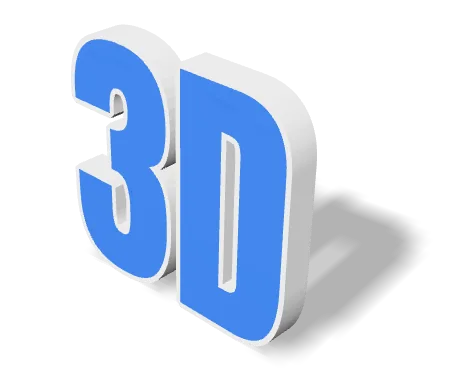
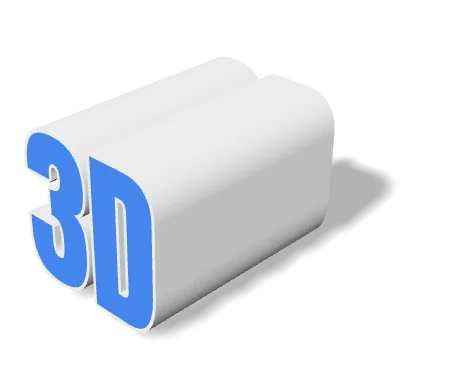
Depth is measured in the same units as font size, so the two sliders move together. A shallow value reads as embossing on a surface; a deep value reads as a standalone object. If you are printing, depth is also what gives a letter enough footprint to stay upright.
Bevel, side by side
rendered in this tool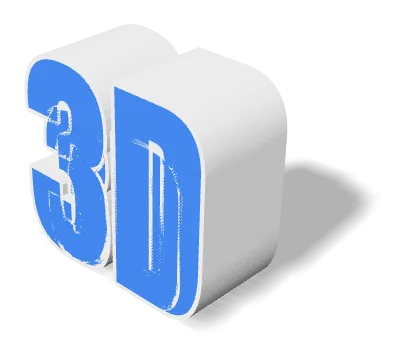
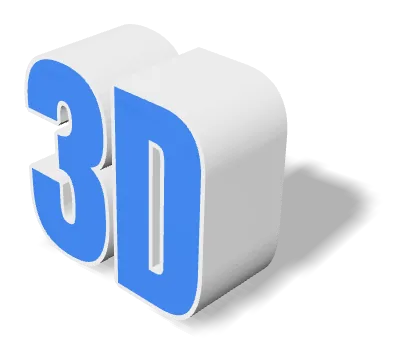
Same model, same camera, same light — only the bevel differs. A bevel replaces the hard 90° seam with a narrow chamfer, so the edge catches a highlight instead of vanishing into the side wall. Keep it small for printing.
Materials & Lighting
Seven built-in material presets (Standard, Plastic, Metal, Glass, Neon, Chrome, Gold) plus procedural textures let you take the same word from clay mockup to chrome hero shot in one click. The light rotation slider swings the key light around the scene so you can find flattering, shadow-shaped angles fast.
Material presets
rendered in this tool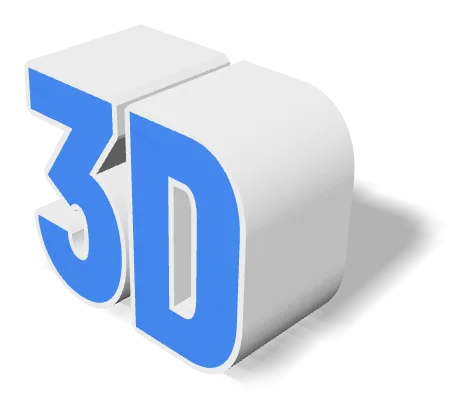
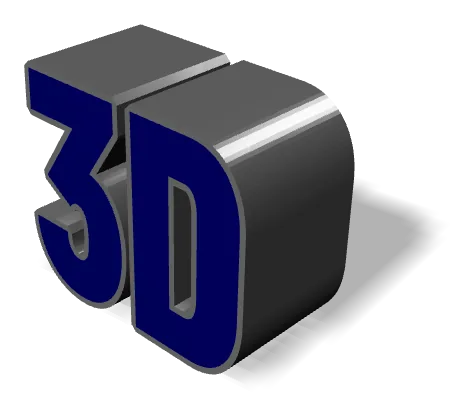
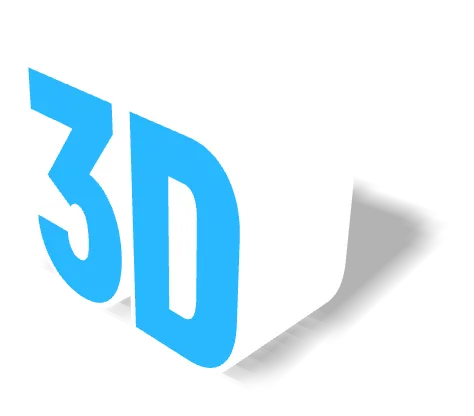
The same geometry under three presets. Material affects shading only — the mesh is identical, and STL and OBJ carry no material data at all, so an exported STL looks the same whichever preset you picked. Export GLB if you need the appearance to travel with the file.
Curved & Wavy Text
The Text Curve control bends your line along an arc — great for badges, logos, and product art. Combined with the Wave control (a sine along the baseline), you can produce ribbon-like or hand-wave layouts without any mesh editing. Both effects are non-destructive: dial them back to zero any time.
Baseline shapes
rendered in this tool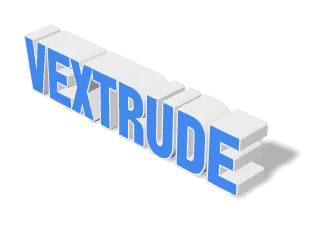
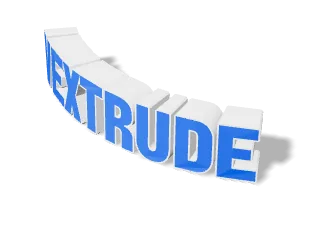
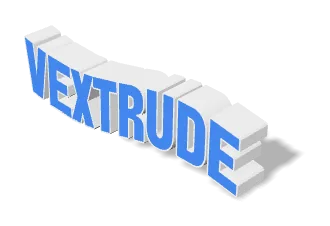
Arc bends the baseline around a circle; Wave runs a sine along it. Both are applied to the geometry itself rather than faked with a camera angle, so the curve travels with the exported mesh. Return either slider to zero to undo.
Exporting: Print vs. Web
For 3D printing, use STL or 3MF and set Real Width (mm) so the exported model matches the physical size you want on the bed. For real-time renders, games, or AR use GLB — it’s tiny and carries material data. For a stills or a logo mockup, a transparent PNG (or the WebM animation reel) is often all you need.
Supported Export Formats
Turn one line of text into whatever your 3D printer, game engine, renderer, or design app needs — every format is generated locally in your browser.
STL
Stereolithography
The universal 3D-printing format — drop it straight into any slicer.
OBJ
Wavefront
Widely supported mesh format with material and texture data.
GLB
Binary glTF
Compact format built for the web, AR, and game engines.
3MF
3D Manufacturing
Modern print format carrying color, units, and metadata.
Input
3D Meshes
Image & Video
Font & Language Support
Dozens of bundled font families, your own TTF/OTF uploads, and full support for non-Latin and right-to-left scripts.
Bundled Fonts
Dozens included
Curated sans-serif, serif, display, and script families that all extrude cleanly — no download needed.
Upload TTF / OTF
Any font, any weight
Drop your own .ttf or .otf file for one-click use. It stays on your device — never uploaded to a server.
Non-Latin Scripts
CJK, Cyrillic, Devanagari…
Chinese, Japanese, Korean, Cyrillic, Arabic, Hebrew, Thai and more render with the right glyphs for your language, with Arabic joined and RTL laid out right-to-left.
Live Preview
Type. See it. Ship it.
Every keystroke rebuilds the 3D mesh in real time so you can iterate on wording, weight, and depth without waiting.
Eight writing systems
rendered in this tool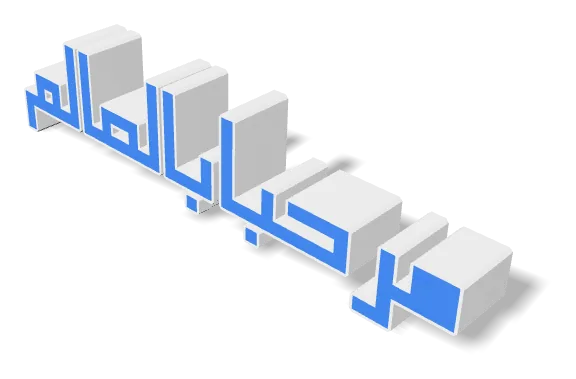
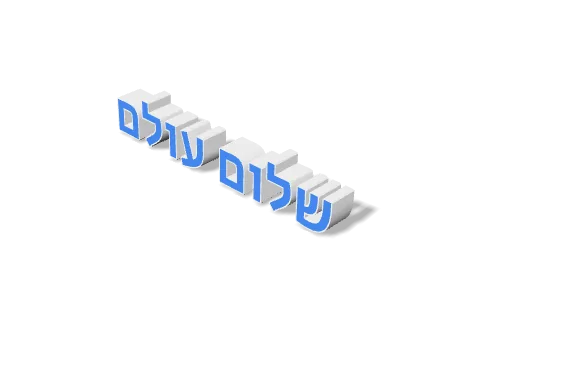
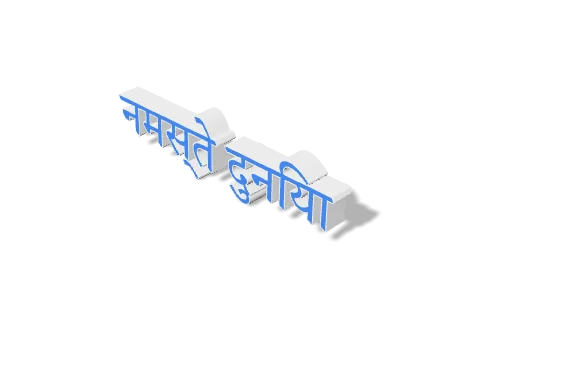
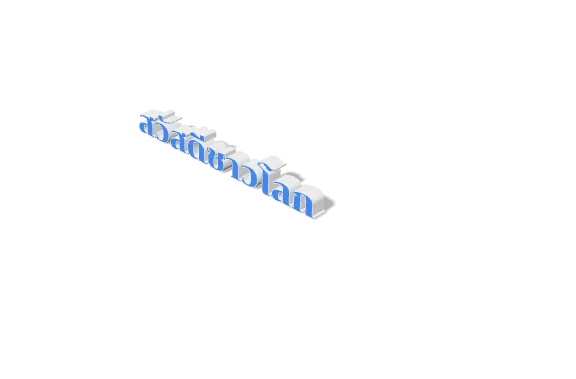
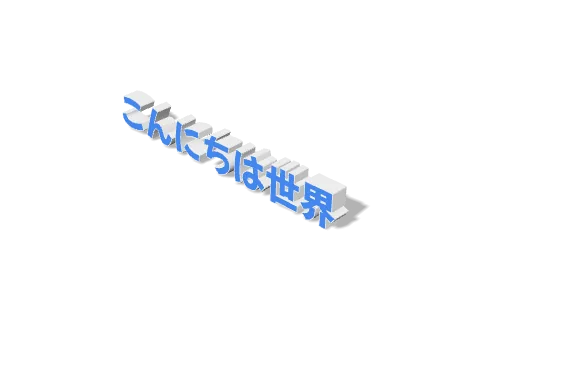
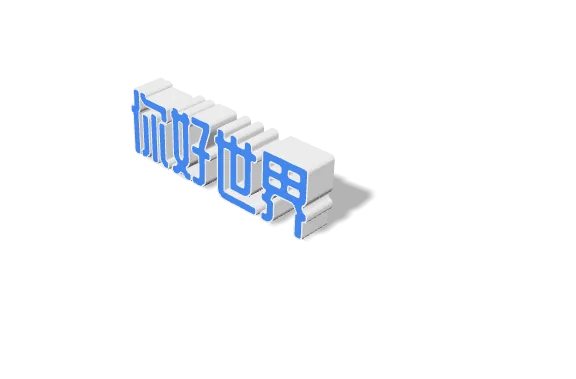
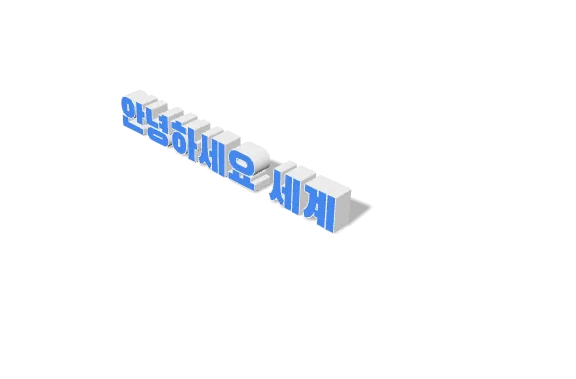
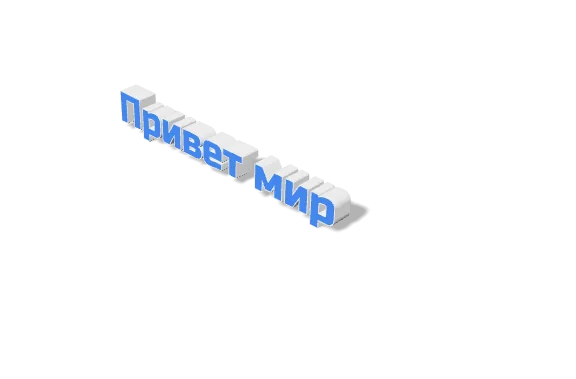
Eight of the twenty-one writing systems the tool bundles fonts for, all rendered in the editor itself. The harder cases are deliberately included: text is shaped with HarfBuzz, the same engine browsers use, so Arabic and Urdu join contextually — Nastaliq included, with its sloped cascading baseline — Arabic and Hebrew run right to left, and Indic conjuncts form as single joined letters with vowel signs on the correct side.
Frequently Asked Questions
Common questions about the 3D Text Generator.
Can I use my own fonts?
Yes! You can upload any .TTF or .OTF font file from your computer. The font is processed locally in your browser and is never uploaded to our servers.
Does it support Arabic or Urdu?
Yes, Vextrude has built-in support for RTL languages. Just toggle "Force RTL" if your text isn't displaying correctly.
Is it free for commercial use?
Yes, the tool is 100% free. You own the 3D models you generate and can use them for any commercial project.
Are my text and fonts uploaded to a server?
No. Everything runs locally in your browser using WebGL and Three.js. Your text is never sent anywhere, and any font you upload stays on your device — nothing is uploaded, cached, or logged on our end.
Which export format should I pick?
For a 3D printer, use STL or 3MF (3MF also carries color and units). For the web, AR, or game engines, use GLB — it’s tiny and carries material data. For a design mockup or thumbnail, a transparent PNG (or the WebM reel of an animated version) is often the fastest path.
Can I print the exported model at an exact physical size?
Yes. Set the Real Width (mm) field to the width you want the model to be on the print bed — the exported STL/3MF comes out at that exact size with no rescaling needed in your slicer.
Do non-Latin scripts and right-to-left languages work?
Yes. Arabic, Urdu, Hebrew, Chinese, Japanese, Korean, Cyrillic, Thai and more render with the correct glyphs, and RTL scripts lay out right-to-left. Text is shaped with HarfBuzz, the same engine browsers use, so Arabic and Urdu join contextually — Nastaliq included — and Devanagari, Bengali, Tamil and Sinhala form proper conjuncts with vowel signs on the correct side. If a font you upload doesn’t include glyphs for your script, the tool warns you before extruding.
Can I animate the text and record a video?
Yes. The Animation panel has PowerPoint-style presets (turntable, entrance, emphasis) plus Speed and Reverse. Hit the shutter in the camera widget to record a WebM video of the current animation — fit-frame, 1:1, 16:9, or 9:16 aspect ratios.