Drop a height map to start
What is the Normal Map Generator?
A free online normal map generator that runs entirely in your browser. Drop a height map and it produces six PBR maps — normal, displacement, ambient occlusion, specular, roughness and curvature — in real time on your GPU, with a live 3D preview. Your images are processed locally on your device and never sent to a server.
How to make a normal map online
From height map to a full PBR set in four steps — no account, no install, no upload.
Upload a height map
Drag in a grayscale height map or any texture, or click to browse (PNG, JPG, WEBP). Transparent PNGs are supported.
Tune the maps
Every map has its own live slider — strength, blur/sharpen, AO, specular, displacement, roughness and curvature.
Preview in 3D
See the material update instantly on a plane, sphere, cube or cylinder, or inspect any map with pan and zoom.
Download
Save one map or the whole set as a ZIP — PNG, JPG or WEBP, with transparency preserved.
Height map to normal map
rendered in this tool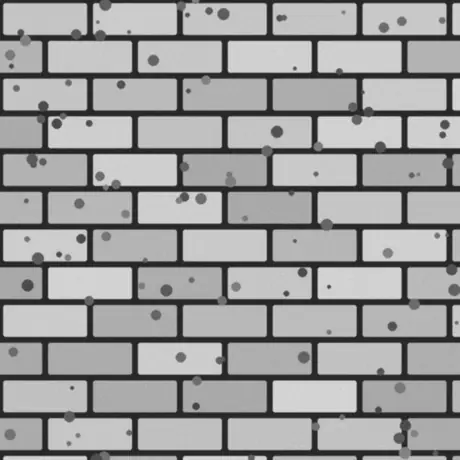
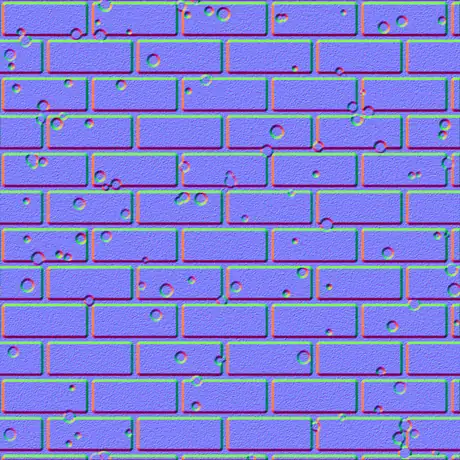
One grayscale height map in, a tangent-space normal map out. Bright pixels read as high and dark as low; the generator turns that slope into the red and green channels a shader samples. It runs on your GPU, and the image never leaves your browser.
Why use this normal map generator
Most online generators upload your texture and process it slowly on a server. This one runs on your GPU, in the browser, and keeps everything.
Nothing is uploaded
The image is read straight from disk and processed locally with WebGL. Nothing is transmitted, so it keeps working with the network off.
Real-time on your GPU
Every map is generated with fragment shaders, so moving a slider updates all six maps in a few milliseconds — even at 4K.
Six maps, each adjustable
Normal, displacement, ambient occlusion, specular, roughness and curvature — every one has its own live control.
Transparency stays cut-out
Drop a PNG with an alpha channel and every map comes out as a clean cut-out with the silhouette embossed — ideal for decals and sprites.
Engine-ready output
OpenGL (+Y) or DirectX (-Y) normals, Sobel or Scharr detail, blur and sharpen, plus a metal-rough roughness map for glTF, Unity and Unreal.
Free, with no signup
No account, no watermark and no file-size ceiling beyond what your own device can hold in memory.
The six maps it produces
One height map drives a complete physically-based material — a normal map, a displacement map, an ambient occlusion map and three more. Here is what each one is and where it is used.
| Map | What it is | Best for |
|---|---|---|
| Normal | Tangent-space RGB directions, OpenGL (+Y) or DirectX (-Y). | Fake surface detail under real-time lighting. |
| Displacement | Contrast-adjustable height data. | Real geometry displacement, tessellation or parallax. |
| Ambient occlusion | Soft contact shadows in the crevices. | Grounded, believable shading in cavities. |
| Specular | Where the surface catches light, derived from height. | Older specular / gloss shading workflows. |
| Roughness | Micro-roughness from local surface detail. | The metallic-roughness workflow in glTF, Unity, Unreal. |
| Curvature | Convex/concave cavity map — bright edges, dark crevices. | Edge-wear, dirt and mask generation. |
Maps from one image
rendered in this tool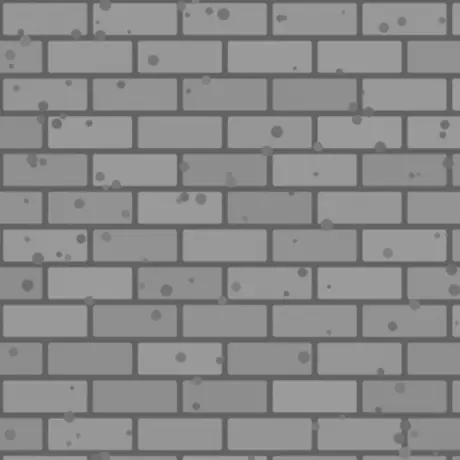
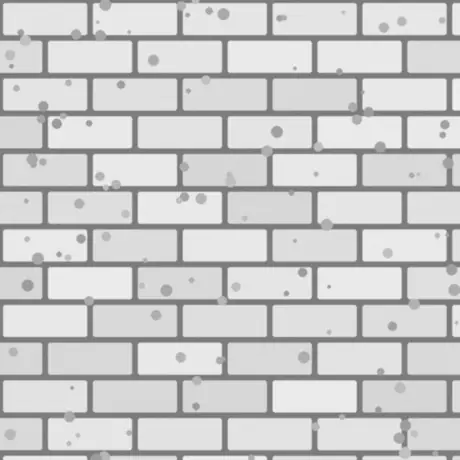
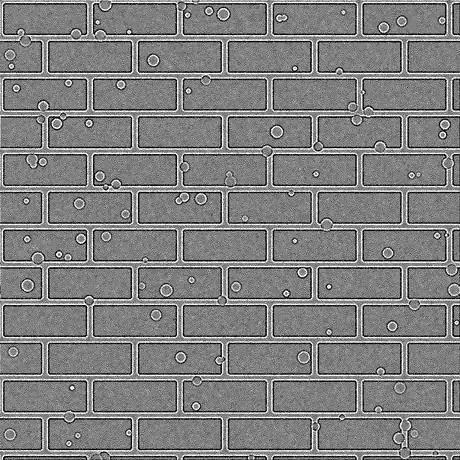
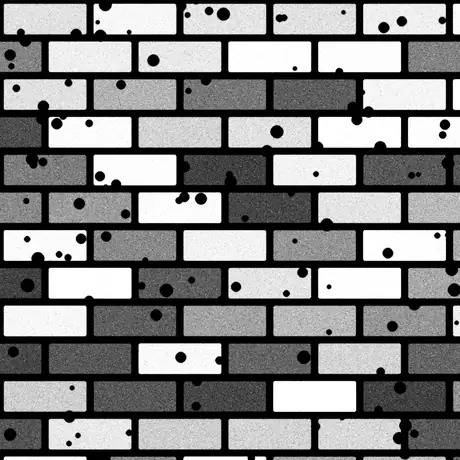
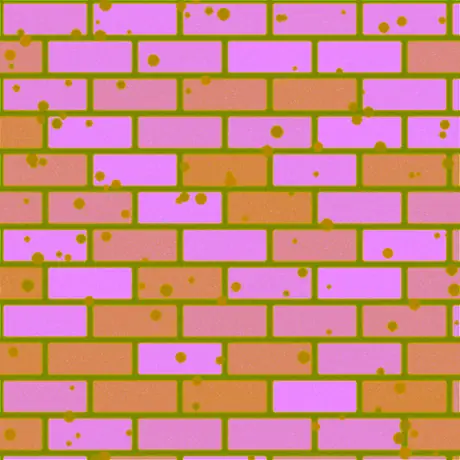
Six of the eight maps derived from that single height map. Roughness and a specular map are produced as well — at its default strength the specular map passes the height values through unchanged. ORM packs ambient occlusion, roughness and metallic into the red, green and blue channels of one image, which is the layout glTF expects.
Common uses
Bricks, stone and tiles
Turn a photographed or painted height map into a normal and AO map so flat walls and floors catch light like real masonry — no extra geometry needed.
Logos and decals from a PNG
Drop a transparent PNG and the normal, roughness and curvature come out as clean cut-outs with the shape embossed, ready to layer onto another material.
A metal-rough set for glTF
Export normal, roughness and AO together for the metallic-roughness workflow used by Unity, Unreal, Godot, Blender and the glTF standard.
Edge-wear and dirt masks
Use the curvature and AO maps as masks in your shader or texturing tool to drive scratches on edges and grime in the crevices.
Frequently asked questions
The questions that come up most often about making normal maps in a browser.
Are my images uploaded anywhere?
No. The generator reads your image directly in the browser and processes it locally with WebGL on your GPU. Nothing is sent to a server, which is also why it keeps working offline once the page has loaded.
Which maps can I generate?
Six: normal, displacement, ambient occlusion, specular, roughness and curvature. Each has its own slider, and you can download any single map or the whole set at once as a ZIP, in PNG, JPG or WEBP.
Is it fast? Does it use my GPU?
Yes. All maps are generated with WebGL fragment shaders on your graphics card, so moving a slider updates every map in a few milliseconds — even at 4K — with no lag and no server round-trip.
Does it work with transparent (PNG) images?
Yes. Transparency is preserved: every generated map becomes a clean cut-out matching your image's alpha, with the shape's silhouette embossed. PNG and WEBP keep the transparency; JPG is flattened onto white.
What is the difference between OpenGL and DirectX normal maps?
They differ in the direction of the green (Y) channel. OpenGL (+Y) is used by Unity, Blender and glTF; DirectX (-Y) is used by Unreal Engine and many games. Pick the engine preset you need, or flip it with Invert Y.
Can I use these in Unity, Unreal or Blender?
Yes. The normal map comes in both OpenGL and DirectX conventions, and the roughness map suits the metallic-roughness workflow used by Unity, Unreal, Godot, Blender and glTF. Export as PNG for lossless quality.
What image should I start from?
A grayscale height map (bump map) gives the best result: light areas are treated as high and dark areas as low. You can also feed in a diffuse texture and the tool will estimate height from luminance, then adjust with Blur/Sharpen and the detail filter.
Related tools
3D Viewer
Open and inspect STL, OBJ, GLB and more with studio lighting, animation playback and high-resolution renders.
3D File Converter
Convert between STL, OBJ, GLTF, GLB, PLY, FBX and USDZ in the browser, with rigs and animations preserved.