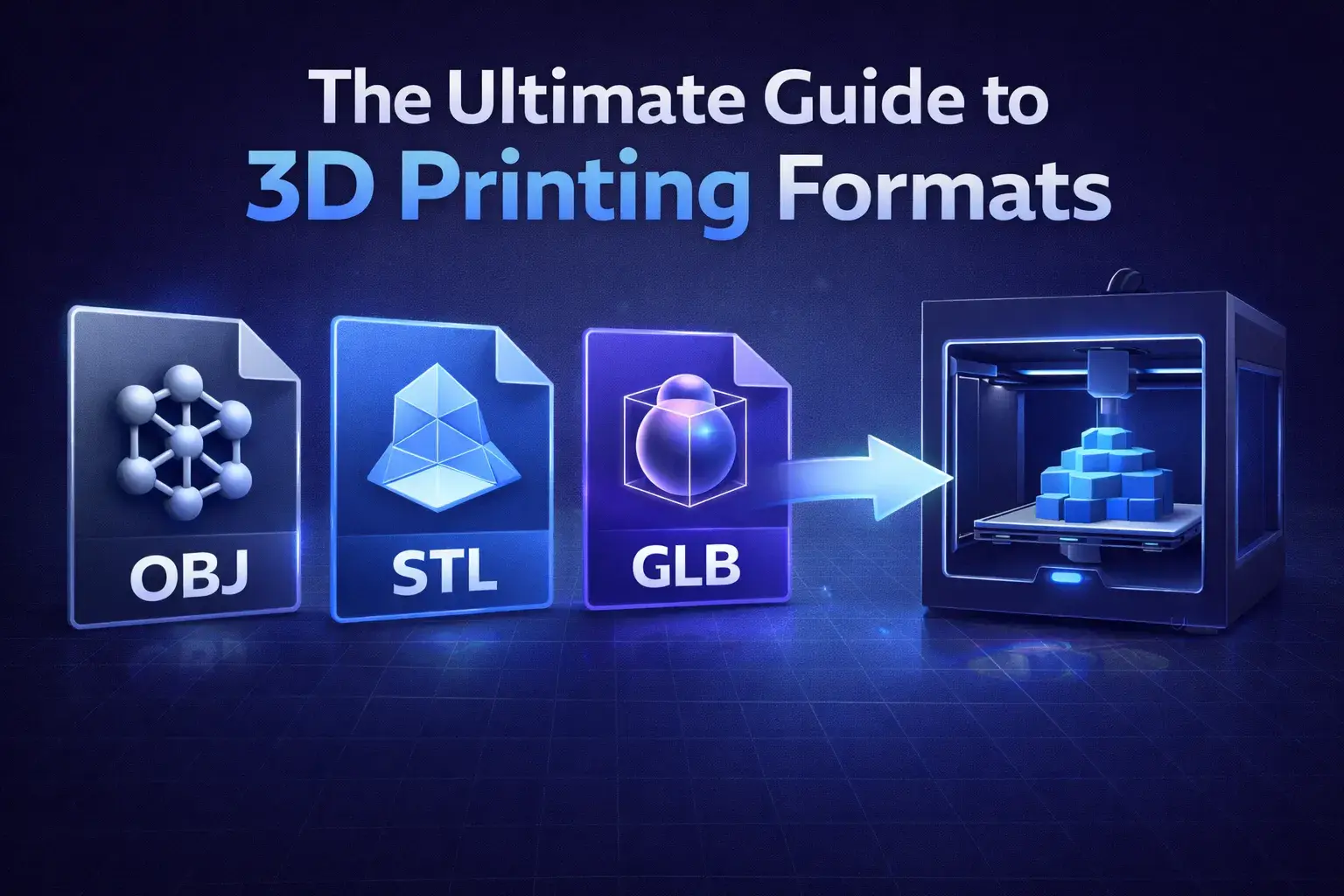
When you're ready to send your model to the slicer (like Cura, PrusaSlicer, or Bambu Studio), you have a choice to make. Do you stick with the trusty STL, or upgrade to a modern format?
STL: The Old Reliable
STL (Stereolithography) has been the standard since the 80s. It describes the surface geometry of a 3D object without any representation of color, texture, or other common CAD model attributes.
- Pros: Every slicer opens it. It's simple.
- Cons: High file sizes for detailed curves. No color. No units (millimeter vs inch confusion).
OBJ: When You Need Color
OBJ files are commonly used when color information is important. If you are doing multi-color printing (like with an AMS or MMU system), OBJ files can sometimes carry the necessary split-part information better than a single STL.
However, OBJ files are text-based, making them slower to read and larger on disk than binary formats.
3MF: The Modern Standard
3MF (3D Manufacturing Format) is designed specifically for additive manufacturing. It solves almost every problem with STL.
Why 3MF Wins:
- Small Size: It uses ZIP compression (like .docx).
- Rich Data: Contains units, color, textures, and even printer settings.
- No Errors: Designed to prevent "non-manifold" geometry errors.
If your slicer supports it (and most modern ones do), use 3MF. It's smaller, safer, and smarter.
What STL Cannot Store
STL has survived since 1987 for one reason: it is almost too simple to get wrong. The entire format is a list of triangles, each with three vertices and a normal vector. That is it.
Everything absent from that list is absent from your file. STL has no units — the numbers are bare floats, which is why a model can arrive in a slicer at 25.4× the intended size when someone assumed inches. It has no colour, no materials, no scene hierarchy, and no metadata of any kind. It cannot express "these two shells are separate objects" or "print this part in a different filament."
It also duplicates enormously. Vertices are not shared between triangles, so a vertex where six faces meet is written six times. Binary STL — 50 bytes per triangle — keeps this manageable; ASCII STL writes the same data as human-readable text and is routinely five times larger for no benefit. If your slicer accepts both, there is no reason to choose ASCII.
The unit trap:
Always verify one known dimension after import. If a part should be 40 mm wide, check it in the slicer before slicing. Most "my print came out tiny" posts are a millimetre/inch mismatch, and the file itself carries nothing to prevent it.
Why 3MF Exists
3MF is a ZIP archive containing XML, and it was designed specifically to fix STL's omissions for printing.
It records units explicitly, so the inch/millimetre ambiguity disappears. It stores colours and materials, multiple distinct objects in one file with their relative placement preserved, and it uses indexed vertices rather than repeating them per triangle — typically producing a smaller file than the equivalent STL for the same mesh.
It can also carry print configuration. Modern slicers use this to save supports, per-object settings and modifier meshes in the project file, which is why saving a Bambu Studio or PrusaSlicer project produces something 3MF-shaped rather than an STL.
The catch is support outside the printing world. Sending a 3MF to someone expecting to open it in a general 3D application is less reliable than sending STL or OBJ. For printing it is the better format; for interchange it is narrower.
OBJ Is Not Really a Print Format
OBJ turns up constantly in printing workflows, mostly because everything exports it. It is worth being clear about what it is good for.
OBJ is a text format with indexed vertices, so it avoids STL's duplication, and it supports UV coordinates and material references through a companion .mtl file. That makes it genuinely useful for textured models heading into a renderer or a game engine.
For printing it adds little. Slicers ignore UVs and materials for single-material printing, the format still has no unit declaration, and being text it is larger and slower to parse than binary STL. Vertex colours are widely used but were never part of the original specification, so support varies between applications.
Use OBJ when the model has textures and its destination is a renderer. If it is going to a printer, STL or 3MF will serve you better.
Mesh Integrity Matters More Than Format
Choosing the right container will not rescue a mesh that is not printable. Four problems account for most slicing failures, and all of them survive conversion between formats:
- Holes. A surface with a gap has no defined interior. The slicer cannot decide what to fill, and typically produces either nothing or a hollow shell where you expected solid.
- Flipped normals. Each triangle has a facing direction. If some point inward, the slicer disagrees with itself about inside and outside, and you get missing walls in the middle of an otherwise fine print.
- Non-manifold edges. An edge shared by more than two faces describes something that cannot physically exist. Two cubes touching at exactly one edge is the classic example.
- Self-intersections. Geometry passing through itself creates ambiguous interior volume, common after boolean operations that were never cleaned up.
Most slicers will attempt automatic repair and silently succeed often enough that people stop checking. When a print fails in a way that looks like a slicing bug, run the mesh through a dedicated repair pass before blaming the printer.
Picking One, Quickly
For a single-material functional part, use binary STL. It is universally accepted and nothing is lost, because there was nothing extra to keep.
For multi-part assemblies, multi-colour prints, or anything where you want the slicer setup preserved, use 3MF. Explicit units alone justify it.
For textured models going to a renderer or engine, use OBJ or GLB — and for anything web-facing, GLB.
For scanned data with per-vertex colour, use PLY, then convert to STL once you have cleaned it up for printing.