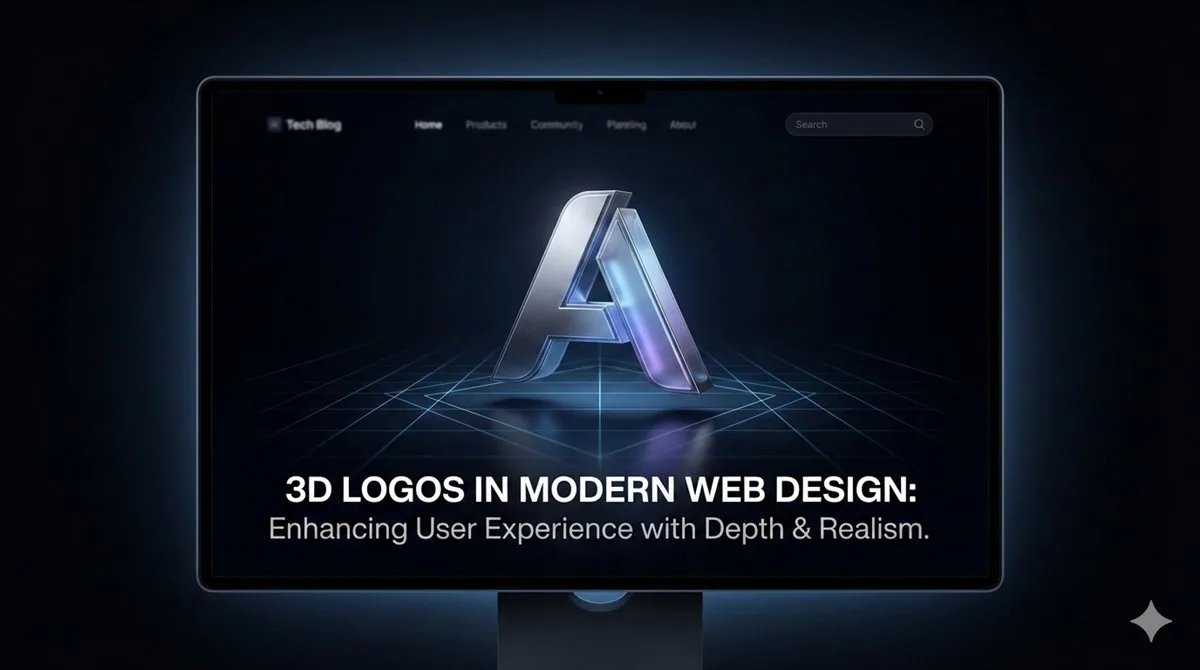
The web is becoming spatially aware. With the rise of WebGL and faster internet speeds, designers are no longer confined to flat PNGs and SVGs.
Adding an interactive 3D logo to your landing page can increase dwell time and engagement. Users love to spin, zoom, and inspect objects. It signals that your brand is modern, technical, and premium.
Showing Your Work
When you build your portfolio, screenshots are key. If you want to add custom images to your own blog post like this one, simply drop your JPG or PNG files into your project's images/ folder and reference them:
<img src="images/my-cool-logo.png" class="rounded-lg w-full"> 1. Exporting the Right Format
For the web, there is only one king: GLB (glTF Binary).
Unlike OBJ or STL, a GLB file contains your mesh, your materials (colors/metals), and even textures in a single compressed file. It loads fast and is supported natively by modern browsers via libraries. If your logo is currently an OBJ or STL, convert it to GLB first.
- Open Vextrude.
- Upload your SVG logo.
- Adjust the Material to "Plastic" or "Metal" for the best web look.
- Click Export GLB.
2. The Easy Way: <model-viewer>
Google created a web component that makes adding 3D as easy as adding an image. You don't need to know JavaScript or WebGL.
First, include the script in your HTML header:
<script type="module" src="https://ajax.googleapis.com/ajax/libs/model-viewer/3.3.0/model-viewer.min.js"></script>Then, just use the tag:
<model-viewer
  src="models/logo.glb"
  alt="My 3D Logo"
  auto-rotate
  camera-controls
  shadow-intensity="1"
  style="width: 100%; height: 500px;">
</model-viewer>
That's it! You now have a rotatable, zoomable 3D logo on your site. To check the file renders correctly before you embed it, open it in a 3D viewer.
3. The Pro Way: React Three Fiber
If you are building a React app (Next.js, Remix), you want full control. React Three Fiber (R3F) is the standard for declarative 3D scenes.
After installing three and @react-three/fiber, you can create a component:
import { Canvas } from '@react-three/fiber'
import { useGLTF, OrbitControls } from '@react-three/drei'

function Model() {
  const { scene } = useGLTF('/logo.glb')
  return <primitive object={scene} />
}

export default function App() {
  return (
    <Canvas>
      <ambientLight intensity={0.5} />
      <pointLight position={[10, 10, 10]} />
      <Model />
      <OrbitControls autoRotate />
    </Canvas>
  )
}
Performance Tips
3D can be heavy. Follow these rules to keep your Lighthouse score high:
- Keep it Low Poly: When designing your SVG, simplify paths. Fewer nodes = fewer triangles = faster load.
- Compress Textures: If you use textures, ensure they are optimized JPGs or WebP.
- Lazy Load: Use
loading="lazy"on model-viewer or conditional rendering in React to only load the 3D model when it scrolls into view.
What a 3D Hero Actually Costs
It is worth being concrete, because a 3D logo competes directly with your Largest Contentful Paint.
The renderer itself is the fixed cost: a minified, tree-shaken Three.js build is on the order of a few hundred kilobytes before your model, your loader and your scene code. Add a GLB with textures and a WebGL context that has to compile shaders before the first frame, and a hero that was an 80 KB image becomes several hundred kilobytes of JavaScript plus geometry.
The consequences are not evenly distributed. On a desktop with a discrete GPU it is imperceptible. On a mid-range Android phone on a poor connection — where a meaningful share of your traffic sits — it is the difference between a page that feels instant and one that does not.
Budget it deliberately. If the 3D element is the product, spend the weight. If it is decoration behind a headline, it should not be delaying the headline.
When Not to Use 3D
The honest answer to "should this be 3D" is often no, and recognising that early saves a lot of work.
A static image is better when the logo never moves, never rotates, and the user gains nothing from a second viewpoint. A rendered PNG at 2× is a fraction of the size and always looks exactly as intended.
A short video or animated image is better when you want motion but not interaction. A pre-rendered loop is cheaper than a live scene and cannot drop frames on weak hardware.
Real 3D earns its cost when the user genuinely benefits from control — a product they want to inspect from another angle, a configurator, an AR preview. Interaction is the justification. Rotation for its own sake is not.
Fallbacks Are Not Optional
WebGL can be unavailable for reasons entirely outside your control: an old device, a blocked context, a driver blacklist, a hardened privacy configuration. Without a fallback, those users get an empty rectangle where your logo should be.
Set a poster image that displays until the model is ready and remains if it never loads. <model-viewer> supports this directly with a poster attribute; a hand-rolled scene needs the equivalent — a background image on the canvas container, uncovered only once rendering starts.
Test it properly by disabling WebGL in your browser rather than assuming your error handling works. A failed getContext("webgl") returns null, and code that does not check it throws before your fallback runs.
Accessibility Applies to 3D Too
A canvas is opaque to assistive technology. Whatever is rendered inside it does not exist to a screen reader unless you describe it.
Give the canvas or viewer an accessible name describing what it shows — "Rotating 3D model of the company logo" — rather than leaving it unlabelled. If the 3D element conveys information available nowhere else, that information needs a text equivalent.
Honour prefers-reduced-motion. Continuous auto-rotation is exactly the kind of persistent movement that setting exists to suppress, and it can trigger symptoms for people with vestibular disorders. Stop the animation and show a static frame; users can still drag to rotate if they want to.
If the scene is interactive, it should be reachable and operable by keyboard, not mouse-drag only.
Why Your Logo Looks Flat
The most common complaint about a first 3D logo is that it looks like grey plastic. Almost always the cause is lighting rather than the model.
A single directional light gives you one highlight and a large area of undifferentiated shadow. Physically based materials expect an environment to reflect, and with nothing to reflect a metallic surface renders as flat dark grey — technically correct, visually dead.
Add an environment map. Even a small HDR image, or the neutral studio environment most viewers provide, transforms the result: metals pick up gradients across their surface and edges catch light the way real objects do. This single change does more than any amount of material tweaking.
Then add a rim light behind the object to separate it from the background, and keep the key light off-axis. Lighting from directly in front flattens form — the same reason it is avoided in photography.