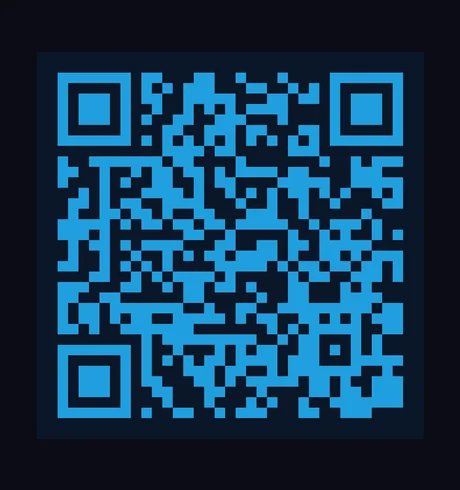
Vextrude
준비됨
드래그하여 회전 • 스크롤하여 줌
스캔 테스트
카메라 인증
실시간
확인하려면 카메라를 QR 코드에 향하세요
기능

왜 Vextrude 3D QR인가?

웹에서 가장 진보된 무료 3D QR 코드 생성기. 가입 없음, 워터마크 없음, 제한 없음.

24가지 이상 모듈 스타일

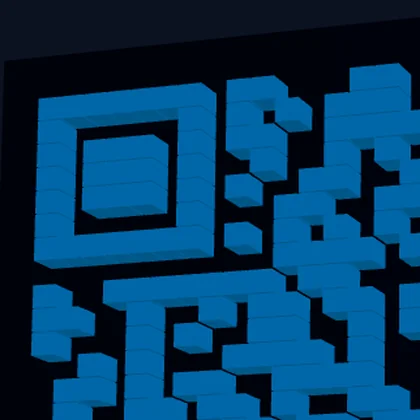
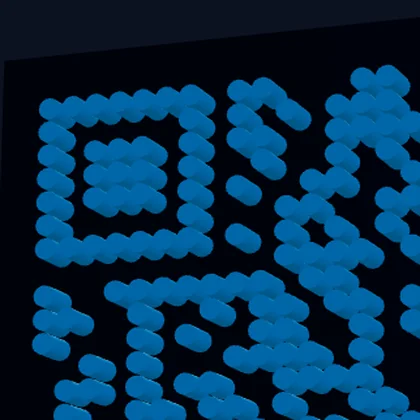
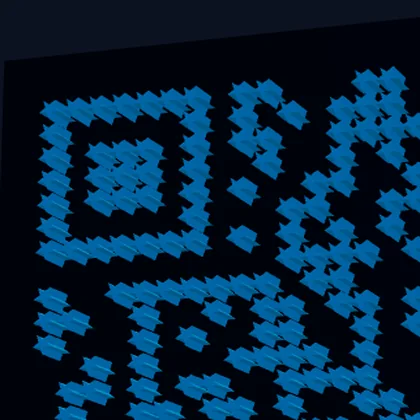
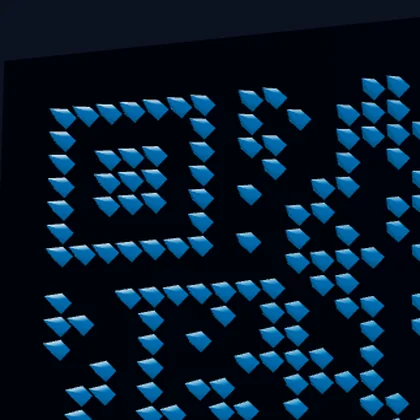
클래식 사각형, 둥근 점, 별, 육각형, 다이아몬드, 화살표, 하트 등. 각 스타일은 FDM 및 레진 인쇄에 최적화된 적절한 3D 지오메트리를 생성합니다.

WiFi 및 vCard QR

WiFi 네트워크(SSID, 비밀번호, 암호화) 및 연락처 카드(vCard 3.0)용 QR 코드를 생성하세요 — URL만이 아닙니다.

다중 형식 내보내기

3D 인쇄용 STL, Blender 및 Maya용 OBJ, 웹/AR용 GLB, 다색 프린터용 내장 색상 데이터 3MF 또는 디지털 사용을 위한 SVG/PNG로 다운로드하세요.

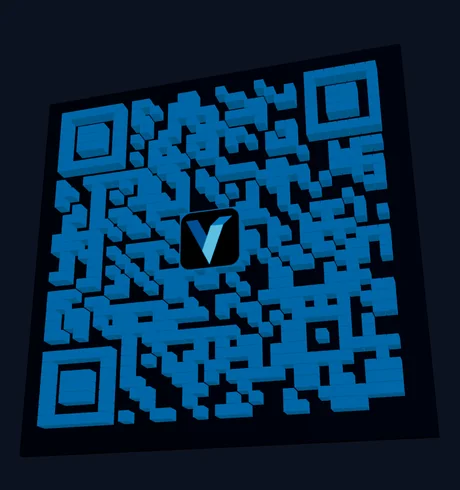
로고 삽입

브랜드 로고(PNG, JPG 또는 SVG)를 업로드하고 QR 코드 중앙에 삽입하세요. QR이 스캔 가능하도록 높은 오류 정정(30%)을 사용합니다.

그라데이션 색상

조정 가능한 각도와 끝점 색상으로 QR 모듈에 선형 또는 방사형 그라데이션을 적용합니다. 완전히 스캔 가능하면서도 눈에 띄는 QR 코드를 만드세요.

내장 스캔 테스트

내장 카메라 스캐너를 사용하여 인쇄 전 QR 코드 작동을 확인하세요. 외부 앱 불필요 — 브라우저에서 원클릭으로 직접 테스트하세요.

무료 3D QR 코드 생성기

브라우저에서 즉시 멋진 3D 인쇄 가능 QR 코드를 만드세요. 가입 없음, 설치 없음.

로고 삽입

브랜드 로고를 업로드하고 QR 코드 중앙에 삽입하세요. PNG, JPG, SVG 파일과 호환됩니다.

카메라 스캔 테스트

내장 카메라 스캐너로 인쇄 전 QR 코드를 확인하세요. 외부 앱이 필요 없습니다.

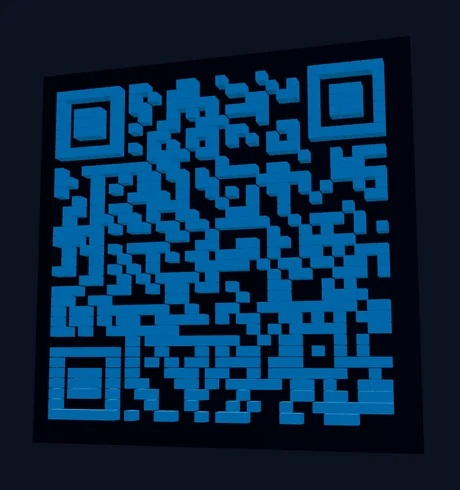
실시간 3D 미리보기

드래그 회전, 줌, 자동 회전 기능이 있는 실시간 Three.js 뷰포트. 변경 사항이 즉시 업데이트됩니다.

3D QR 코드 만드는 방법

  1. QR 유형 선택: Select Text/URL, WiFi, or vCard and fill in the content.
  2. 스타일 선택: Browse 23 module styles in the Styles tab — from classic squares to dots and stars.
  3. 사용자 지정: Adjust size, depth, base thickness, and colors. Choose a base shape (square, circle, or hex).
  4. 로고 추가 (선택 사항): Upload your logo in the Logo tab. Use High error correction for best results.
  5. 내보내기: Download as STL for 3D printing, OBJ for modeling, or 3MF for multi-color printing.

QR 코드 3D 인쇄 모범 사례

For the best scan results, use a 최소 크기 50mm with at least 2mm 돌출 깊이. Print with high contrast colors — dark modules on a light base or vice versa. 0.2mm 레이어 높이 gives the cleanest edges.

For 듀얼 컬러 인쇄, use the 3MF export which embeds color data, or use the multi-part STL option to import base and QR modules as separate objects in your slicer. You can also pause the print at the base layer height and swap filament for a manual color change.

지원되는 QR 콘텐츠 유형

Beyond simple URLs, this tool generates WiFi QR 코드 (SSID, password, encryption type) that let people connect to your network with a single scan, and vCard QR 코드 (name, phone, email, company, website) for sharing contact information. All content types produce fully scannable 3D QR codes.

QR 코드 오류 정정 수준

QR codes use 리드-솔로몬 오류 정정 to remain scannable even when partially damaged or obscured. Vextrude supports all four levels: 낮음(7%) for maximum data density, 중간(15%) as the default balance, 사분위(25%) for moderate resilience, and 높음(30%) which is required when embedding a logo in the center. Higher error correction increases the QR module count, so choose the lowest level that meets your needs for smaller, cleaner designs.

베이스 형상 및 3D 지오메트리

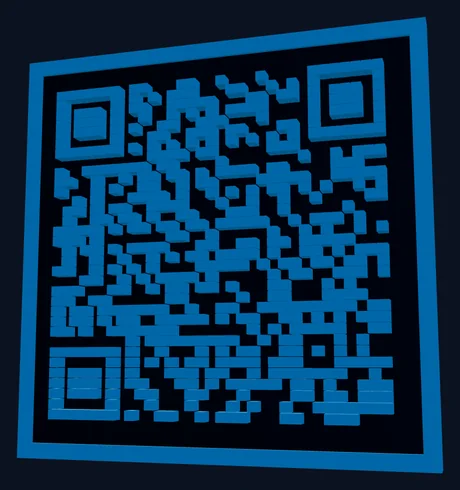
Choose from three base shapes: 사각형 (standard, best for framing and mounting), 둥근 (soft corners, modern aesthetic), and 원형 (perfect for coasters, keychains, and badges). Each shape generates watertight 3D geometry with configurable 모듈 깊이, 베이스 두께, and an optional 돌출 프레임 for structural rigidity. The no-base option outputs only the QR modules for embedding into your own designs.

인기 사용 사례

3D 인쇄 QR 코드 are used for business cards and desk signs, retail product tags, restaurant table numbers with menu links, WiFi access codes for offices and Airbnbs, event badges and conference swag, museum exhibit labels, real estate listing signs, and personalized gifts. The raised 3D surface is more durable than printed stickers, resistant to weather, and adds a premium tactile quality that flat QR codes lack.

블로그 최신 글

Vextrude 팀의 팁, 튜토리얼 및 업데이트.

자주 묻는 질문

QR 코드를 3D 인쇄할 수 있나요?

예! STL로 내보내고 FDM 또는 레진 3D 프린터로 인쇄하세요. 최상의 스캔 결과를 위해 0.2mm 레이어 높이와 고대비 색상을 사용하세요. 권장 최소 크기는 50mm입니다.

3D QR 코드가 여전히 스캔되나요?

예. QR 데이터 패턴은 3D 모델에 보존됩니다. 인쇄 전 카메라로 확인하려면 내장 스캔 테스트 버튼을 사용하세요. 모듈과 베이스 색상 간의 높은 대비가 최상의 결과를 제공합니다.

QR 코드에 로고를 추가할 수 있나요?

예. 로고 탭으로 이동하여 PNG, JPG 또는 SVG 이미지를 업로드하세요. 오류 정정을 "높음(30%)"으로 설정하세요 — 이렇게 하면 중앙 영역이 로고로 대체되어도 QR이 스캔 가능하도록 충분한 중복성이 생깁니다.

3MF 내보내기는 무엇을 위한 건가요?

3MF 파일에는 내장된 색상 데이터가 포함됩니다. PrusaSlicer나 BambuStudio 같은 슬라이서에 가져오면 QR 모듈과 베이스 플레이트에 자동으로 다른 색상이 할당됩니다 — 수동 페인팅이 필요 없습니다.

상업적 사용이 무료인가요?

예. 이 도구는 100% 무료이며 가입이 필요 없습니다. 모든 처리는 브라우저에서 로컬로 수행됩니다 — 데이터가 서버에 업로드되지 않습니다. 생성된 QR 코드를 모든 용도로 사용할 수 있습니다.

어떤 오류 정정 수준을 사용해야 하나요?

Use 중간(15%) for standard QR codes without a logo. If you're embedding a logo, switch to 높음(30%) so the QR remains scannable even with the center area obscured. Low (7%) maximizes data density but offers minimal resilience to damage.

3D QR 코드에 그라데이션 색상을 사용할 수 있나요?

예. 색상 섹션에서 그라데이션을 활성화하고 선형 또는 방사형 그라데이션 유형 중 선택하세요. 시작 및 끝 색상과 각도를 조정합니다. 그라데이션은 2D SVG와 3D 미리보기 모두의 QR 모듈에 적용됩니다. 3D 인쇄의 경우 색상 참조용으로 SVG/PNG 내보내기를 사용하세요.

어떤 베이스 형상을 사용할 수 있나요?

Three base shapes: 사각형 (standard), 둥근 (soft corners), and 원형 (ideal for coasters and keychains). You can also enable a 돌출 프레임 for structural rigidity or use 베이스 없음 모드 to export only the QR modules for embedding into custom designs.