Why Use Vextrude 3D QR?
The most advanced free 3D QR code generator on the web. No signup, no watermarks, no limits.
23 Module Styles
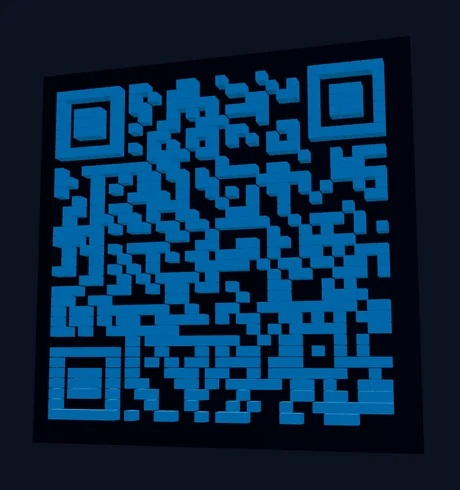
Classic squares, rounded dots, stars, hexagons, diamonds, arrows, gears, rings and more. Each style generates proper 3D geometry optimized for FDM and resin printing.
WiFi & vCard QR
Generate QR codes for WiFi networks (SSID, password, encryption) and contact cards (vCard 3.0) — not just URLs.
Multi-Format Export
Download as STL for 3D printing, OBJ for Blender & Maya, GLB for web/AR, 3MF with embedded color data for multi-color printers, or SVG/PNG for digital use.
Logo Embedding
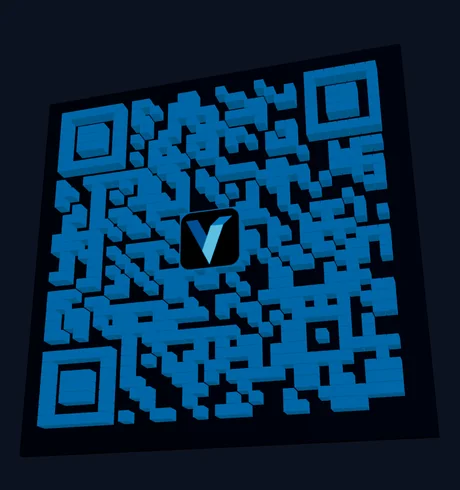
Upload your brand logo (PNG, JPG, or SVG) and embed it in the center of the QR code. Codes are generated at Medium error correction, so keep the logo small and test a scan before printing.
Gradient Colors
Apply linear or radial gradients to QR modules with adjustable angle and endpoint colors. Create eye-catching QR codes that stand out while staying fully scannable.
Built-in Scan Test
Verify your QR code works before printing using the built-in camera scanner. No external app needed — test directly in your browser with one click.
Module styles
rendered in this tool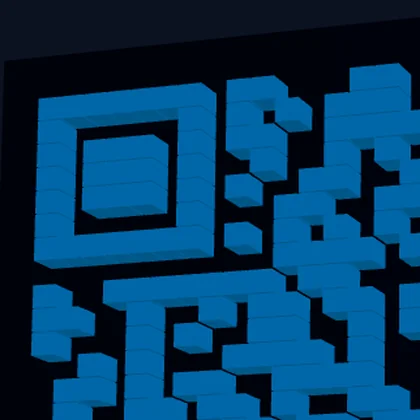

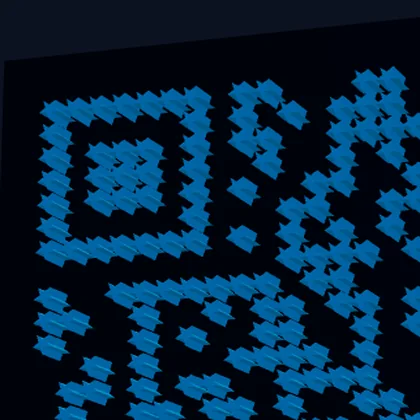
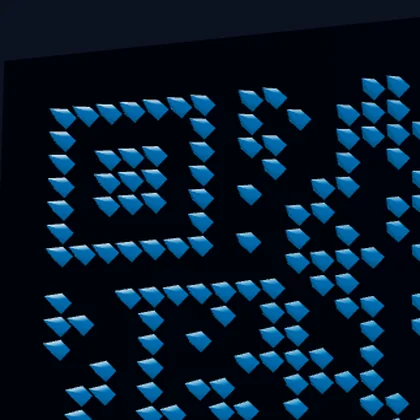
Four of the module shapes, same code, zoomed into the top-left finder pattern so the geometry is visible. Each one is real 3D rather than a texture — Pyramid tapers to a point, Dots are rounded caps. A scanner samples the centre of each module, which is why decorative shapes still read.