레이어 간격 조정
다층 SVG의 경우, 다음 컨트롤을 사용하세요: 레이어 간격 (Z) 컨트롤로 레이어를 분리해 멋진 3D 깊이 효과를 만드세요!
SVG to 3D란?
SVG to 3D는 평면 SVG 벡터 경로를 실제로 인쇄 가능한 3D 모델로 변환하는 무료 온라인 변환기입니다. 설치, 계정, 업로드 없이 전적으로 브라우저에서 실행됩니다. 조절 가능한 두께, 베벨, 스무eb529, 다중 레이어 간격으로 작품을 깊이가 정확한 지오메트리로 돌출시키고, 렌더링과 인쇄에 바로 쓸 수 있는 OBJ, GLB, STL, PLY, 3MF 파일로 내보냅니다. 모든 처리는 사용자의 기기에서 로컬로 이루어지므로 디자인이 기기를 벗어나지 않습니다.
작동 방식
SVG 벡터를 3D 모델로 돌출할 때도 Vextrude는 간단하게 처리합니다.
업로드
SVG 파일을 끌어다 놓거나 SVG 코드를 붙여넣으세요.

사용자 정의
돌출 깊이, 베벨, 배율, 재질을 실시간으로 조정하세요.
미리보기
플라스틱과 금속부터 골드, 크롬, 홀로그램까지 10가지 재질 프리셋으로 3D 모델을 실시간으로 회전, 확대, 확인하세요.
내보내기
STL, OBJ, GLB, PLY, 3MF로 다운로드 — 3D 프린팅, 게임 엔진, AR/VR, DCC 도구에 사용 준비 완료.
디자이너 및 메이커를 위한 강력한 기능
2D에서 3D로 가는 데 필요한 모든 것, 브라우저 안에서.
SVG에서 3D 압출
SVG 파일을 업로드하거나 SVG 코드를 붙여넣어 즉시 3D 모델로 압출하세요. 다층 지원으로 조절 가능한 깊이, 베벨, 스케일로 각 경로를 독립적으로 제어할 수 있습니다.
10가지 재질 프리셋
스탠다드, 플라스틱, 메탈, 글래스, 네온, 러버, 크롬, 골드, 클레이 또는 홀로그램 재질과 절차적 텍스처로 모델을 시각화하세요. 로고 목업, 제품 미리보기, 소셜 미디어 썸네일에 안성맞춤입니다.
다중 형식 내보내기
3D 프린팅용 STL, Blender 및 Maya용 OBJ, 웹 및 AR/VR용 GLB, 컬러 인쇄용 PLY, 제조용 3MF, 스크린샷용 PNG로 내보내세요.
100% 브라우저 기반
가입 없음, 다운로드 없음, 서버 업로드 없음. 모든 것이 WebGL을 통해 로컬에서 실행됩니다 — SVG 파일과 사진이 기기를 떠나지 않습니다. 개인 및 상업적 용도로 완전히 무료입니다.
실시간 3D 미리보기
대화형 컨트롤로 모델을 회전, 확대/축소, 이동하세요. 지오메트리, 조명, 재질의 변경 사항이 즉시 업데이트됩니다 — 보이는 것이 내보내는 것입니다.
재질 프리셋
이 도구에서 렌더링함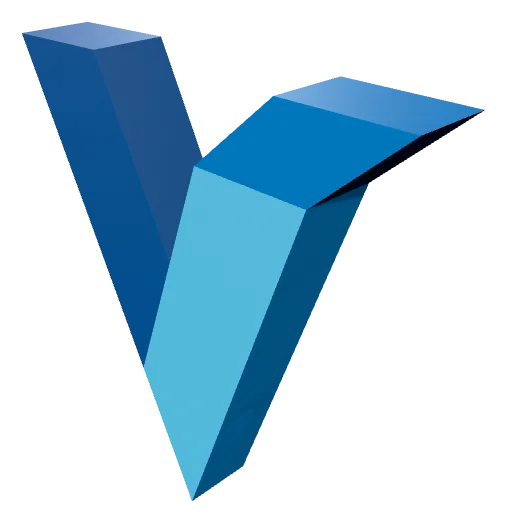
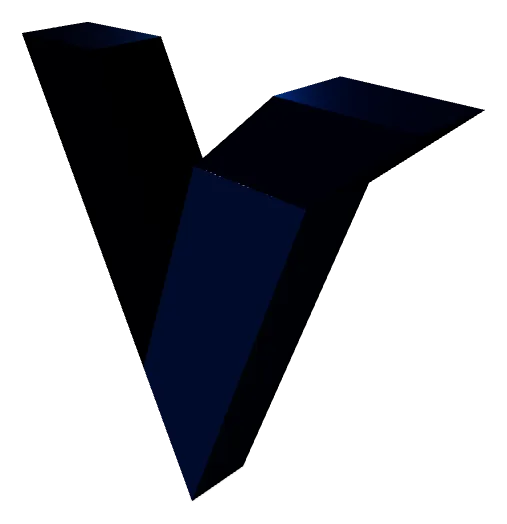
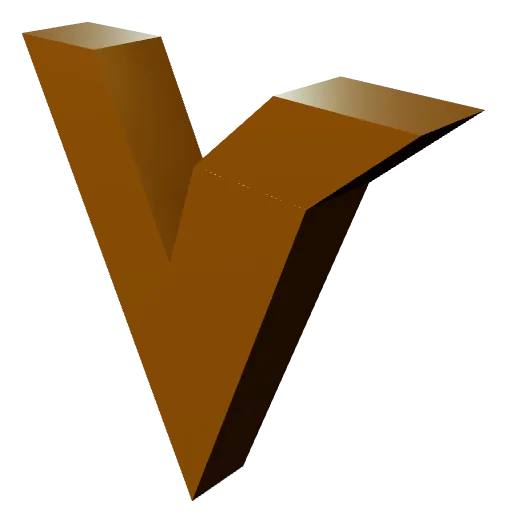

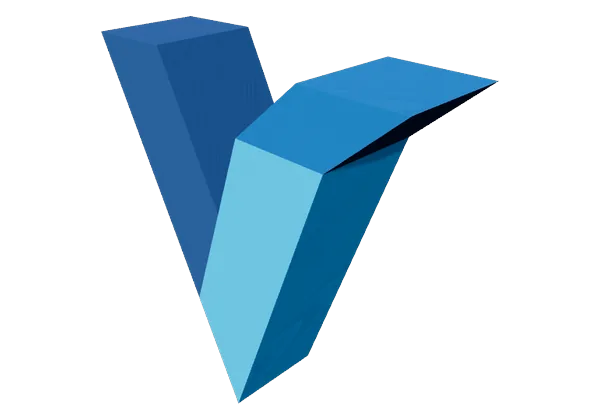
열 가지 프리셋 중 네 가지입니다. 재질은 미리보기 전용이며 STL과 OBJ는 색도 마감도 저장하지 않으므로, 무엇을 고르든 내보낸 메시는 같습니다. 겉모습까지 파일에 담으려면 GLB를 고르세요.
SVG에서 3D로 변환
벡터 그래픽을 3D 프린팅 가능한 모델로 변환하는 데 알아야 할 모든 것.
SVG에서 3D로 변환이란?
SVG에서 3D로 변환은 다음 과정입니다: 평면 2D 벡터 경로를 압출하는 단단한 3차원 메시로 변환합니다. SVG(Scalable Vector Graphics) 파일에는 수학적으로 정의된 곡선과 모양이 포함됩니다 — 로고, 아이콘, 타이포그래피, 일러스트레이션. SVG를 STL이나 OBJ로 변환하면 각 벡터 경로에 깊이(압출 높이), 부드러운 프로파일을 위한 선택적 베벨 에지, 3D 프린팅·CNC 가공·디지털 렌더링에 적합한 수밀 매니폴드 표면이 부여됩니다.
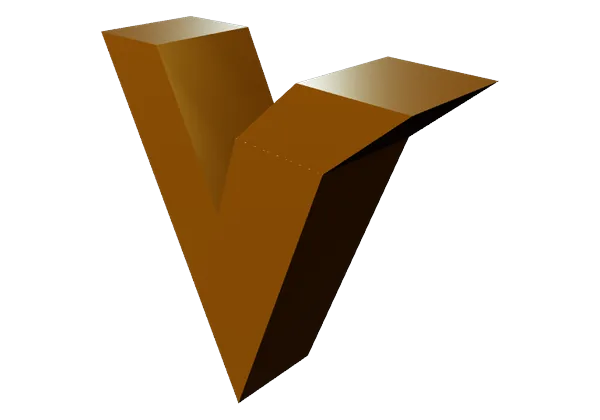
압출 깊이
이 도구에서 렌더링함
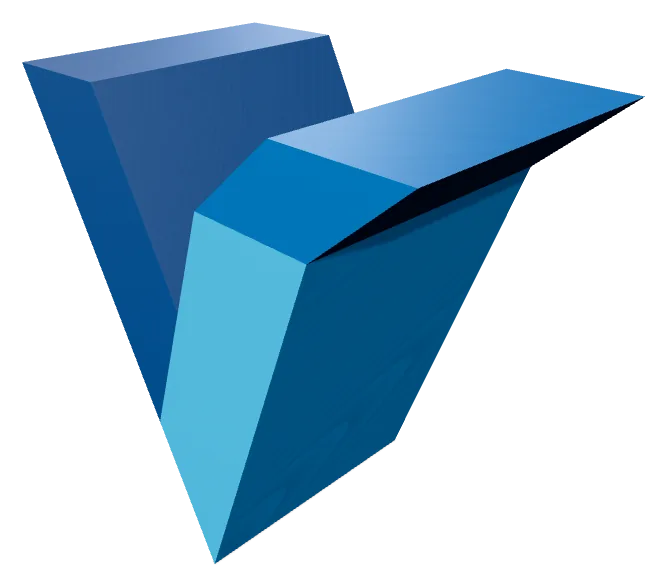
완성 모델의 압출 깊이입니다. 값이 낮으면 SVG가 배지나 상감처럼 보이고, 높으면 독립된 입체물이 됩니다. 깊이는 레이어마다 따로 적용되므로 패스가 여러 개인 SVG가 균일할 필요는 없습니다.
Vextrude는 WebGL을 사용해 모든 작업을 브라우저에서 처리합니다. SVG를 업로드하고 레이어별 압출 깊이와 베벨 반경을 조정하며, 오빗 컨트롤로 결과를 실시간으로 미리 보고 프로덕션용 메시를 내보내세요 — 데스크톱 소프트웨어, 클라우드 처리, 가입 모두 필요 없습니다.
왜 3D 프린팅를 위해 SVG를 STL로 변환하나요?
SVG 파일은 Adobe Illustrator, Figma, Inkscape 같은 벡터 디자인 도구의 표준 형식입니다. STL로 변환하면 그러한 디자인을 다음 방법으로 물리적 세계로 가져올 수 있습니다: FDM, SLA 또는 SLS 3D 프린터. 일반적인 사용 사례에는 맞춤형 로고 사인, 새겨진 명패, 쿠키 커터, 장식용 벽 예술, 양각 휴대폰 케이스, 건축 모델이 포함됩니다.
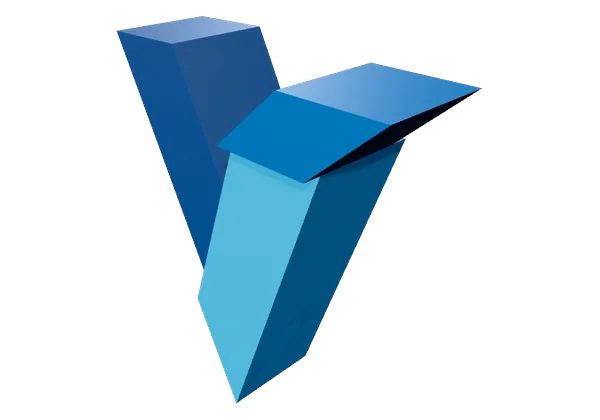
레이어 간격
이 도구에서 렌더링함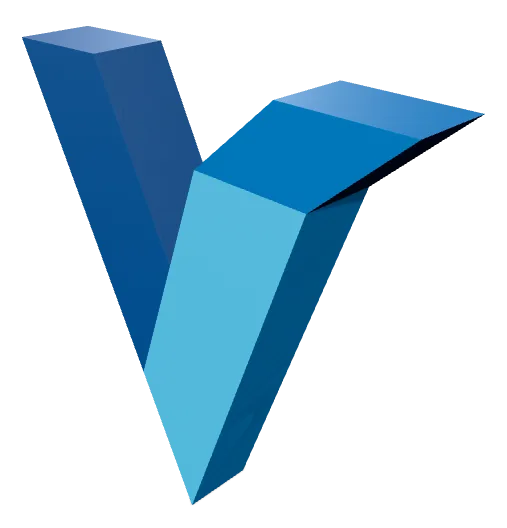
레이어 간격은 SVG의 각 패스를 Z축을 따라 벌립니다. 0이면 하나의 덩어리로 합쳐지고, 값을 올리면 도안이 서로 떨어진 셸의 묶음이 됩니다. 필라멘트를 달리해 출력한 뒤 끼워 맞출 수도 있습니다. 이 간격은 실제 지오메트리라서 내보낸 뒤에도 남습니다.
Vextrude는 다음과 함께 깔끔하고 최적화된 토폴로지를 생성합니다: 다층 지원 — SVG의 각 경로는 자체 압출 깊이, 색상, 가시성을 가질 수 있습니다. 결과 STL은 매니폴드(수밀)이며 Cura, PrusaSlicer, Bambu Studio, OrcaSlicer 및 모든 주요 슬라이서에서 깔끔하게 슬라이스됩니다.
지원되는 내보내기 형식
3D 프린팅 — 모든 슬라이서와 작동
Blender, Maya, Cinema 4D, ZBrush
웹, AR/VR, Three.js, Sketchfab
버텍스 컬러 & 풀 컬러 인쇄
현대 제조 표준
뷰포트 스크린샷 & 썸네일
지원되는 내보내기 형식
하나의 SVG를 3D 프린터, 게임 엔진 또는 렌더러에 필요한 형식으로 변환하세요 — 모든 형식은 브라우저에서 로컬로 생성됩니다.
STL
Stereolithography
3D 프린팅의 표준 형식 — 어떤 슬라이서에도 바로 넣을 수 있습니다.
OBJ
Wavefront
재질과 텍스처 데이터를 포함하며 널리 지원되는 메시 형식.
GLB
Binary glTF
웹, AR, 게임 엔진을 위해 설계된 소형 형식.
3MF
3D Manufacturing
색상, 단위, 메타데이터를 담는 최신 인쇄 형식.
입력
3D 메시
이미지 및 동영상
6가지 모양과 인쇄 팁이 있는 전용 사진-리소페인 워크플로를 찾고 계신가요? 전용 리소페인 제작기를 사용해보세요 →
자주 묻는 질문
SVG to 3D 변환기에 대한 자주 묻는 질문.
Vextrude는 무료로 사용 가능한가요?
네. Vextrude는 워터마크, 가입, 숨겨진 한도 없이 개인 및 상업적 프로젝트에 100% 무료입니다. 모든 처리가 브라우저에서 로컬로 실행됩니다.
내 파일이 서버에 업로드되나요?
아니요. 모든 처리가 WebGL을 통해 브라우저에서 로컬로 발생합니다. SVG 파일과 이미지가 기기를 떠나지 않아 완전한 개인 정보가 보장됩니다.
어떤 3D 파일 형식을 내보낼 수 있나요?
Vextrude는 다음을 지원합니다: STL (3D 프린팅), OBJ (Blender 및 Maya 같은 DCC 도구), GLB (웹 및 AR/VR), PLY (버텍스 컬러 인쇄), 그리고 3MF (현대 제조). 다음으로도 내보낼 수 있습니다: PNG 스크린샷.
SVG를 3D 프린팅 가능한 STL 파일로 어떻게 변환하나요?
SVG 파일을 Vextrude에 업로드하세요(드래그 앤 드롭 또는 SVG 코드 붙여넣기). 그런 다음 다음 패널을 사용해 압출 깊이, 베벨 크기, 스케일을 조정하세요: 설정 패널. 3D 모델을 실시간으로 미리 보고, 재질 프리셋을 적용한 다음, 다음 버튼을 클릭하세요: STL Cura, PrusaSlicer, Bambu Studio에서 슬라이싱할 준비가 된 수밀 메시를 다운로드하려면 내보내기 버튼을 누르세요.
제 로고를 3D 프린팅 키체인으로 만들 수 있나요?
예. 설정 패널에서 키체인 모드를 켜면 디자인 주위에 베이스 플레이트와 걸이용 고리가 추가됩니다. 돌출, 평면 또는 음각 스타일을 고르고 둥근, 원형 또는 육각형 플레이트를 선택한 뒤 구멍 크기와 플레이트 깊이를 조정하세요. 그런 다음 STL로 내보내 인쇄하면 됩니다.
SVG로 쿠키 커터를 만들 수 있나요?
예. 쿠키 커터 모드를 켜면 SVG 윤곽을 얇은 절단 벽과 누름 플랜지가 있는 인쇄 가능한 커터로 변환합니다. 실제 너비(mm) 필드를 예를 들어 80으로 설정하면 내보낸 STL이 슬라이서에서 다시 크기를 조정할 필요 없이 정확한 실제 크기로 나옵니다.