Adjust Layer Gap
For multi-layer SVGs, use the Layer Gap (Z) control to separate layers and create stunning 3D depth effects!
How It Works
Whether you're extruding SVG vectors into 3D models or turning photos into printable lithophanes, Vextrude keeps it simple.
Upload
Drag & drop an SVG file, paste SVG code, or upload a JPG/PNG image to create a lithophane.
Customize
Adjust extrusion depth, bevel, scale, and materials — or pick a lithophane shape like flat, curved, sphere, dome, heart, or wave.
Preview
Rotate, zoom, and inspect your 3D model in real-time with five material presets — Standard, Plastic, Metal, Glass, and Neon.
Export
Download as STL, OBJ, GLB, PLY, or 3MF — ready for 3D printing, game engines, AR/VR, or DCC tools.
Powerful Features for Designers & Makers
From SVG extrusion to photo lithophanes — everything you need to go from 2D to 3D, right in your browser.
SVG to 3D Extrusion
Upload any SVG file or paste SVG code and instantly extrude it into a 3D model. Multi-layer support lets you control each path independently with adjustable depth, bevel, and scale.
Lithophane Generator
Turn any photo into a 3D-printable lithophane — a thin panel that reveals your image when backlit. Choose from six shapes: flat, curved, sphere, dome, heart, and wave. Adjust resolution up to 600 for stunning detail.
5 Material Presets
Visualize your model with Standard, Plastic, Metal, Glass, or Neon materials. Perfect for logo mockups, product previews, and social media thumbnails.
Multi-Format Export
Export to STL for 3D printing, OBJ for Blender & Maya, GLB for web & AR/VR, PLY for color printing, 3MF for manufacturing, and PNG for screenshots.
100% Browser-Based
No signup, no downloads, no server uploads. Everything runs locally via WebGL — your SVG files and photos never leave your device. Completely free for personal and commercial use.
Real-Time 3D Preview
Orbit, zoom, and pan your model with interactive controls. Changes to geometry, lighting, and materials update instantly — what you see is what you export.
SVG to 3D Conversion & Lithophane Printing
Everything you need to know about converting vector graphics into 3D-printable models and creating stunning photo lithophanes.
What Is SVG to 3D Conversion?
SVG to 3D conversion is the process of extruding flat 2D vector paths into solid three-dimensional meshes. An SVG (Scalable Vector Graphics) file contains mathematically defined curves and shapes — logos, icons, typography, and illustrations. When you convert an SVG to STL or OBJ, each vector path is given depth (extrusion height), optional beveled edges for smoother profiles, and a watertight manifold surface suitable for 3D printing, CNC machining, or digital rendering.
Vextrude handles this entirely in your browser using WebGL. Upload any SVG, adjust per-layer extrusion depth and bevel radius, preview the result in real-time with orbit controls, and export a production-ready mesh — no desktop software, no cloud processing, no signup required.
Why Convert SVG to STL for 3D Printing?
SVG files are the go-to format for vector design tools like Adobe Illustrator, Figma, and Inkscape. Converting them to STL lets you bring those designs into the physical world via FDM, SLA, or SLS 3D printers. Common use cases include custom logo signs, engraved nameplates, cookie cutters, decorative wall art, embossed phone cases, and architectural models.
Vextrude produces clean, optimized topology with multi-layer support — each path in your SVG can have its own extrusion depth, color, and visibility. The resulting STL is manifold (watertight) and slices cleanly in Cura, PrusaSlicer, Bambu Studio, OrcaSlicer, and every major slicer.
What Is a Lithophane?
A lithophane is a thin 3D-printed panel that reveals a photographic image when illuminated from behind. The technique dates back to 19th-century porcelain art but has been revived by the 3D printing community. The secret is variable thickness: thicker regions block more light and appear darker, while thinner regions allow light through and appear brighter, reproducing the full tonal range of a photograph.
Lithophanes make stunning personalized gifts — lamp shades, nightlights, window panels, and holiday ornaments. They print best in white PLA or PETG at a low layer height (0.1–0.15 mm) with 100% infill for maximum detail and light diffusion.
Lithophane Shapes & Settings
Vextrude's lithophane generator supports six shapes: Flat (classic rectangular panel for frames and light boxes), Curved (arc-shaped for lamp shades and cylindrical wraps), Sphere (full globe for votive candle holders), Dome (half-sphere for nightlights), Heart (perfect for personalized gifts), and Wave (undulating artistic surface).
For resolution, 200–300 is ideal for most FDM printers. Resin printers can benefit from higher values (up to 600). Adjust minimum thickness (shell) and maximum thickness to control contrast. Upload any JPG or PNG, and Vextrude converts pixel brightness into depth data automatically.
Supported Export Formats
3D printing — works with every slicer
Blender, Maya, Cinema 4D, ZBrush
Web, AR/VR, Three.js, Sketchfab
Vertex-color & full-color printing
Modern manufacturing standard
Viewport screenshots & thumbnails
Latest from the Blog
Tips, tutorials, and updates from the Vextrude team.
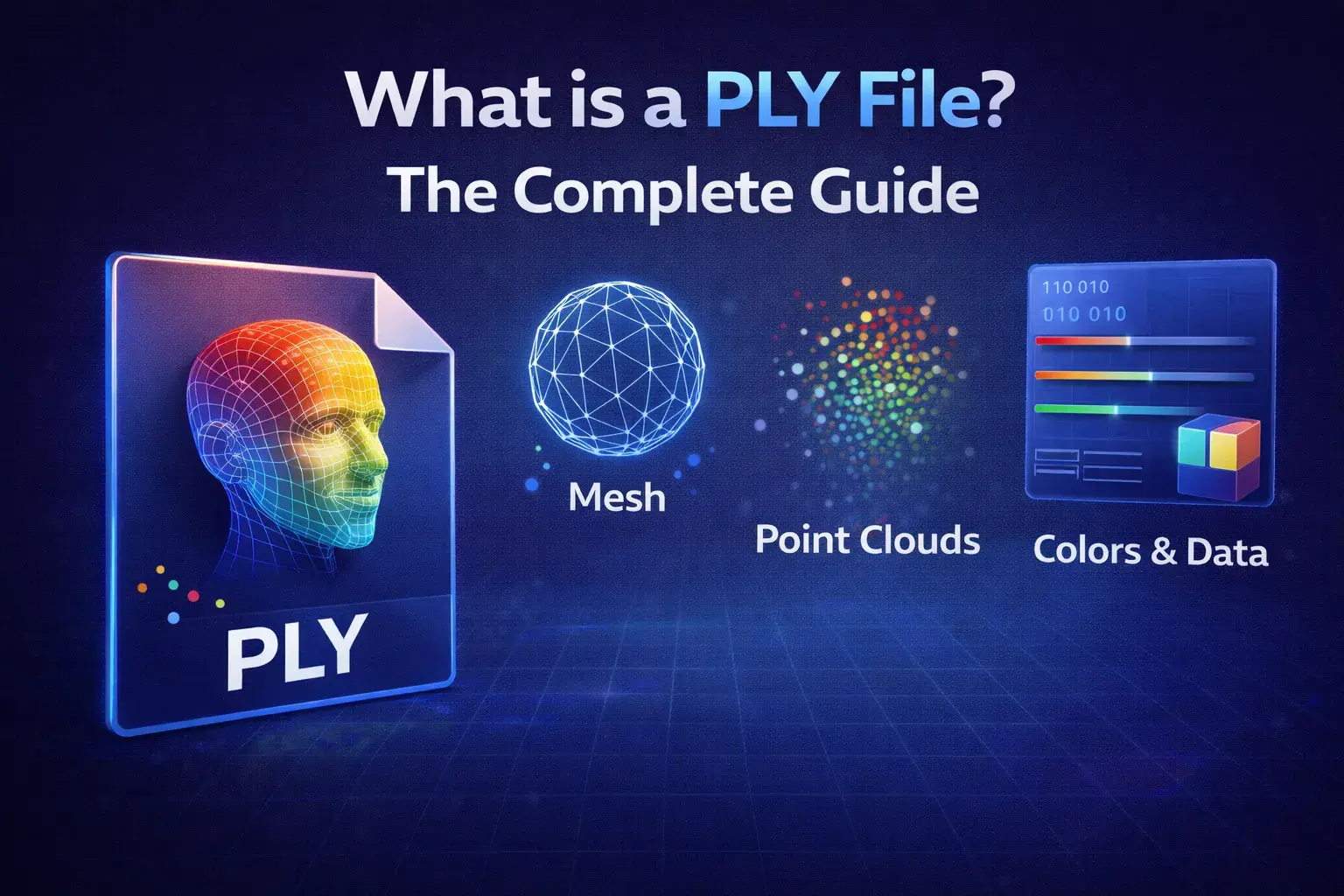
PLY File Explained
The complete guide to the Polygon File Format for 3D scanning and printing.
Feb 05, 2026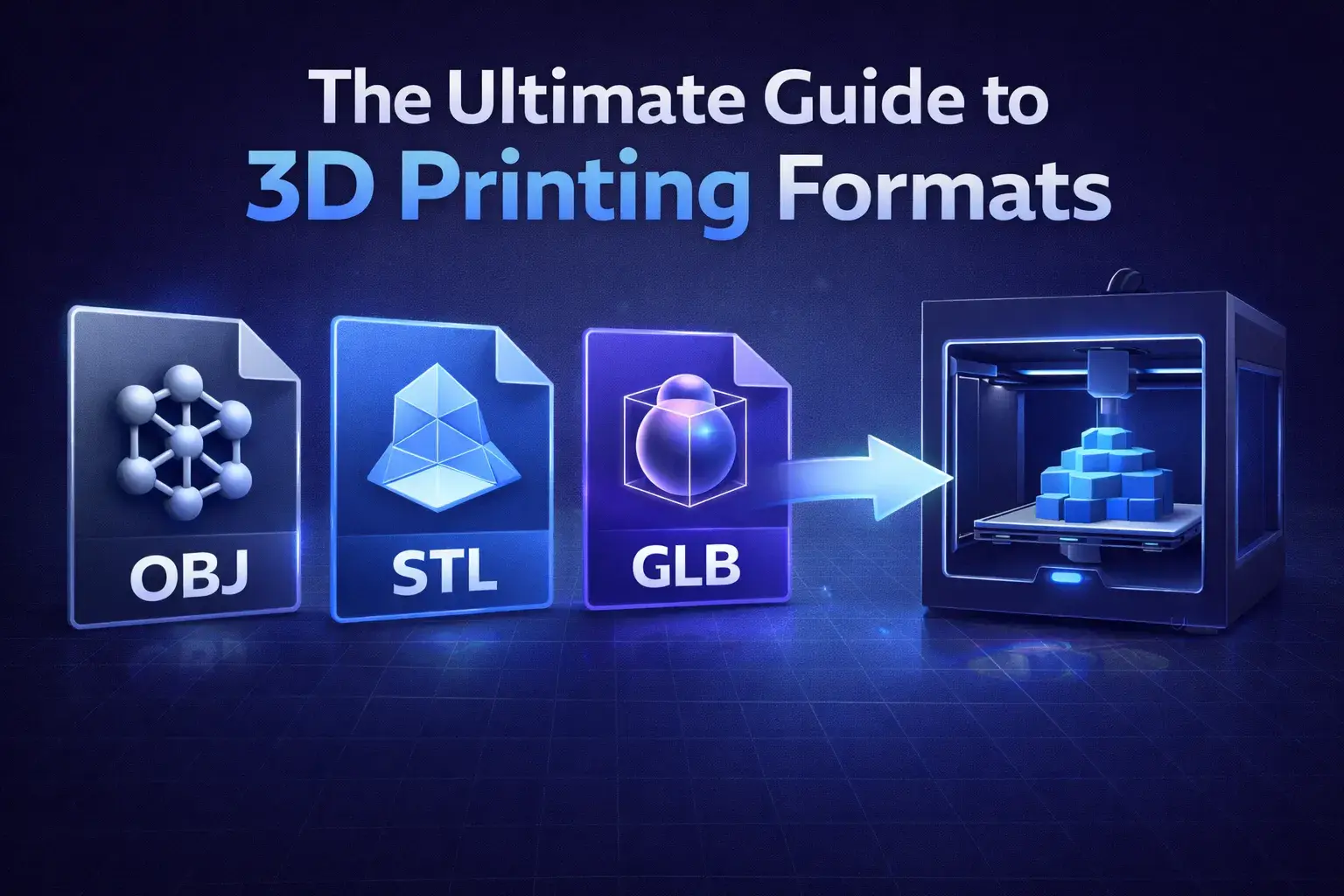
Best Printing Formats
STL vs OBJ vs 3MF: Which format should you use for your 3D printer?
Feb 05, 2026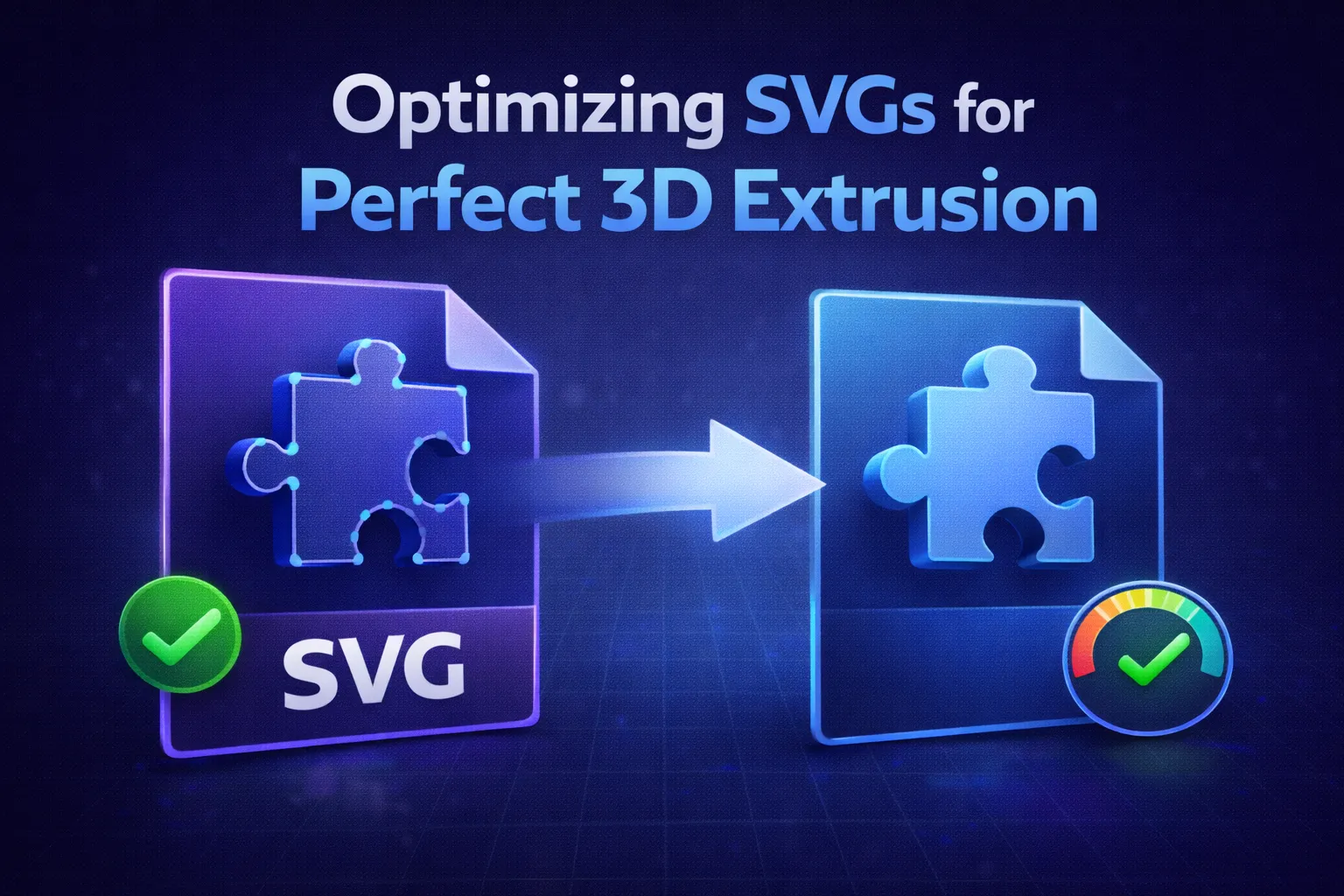
Preparing SVGs for 3D
Fix common issues like self-intersecting paths before converting.
Feb 05, 2026Looking for a dedicated photo-to-lithophane workflow with 6 shapes and printing tips? Try the dedicated Lithophane Maker →
Frequently Asked Questions
Is Vextrude free to use?
Yes. Vextrude is 100% free for personal and commercial projects with no watermarks, signups, or hidden limits. All processing runs locally in your browser.
Are my files uploaded to a server?
No. All processing happens locally in your browser via WebGL. Your SVG files and images never leave your device, ensuring complete privacy.
What 3D file formats can I export?
Vextrude supports STL (3D printing), OBJ (DCC tools like Blender and Maya), GLB (web and AR/VR), PLY (vertex-color printing), and 3MF (modern manufacturing). You can also export PNG screenshots.
What is a lithophane and how do I make one?
A lithophane is a thin 3D-printed panel that reveals a photographic image when backlit. The varying thickness translates brightness into depth — thicker areas appear darker, thinner areas glow brighter. In Vextrude, switch to the Lithophane tab, upload any JPG or PNG photo, choose a shape, adjust resolution, and export as STL for 3D printing.
What lithophane shapes does Vextrude support?
Vextrude offers six lithophane shapes: Flat (classic rectangular panel), Curved (arc-shaped, great for lamp shades), Sphere (full globe for light boxes), Dome (half-sphere nightlight), Heart (decorative gift), and Wave (undulating artistic surface). Each shape supports resolution up to 600 and adjustable minimum/maximum thickness.
What resolution should I use for lithophanes?
For most FDM 3D printers, a resolution of 200–300 produces excellent detail. Higher resolutions (up to 600) capture finer gradients but generate larger STL files and take longer to print. Start with 300 and adjust based on your printer's capabilities and nozzle size.
How do I convert an SVG to a 3D printable STL file?
Upload your SVG file to Vextrude (drag & drop or paste SVG code), then adjust the extrusion depth, bevel size, and scale using the Settings panel. Preview the 3D model in real-time, apply a material preset, then click the STL export button to download a watertight mesh ready for slicing in Cura, PrusaSlicer, or Bambu Studio.