¿Por qué usar Vextrude 3D QR?
El generador de códigos QR 3D gratuito más avanzado de la web. Sin registro, sin marcas de agua, sin límites.
23 estilos de módulo
Cuadrados clásicos, puntos redondeados, estrellas, hexágonos, diamantes, flechas, engranajes, anillos y más. Cada estilo genera geometría 3D adecuada y optimizada para impresión FDM y de resina.
QR WiFi y vCard
Genera códigos QR para redes WiFi (SSID, contraseña, cifrado) y tarjetas de contacto (vCard 3.0) — no solo URLs.
Exportación multiformato
Descarga como STL para impresión 3D, OBJ para Blender y Maya, GLB para web/AR, 3MF con datos de color integrados para impresoras multicolor, o SVG/PNG para uso digital.
Integración de logo
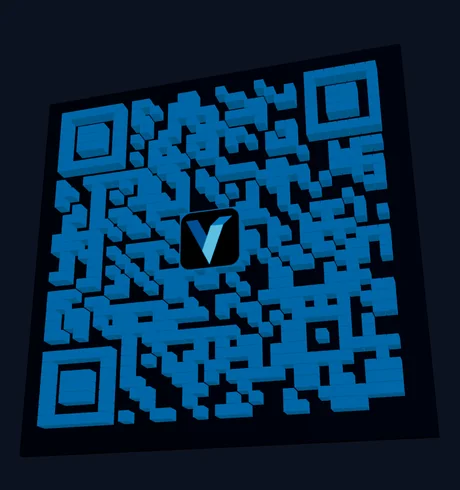
Sube el logo de tu marca (PNG, JPG o SVG) e intégralo en el centro del código QR. Los códigos se generan con corrección de errores Media, así que mantén el logo pequeño y prueba un escaneo antes de imprimir.
Colores del degradado
Aplica degradados lineales o radiales a los módulos QR con ángulo y colores ajustables. Crea códigos QR llamativos que destacan y siguen siendo totalmente escaneables.
Prueba de escaneo integrada
Verifica que tu código QR funciona antes de imprimir usando el escáner de cámara integrado. No necesitas apps externas — pruébalo directamente en tu navegador con un clic.
Formas de módulo
renderizado en esta herramienta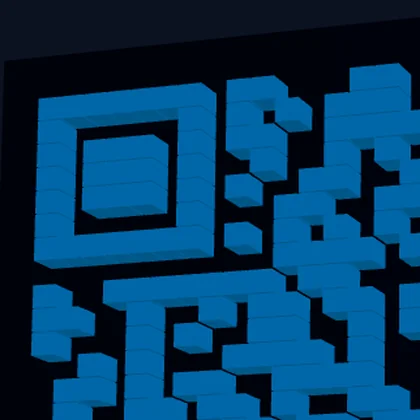

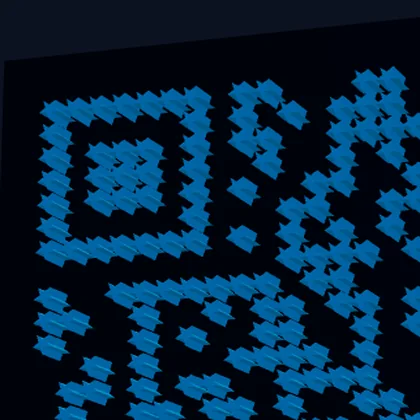
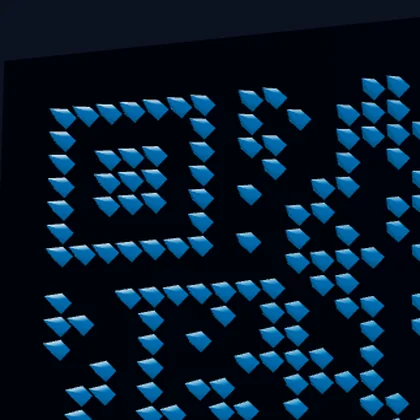
Cuatro de las formas de módulo, el mismo código, ampliado sobre el patrón de localización superior izquierdo para que se vea la geometría. Cada forma es 3D real, no una textura: Pyramid acaba en punta y Dots son casquetes redondeados. El lector muestrea el centro de cada módulo, y por eso las formas decorativas se siguen leyendo.