Free Online Cookie Cutter Generator
What Is a Cookie Cutter Generator?
A free online cookie cutter STL maker. Choose one of 67 ready shapes, type a name or upload an image or SVG, and the tool builds a 3D-printable cookie cutter with a sharp cutting edge — plus a matching cookie stamp that presses the details into the dough. Everything runs in your browser: no CAD, no signup, nothing to install.
67 ready shapes
Christmas trees, gingerbread men, hearts, stars, Easter eggs, pumpkins, baby onesies, dinosaurs, unicorns and many more — with a search box to find one fast. Most come with stamp details such as faces, buttons and stripes.
Image & SVG to cookie cutter
Upload a drawing, a logo or an SVG. Its outline becomes the cutter and the lines inside become the stamp, so a line drawing turns into a cookie with the picture pressed into it.
Name cookie cutters
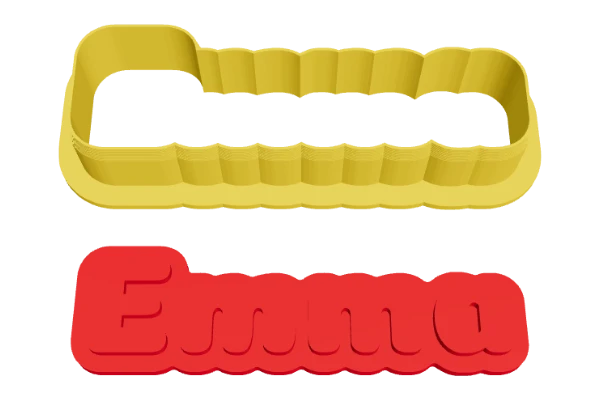
Type a name, an initial or a number and the letters join into one cookie outline, with the name raised on the stamp. Arabic, Hindi, Chinese, Japanese, Korean and Cyrillic work too.
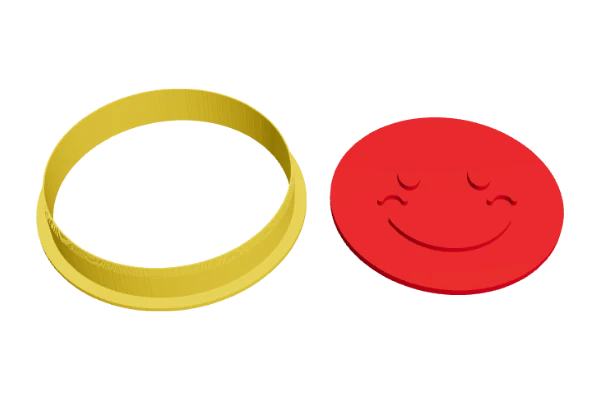
Cutter and stamp, ready to print
rendered in this tool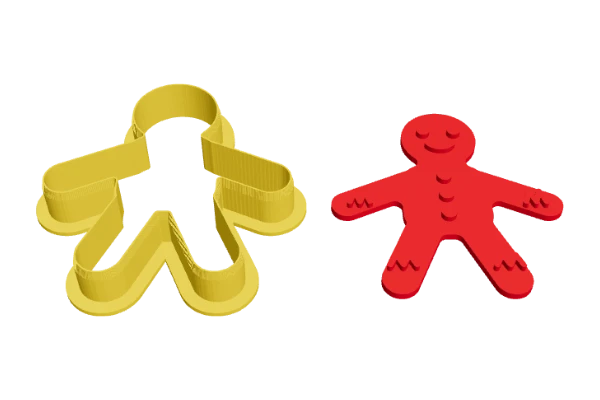
How to Make a Cookie Cutter STL
Four steps from an idea to a print-ready file. Your pictures and text are never uploaded.
Choose a shape
Pick one of 67 ready shapes, type a name or upload a picture or SVG.
Set the size
Choose the cookie size, then smooth the outline or widen it if you like.
Add a stamp
Keep the matching stamp, add a word to it and set how deep it presses.
Download & print
STL with both parts, 3MF with two parts, or a ZIP with one STL each.
Built for Real Dough and Real Printers
Cutters that cut, stamps that fit, and files that slice the first time.
A real cutting edge
The wall gets thinner in small steps towards the top, from 1.2 mm down to a 0.5 mm edge, so it cuts cleanly through rolled dough. A 4 mm flange at the other end gives your fingers something to press on.
A stamp that fits inside
The stamp is the cookie outline shrunk by a small gap, so it slides into the cutter. Cut, then press the stamp in without moving the cookie. Thin lines are thickened so they print and press well.
Words come out the right way
The cutter and the stamp print flat side down, and you turn them over to use them. The tool mirrors both, so names and faces read correctly on the cookie.
No supports needed
The cutter prints flange-down with the blade pointing up, and the stamp prints plate-down with the details on top. Nothing overhangs, so there is no support material to clean off.
One solid, clean piece
Narrow notches the dough could never follow are smoothed out, and every part is built as an exact, watertight solid that slices without errors. If a picture has separate bits, the tool tells you.
STL, 3MF or ZIP
One STL with both parts side by side on your bed size, a 3MF that keeps the cutter and the stamp as separate parts with their own colours, or a ZIP with a separate STL for each.
Image to Cookie Cutter
Turn a PNG or JPG — a drawing, a logo or your child’s artwork — into a custom cookie cutter with the picture pressed into the cookie by the stamp.
Upload a PNG or JPG
Drawings, logos, clip art and children’s art all work. The tool finds the outer outline of the picture and turns it into the cutter — the empty margin around the picture is ignored.
Inside lines become the stamp
For a line drawing, the dark lines inside the outline are raised on the stamp, so the picture is pressed into the dough. For a solid logo, the light shapes inside are raised instead — Auto picks one, or you choose.
Get a clean result
Use a dark drawing on a plain light background, or a logo on a transparent background. Thick lines work better than thin ones. If the picture is light on dark, switch on Invert; Threshold fine-tunes what counts as a line.
SVG to Cookie Cutter
Already have a vector design? An SVG gives the cleanest outline of all — upload it and download a 3D printable cookie cutter STL in seconds.
Why SVG gives the cleanest cutters
An SVG is a vector drawing, so it is drawn sharp at any cookie size — curves stay smooth and there are no jagged pixel edges to follow, which makes for a neater cutting edge.
Filled shapes or outlines
A filled silhouette becomes the cookie outline directly. An outline drawing works too: its outer line becomes the cutter and the lines inside become the stamp, just like a picture.
Same tools, same downloads
Upload the .svg in the Picture tab, then set the size, smoothing, walls and stamp exactly as for any other shape and download STL, 3MF or ZIP.
67 Cookie Cutter Shapes
Every shape below is built in — open the Shapes tab and type a name in the search box to find it. Can’t find yours? Upload a picture instead.
Christmas & winter
Christmas tree, Gingerbread, Gingerbread house, Candy cane, Stocking, Mitten, Bell, Gift box, Snowflake, Star.
Easter & spring
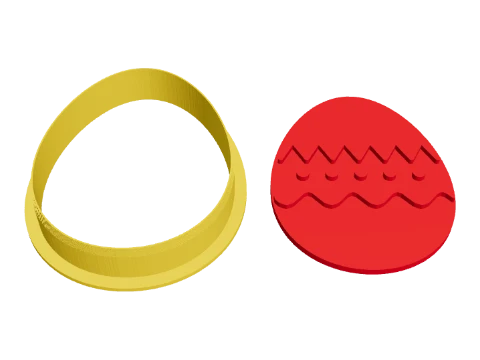
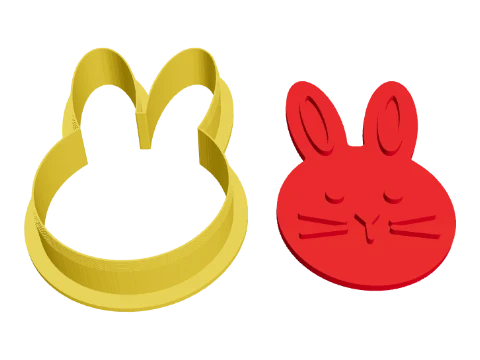
Easter egg, Bunny, Flower, Butterfly, Shamrock, Leaf, Sun, Rainbow, Cloud, Umbrella.
Halloween
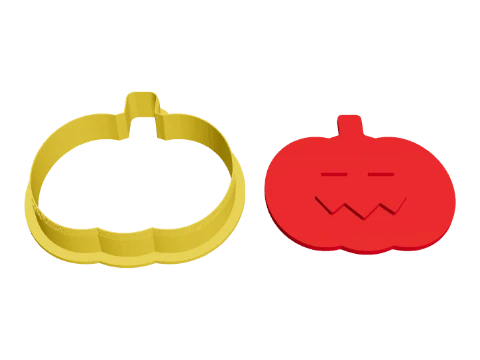
Pumpkin, Ghost, Bat, Witch hat, Moon.
Animals
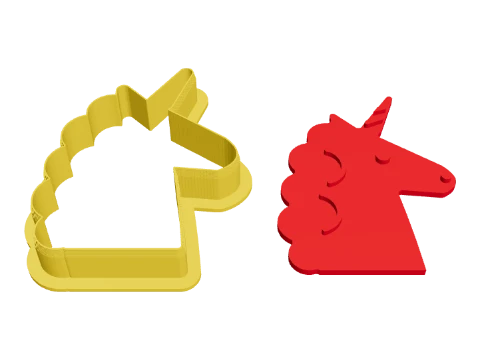
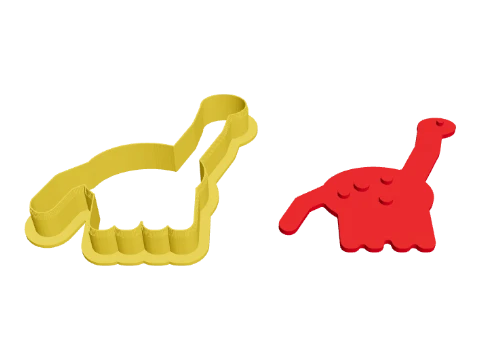
Cat, Bear, Dog bone, Paw print, Fish, Dinosaur, Unicorn, Owl, Turtle, Duck, Pig, Whale, Elephant.
Baby shower & party
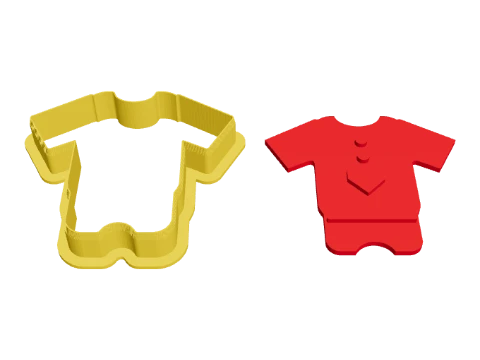
Baby onesie, Baby bottle, Balloon, Crown, Bow tie, Mustache, Lips, Dress, T-shirt, Music note, Heart.
Sweets & food
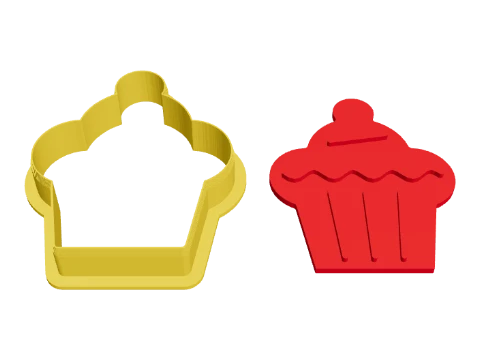
Apple, Cupcake, Ice cream, Donut, Lollipop, Mushroom, Cactus.
Classic outlines
Circle, Scalloped circle, Square, Hexagon, Oval, Plaque, Diamond, Lightning bolt.
Vehicles
Car, Airplane, Rocket.
A few of the shapes
rendered in this tool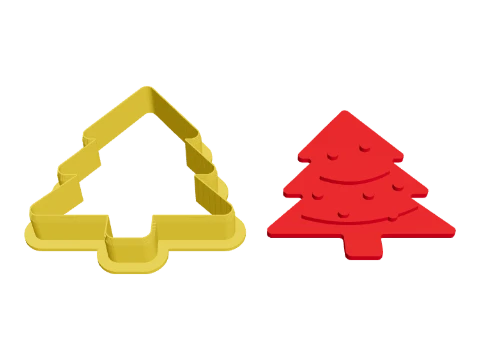
Tips for Printing Cookie Cutters
Small things that make a big difference to how your cookies come out.
Pick a sensible size
60–90 mm suits most cookies. Very small cutters lose detail, and big ones may need a larger bed — the stats under the shape list warn you when the plate does not fit.
Keep the default walls
A 1.2 mm wall is three lines with a 0.4 mm nozzle and stays stiff; the 0.5 mm edge is one line and cuts well. Walls under 1 mm can bend when you press.
Flour and chill
Dip the cutter and the stamp in flour before each cookie and chill the dough. Press the stamp firmly but briefly — a deeper relief gives a clearer pattern after baking.
Cookie Cutter Generator FAQ
Answers to the most common questions about making and using 3D-printed cookie cutters.
What is a cookie cutter generator?
It is a free online tool that turns a shape, a name or a picture into a 3D-printable cookie cutter. You pick one of 67 ready shapes, type a word or upload an image, and download an STL or 3MF file that opens directly in your slicer — no CAD or 3D modelling needed.
How do I make a custom cookie cutter to 3D print?
Choose a shape, type a name or upload a picture, set the cookie size and press Download STL. The tool builds a cutter with a sharp, tapered edge and a flange to press on, plus a matching stamp, and lays both out on your print bed.
Can I turn an image into a cookie cutter?
Yes. Open the Picture tab and upload a PNG or JPG. The outer outline becomes the cutter. For a line drawing, the lines inside are raised on the stamp; for a solid logo, the light shapes inside are raised instead — Auto picks one, or you choose. Use Invert for a light drawing on a dark background.
Can I convert an SVG into a cookie cutter?
Yes. Upload the .svg file in the Picture tab, the same way as a picture. SVG gives the cleanest outline because it stays sharp at any size. Filled shapes become the cookie outline directly; for an outline drawing, the outer line becomes the cutter and the inner lines become the stamp.
What type of image works best?
A high-contrast picture: a dark drawing with thick lines on a plain white background, or a logo on a transparent background. Photos with busy backgrounds do not trace well — cut out the subject first, for example with a background remover. Very thin lines and tiny gaps get smoothed away, so keep details bold.
Can I change the cookie cutter size?
Yes. Cookie size sets the longest side of the cookie, from 25 to 200 mm, and the 3D preview updates straight away. You can also change the cutter height, wall thickness, cutting edge and flange, and the stamp’s relief and plate thickness.
Can I use the STL with Cura, PrusaSlicer or Bambu Studio?
Yes. The STL is a standard file in millimetres that opens in Cura, PrusaSlicer, Bambu Studio, OrcaSlicer and any other slicer. Both parts already lie flat on the bed and need no supports. The 3MF keeps the cutter and the stamp as two separate parts.
Do I need CAD software?
No. There is nothing to install and no CAD or 3D modelling to learn — pick a shape, type a name or upload a picture, and the cutter and stamp are built for you in the browser.
Can I make a name cookie cutter?
Yes. Type a name, initial or number in the Text tab and the letters join into one cookie outline, with the name raised on the stamp. For a name plaque cookie, choose the Plaque shape and type the name in Stamp text instead.
What is the stamp for?
The stamp presses the inside details — a face, buttons, a pattern or a word — into the cookie after cutting. It is slightly smaller than the cutter, so you can push it in while the cutter is still in the dough. Turn it off if you only want the cutter.
Are 3D printed cookie cutters food safe?
They are fine for short contact with dough if you take care. Printed parts have tiny gaps between layers where dough can collect, so use a filament sold as food-contact safe, wash the cutter by hand in warm soapy water straight after use, let it dry fully, and replace it when it gets worn. Some bakers lay cling film over the dough before cutting for extra safety.
What filament is best for cookie cutters?
PLA prints crisp, stiff edges and is the most common choice. PETG is tougher and copes better with warm water. Avoid the dishwasher — PLA softens at around 60 °C and can warp.
Why does the text look backwards in the preview?
Because the cutter and the stamp print flat side down and you turn them over to use them. The tool mirrors them on purpose, so the words read correctly on the cookie. You can switch this off under Print → Mirror for printing.
What height and wall thickness should I use?
A 15 mm cutter is deep enough for rolled dough 5–8 mm thick. Keep the wall at 1.2 mm and the cutting edge at 0.5 mm for a 0.4 mm nozzle; raise the wall for very large cutters so they stay stiff.
Which file should I download — STL, 3MF or ZIP?
STL puts the cutter and the stamp side by side in one file. 3MF keeps them as two separate parts with their own colours for Bambu Studio, PrusaSlicer and OrcaSlicer. ZIP gives cutter.stl and stamp.stl as separate files.
Is it free, and can I sell the cookies?
Yes. The tool is free and needs no signup, and the cutters you make are yours to print, give away or sell, along with the cookies. When you upload a picture, make sure you have the right to use it — logos and cartoon characters often belong to someone else.
Is my picture uploaded anywhere?
No. Everything is generated in your browser, so your images and text never leave your device.
Related Tools
More free browser-based 3D tools from Vextrude.