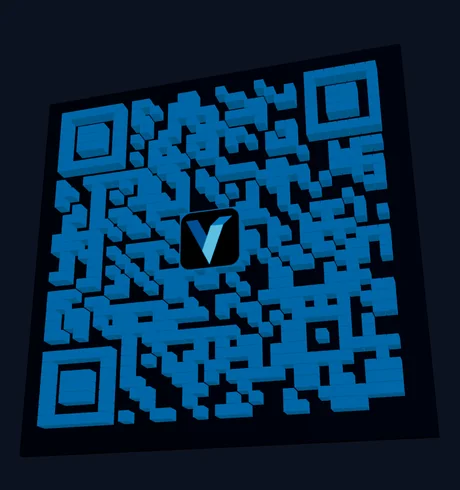
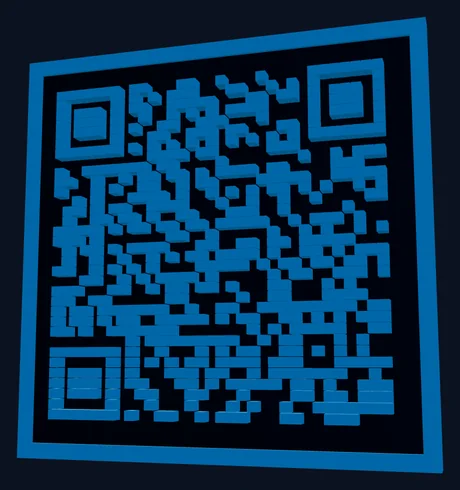
Vextrude
就绪
拖拽旋转 • 滚轮缩放
扫描测试
摄像头验证
实时
将摄像头对准二维码进行验证
功能

为什么使用Vextrude 3D QR?

网络上最先进的免费3D二维码生成器。无需注册、无水印、无限制。

24+模块样式

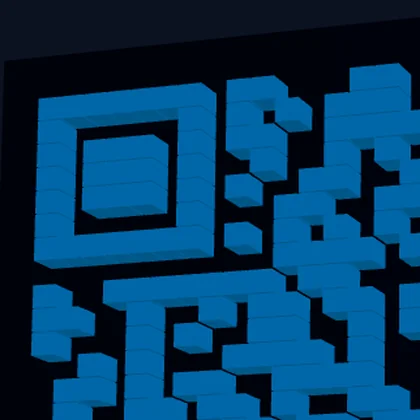
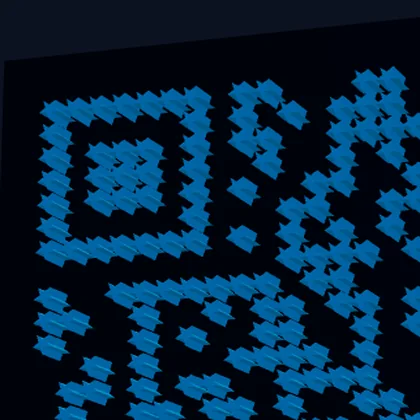
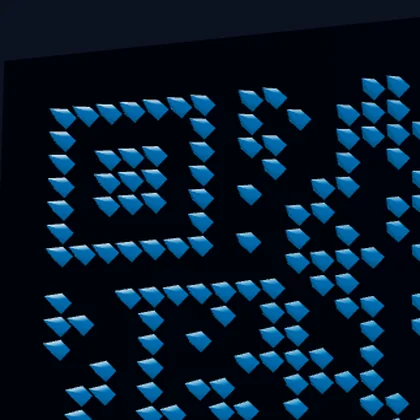
经典方块、圆点、星形、六角形、菱形、箭头、心形等。每种样式都生成针对FDM和树脂打印优化的适当3D几何体。

WiFi和vCard QR

为WiFi网络(SSID、密码、加密)和联系人卡(vCard 3.0)生成二维码——不仅仅是URL。

多格式导出

下载为3D打印用STL、Blender和Maya用OBJ、Web/AR用GLB、多色打印机用含嵌入颜色数据的3MF或数字用途的SVG/PNG。

Logo嵌入

上传品牌Logo(PNG、JPG或SVG)并嵌入二维码中心。使用高纠错(30%)确保二维码保持可扫描。

渐变颜色

使用可调角度和端点颜色将线性或径向渐变应用于QR模块。创建引人注目的二维码,既突出又完全可扫描。

内置扫描测试

使用内置摄像头扫描器在打印前验证二维码是否有效。无需外部应用 — 在浏览器中一键直接测试。

免费3D二维码生成器

在浏览器中即时创建精美的3D可打印二维码。无需注册、无需安装。

Logo嵌入

上传品牌Logo并嵌入二维码中心。支持PNG、JPG和SVG文件。

摄像头扫描测试

使用内置摄像头扫描器在打印前验证二维码。无需外部应用。

实时3D预览

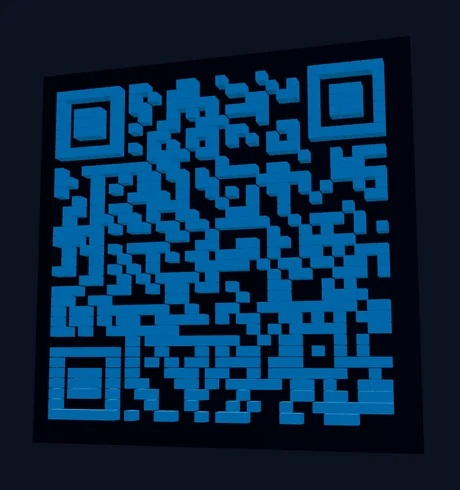
具有拖拽旋转、缩放和自动旋转功能的实时Three.js视口。更改即时更新。

如何创建3D二维码

  1. 选择QR类型: Select Text/URL, WiFi, or vCard and fill in the content.
  2. 选择样式: Browse 23 module styles in the Styles tab — from classic squares to dots and stars.
  3. 自定义: Adjust size, depth, base thickness, and colors. Choose a base shape (square, circle, or hex).
  4. 添加Logo(可选): Upload your logo in the Logo tab. Use High error correction for best results.
  5. 导出: Download as STL for 3D printing, OBJ for modeling, or 3MF for multi-color printing.

3D打印二维码最佳实践

For the best scan results, use a 最小尺寸50毫米 with at least 2毫米挤出深度. Print with high contrast colors — dark modules on a light base or vice versa. 0.2毫米层高 gives the cleanest edges.

For 双色打印, use the 3MF export which embeds color data, or use the multi-part STL option to import base and QR modules as separate objects in your slicer. You can also pause the print at the base layer height and swap filament for a manual color change.

支持的QR内容类型

Beyond simple URLs, this tool generates WiFi二维码 (SSID, password, encryption type) that let people connect to your network with a single scan, and vCard二维码 (name, phone, email, company, website) for sharing contact information. All content types produce fully scannable 3D QR codes.

二维码纠错级别

QR codes use 里德-所罗门纠错 to remain scannable even when partially damaged or obscured. Vextrude supports all four levels: 低(7%) for maximum data density, 中等(15%) as the default balance, 四分之一(25%) for moderate resilience, and 高(30%) which is required when embedding a logo in the center. Higher error correction increases the QR module count, so choose the lowest level that meets your needs for smaller, cleaner designs.

底座形状 & 3D几何体

Choose from three base shapes: 方形 (standard, best for framing and mounting), 圆角 (soft corners, modern aesthetic), and 圆形 (perfect for coasters, keychains, and badges). Each shape generates watertight 3D geometry with configurable 模块深度, 底座厚度, and an optional 凸起边框 for structural rigidity. The no-base option outputs only the QR modules for embedding into your own designs.

热门使用案例

3D打印二维码 are used for business cards and desk signs, retail product tags, restaurant table numbers with menu links, WiFi access codes for offices and Airbnbs, event badges and conference swag, museum exhibit labels, real estate listing signs, and personalized gifts. The raised 3D surface is more durable than printed stickers, resistant to weather, and adds a premium tactile quality that flat QR codes lack.

博客最新文章

来自Vextrude团队的提示、教程和更新。

常见问题

我可以3D打印二维码吗?

是的!导出为STL并使用任何FDM或树脂3D打印机打印。使用0.2毫米层高和高对比度颜色以获得最佳扫描效果。建议最小尺寸为50毫米。

3D二维码还能扫描吗?

是的。QR数据模式保留在3D模型中。打印前使用内置扫描测试按钮通过摄像头验证。模块和底座颜色之间的高对比度可获得最佳效果。

我可以在二维码中添加Logo吗?

是的。转到Logo标签并上传任何PNG、JPG或SVG图像。将纠错设置为「高(30%)」——这将创建足够的冗余,使二维码在中心区域被Logo替换后仍可扫描。

3MF导出有什么用?

3MF文件包含嵌入的颜色数据。导入PrusaSlicer或BambuStudio等切片器时,QR模块和底板会自动分配不同颜色——无需手动上色。

商业使用是否免费?

是的。该工具100%免费,无需注册。所有处理都在浏览器中本地进行——您的数据不会上传到任何服务器。您可以将生成的二维码用于任何目的。

我应该使用哪个纠错级别?

Use 中等(15%) for standard QR codes without a logo. If you're embedding a logo, switch to 高(30%) so the QR remains scannable even with the center area obscured. Low (7%) maximizes data density but offers minimal resilience to damage.

我可以在3D二维码上使用渐变色吗?

是的。在颜色部分启用渐变,选择线性或径向渐变类型。调整起始和结束颜色及角度。渐变适用于2D SVG和3D预览中的QR模块。对于3D打印,请使用SVG/PNG导出作为颜色参考。

有哪些底座形状可用?

Three base shapes: 方形 (standard), 圆角 (soft corners), and 圆形 (ideal for coasters and keychains). You can also enable a 凸起边框 for structural rigidity or use 无底座模式 to export only the QR modules for embedding into custom designs.