Vextrude

法线贴图在线

免费法线贴图生成器 — 在浏览器中将高度图转为 PBR

Convert any height map, diffuse or bump texture into tangent-space normal, displacement, AO and specular PBR maps. 100% in-browser — no uploads, works offline.

No uploads, browser only Normal · Displacement · AO · Specular PNG · JPG · TIFF export

Click to upload, or drag and drop an image

Supports PNG, JPG, WEBP. Recommended grayscale height maps.

强度 2.0
AO 强度 0.85
模糊 0
高光强度 6.0
3D Tiling
贴图类型:
文件格式:
Selected: Normal · PNG Waiting for image

预览

Compare height, normal map, and shaded result.

0 × 0 px

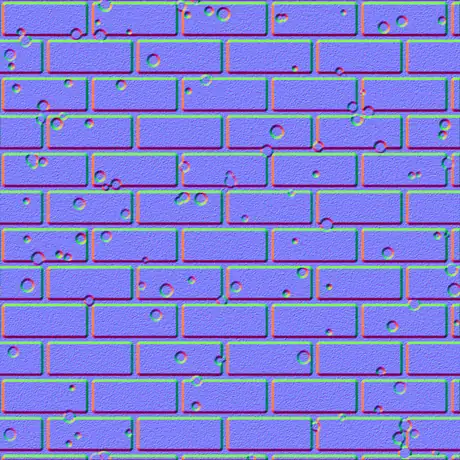
法线贴图

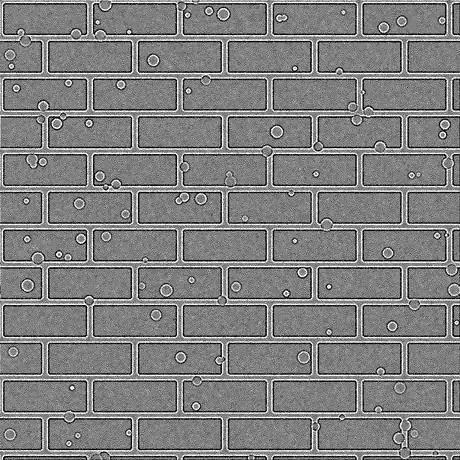
Normal map preview

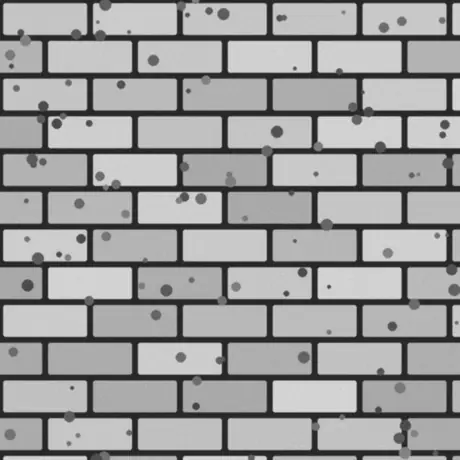
Source image

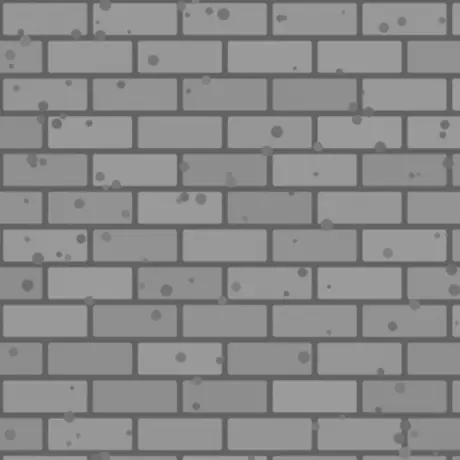
位移

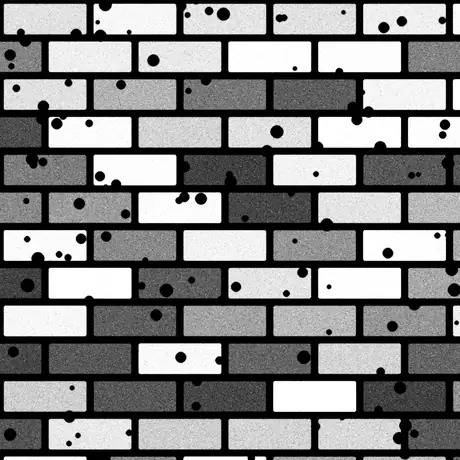
Displacement map

AO

Ambient map

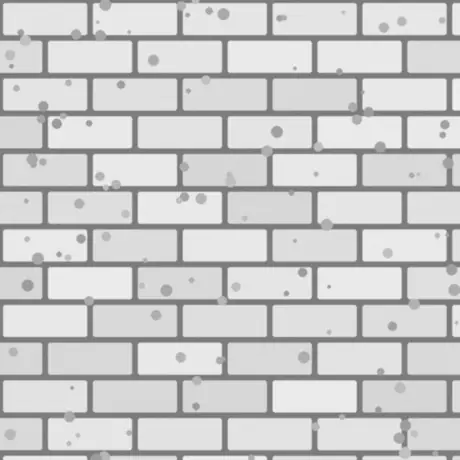
高光

Specular map

3D Preview

拖动旋转
3D preview will appear here

工作原理

The tool reads your image as a height field, computes gradients using a Sobel-like filter, and encodes the resulting surface normals into RGB (X→R, Y→G, Z→B) in tangent space.

Use the strength slider to exaggerate or soften details, blur to smooth noisy source images, and invert axes to match engines like Unity, Unreal, or Blender.

免费在线法线贴图生成器

Turn any height or diffuse texture into game-ready normal, displacement, ambient occlusion and specular maps, directly in your browser.

100% Local

Images never leave your device. All processing happens in your browser for maximum privacy and speed.

多张贴图

Generate normal, displacement, ambient occlusion and specular maps from a single source texture.

引擎就绪

Presets for OpenGL/Unity and DirectX/Unreal Engine. Exported maps work directly in Blender, Godot, Maya and 3ds Max. Live 3D preview to check lighting and tiling.

如何使用法线贴图生成器

  1. 上传纹理: Drag and drop a height or diffuse image into the drop zone.
  2. 调整细节: Use the strength and blur sliders to control how sharp or soft the surface appears.
  3. 微调光照: Tweak AO and specular sliders, or invert axes and switch engine presets to match your target renderer.
  4. 检查预览: Compare height, generated maps and the shaded 3D preview to validate the result.
  5. 导出贴图: Download the selected map or all maps at once in PNG, JPG or TIFF format.

什么是法线贴图?

A normal map (also called a bump map) stores per-pixel surface directions in RGB channels, letting flat meshes react to light as if they had detailed geometry. When you convert a height map to a normal map, each pixel brightness becomes a surface angle — keeping models lightweight while preserving the illusion of depth and relief.

Game engines like Unity, Unreal Engine and DCC tools such as Blender use tangent-space normal maps extensively for materials, decals and tiling textures. Matching the correct Y-axis convention is critical, which is why this tool includes presets and axis inversion options.

For a deeper walkthrough, including engine presets, 3D preview tips and export best practices, read the full tutorial 在浏览器中生成游戏就绪的法线贴图.

常见问题

法线贴图生成器真的免费吗?

Yes. You can use the Vextrude Normal Map Generator for both personal and commercial projects with no account, watermark, or hidden limits.

我的图片会离开我的设备吗?

No. All processing runs entirely in your browser using WebGL. Textures are never uploaded to a remote server, which keeps your assets private.

我可以从纹理中导出哪些贴图?

From a single height or diffuse image you can generate tangent-space normal maps, displacement maps, ambient occlusion maps, and specular maps, then download them as PNG, JPG, or TIFF.

我可以将其用作高度图到法线贴图的转换器吗?

Yes. Upload a grayscale height map and the tool computes surface normals using a Sobel-based gradient filter. The brighter a pixel, the higher the surface — producing accurate tangent-space normals directly from your height data.

OpenGL 和 DirectX 法线贴图有什么区别?

The only difference is the direction of the green (Y) channel. OpenGL normal maps point Y upward and are used by Unity and Blender. DirectX normal maps invert the Y channel and are the default in Unreal Engine. Use the engine preset buttons to switch instantly, or toggle the Y-invert option manually.

如何在 Unity、Unreal Engine 和 Blender 中使用法线贴图?

In Unity, import the PNG and set the texture type to “Normal Map” in the inspector, then connect it to the Normal Map slot of a Standard or URP Lit material. In Unreal Engine 5, plug the DirectX-format PNG into the Normal pin of a Material. In Blender, add an Image Texture node set to “Non-Color” and connect it to the Normal Map node, then into the BSDF’s Normal input.

最大纹理尺寸是多少?

The tool processes images up to 4096×4096 px. Larger images are scaled down automatically to stay within browser memory limits. For most game and PBR workflows, 1024×1024 or 2048×2048 is optimal.

在移动设备上有效吗?

Yes. The tool runs on any modern browser, including mobile Safari and Chrome for Android. For best performance with large textures (2048×2048 and above), a desktop browser is recommended.

法线贴图、凹凸贴图和位移贴图有什么区别?

A bump map is an older grayscale technique that fakes depth by perturbing surface normals at shading time. A normal map stores the same information in full RGB, giving more accurate lighting at the same performance cost — making it the modern standard. A displacement map actually moves geometry vertices, producing true silhouette detail but requiring more polygons or tessellation.

我可以生成完整的 PBR 纹理集吗?

In a single export you get four PBR maps: normal, displacement, ambient occlusion (AO) and specular. Together these cover the core slots of a Metallic/Roughness or Specular/Gloss PBR workflow in Unity, Unreal Engine, Blender, Godot and most other real-time renderers.