调整层间距
对于多层 SVG,使用 层间距 (Z) 控件以分离图层并创建令人惊叹的 3D 深度效果!
什么是 SVG 转 3D?
SVG 转 3D 是一款免费的在线转换器,可将平面 SVG 矢量路径转换为真实、可打印的 3D 模型——完全在你的浏览器中运行,无需安装、注册或上传。它将你的图形挤出为深度精确的几何体,厚度、倒角、平滑和多层间距均可调节,然后导出可直接用于渲染和打印的 OBJ、GLB、STL、PLY 和 3MF 文件。所有处理都在你的设备本地完成,你的设计绝不会离开你的设备。
工作原理
无论你是将 SVG 矢量挤出为 3D 模型,Vextrude 都让它保持简单。
上传
拖放一个 SVG 文件或粘贴 SVG 代码。

自定义
实时调整挤出深度、倒角、缩放和材质。
预览
使用十种材质预设实时旋转、缩放并查看你的 3D 模型,从塑料、金属到黄金、镀铬和全息。
导出
下载为 STL、OBJ、GLB、PLY 或 3MF — 可用于 3D 打印、游戏引擎、AR/VR 或 DCC 工具。
设计师和创客的强大功能
从 2D 到 3D 所需的一切,就在你的浏览器里。
SVG 转 3D 挤出
上传任何 SVG 文件或粘贴 SVG 代码,立即将其挤出为 3D 模型。多层支持让您可以使用可调整的深度、倒角和比例独立控制每条路径。
10 种材质预设
使用标准、塑料、金属、玻璃、霓虹、橡胶、镀铬、黄金、黏土或全息材质,以及程序化贴图来呈现你的模型。非常适合徙标样机、产品预览和社交媒体缩略图。
多格式导出
导出为 STL 用于 3D 打印、OBJ 用于 Blender & Maya、GLB 用于网页和 AR/VR、PLY 用于彩色打印、3MF 用于制造,以及 PNG 用于截图。
100% 基于浏览器
无需注册、无需下载、无需服务器上传。一切都通过 WebGL 在本地运行 — 您的 SVG 文件和照片从未离开您的设备。完全免费用于个人和商业用途。
实时 3D 预览
使用交互式控制环绕、缩放和平移您的模型。几何、照明和材质的更改会立即更新 — 所见即所导出。
材质预设
在本工具中渲染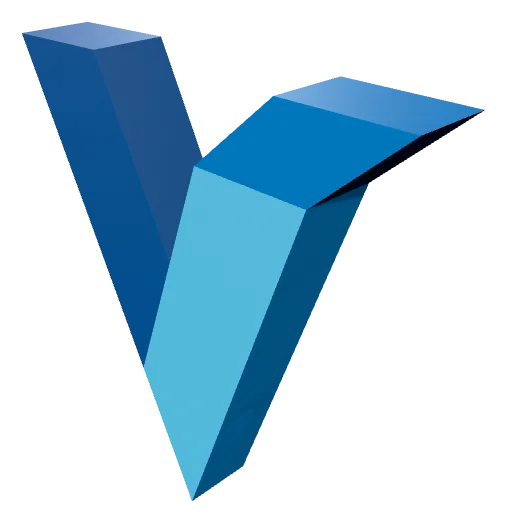
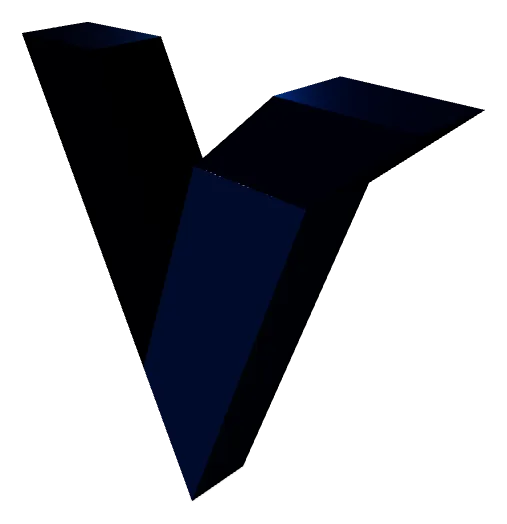
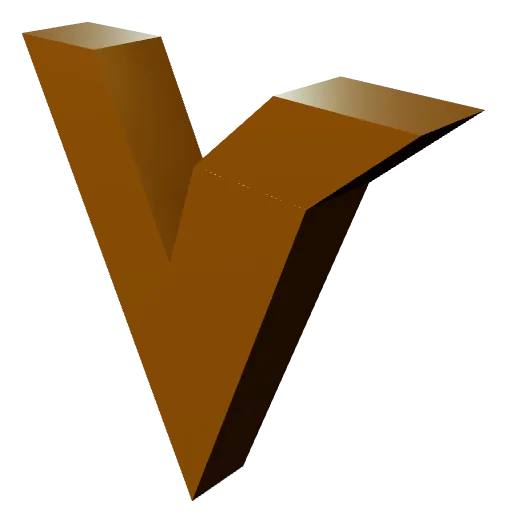
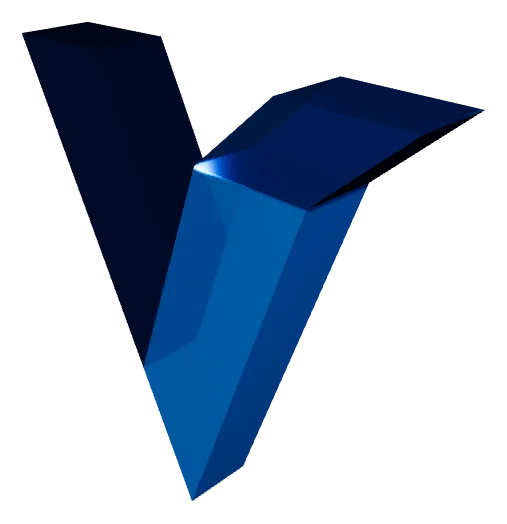
十种预设中的四种。材质仅用于预览——STL 与 OBJ 既不保存颜色也不保存表面处理,所以无论选哪种,导出的网格都一样。若希望外观随文件一起传递,请选择 GLB。
SVG 转 3D 转换
关于将矢量图形转换为可 3D 打印模型你需要知道的一切。
什么是 SVG 到 3D 转换?
SVG 到 3D 转换是以下过程: 挤出平面 2D 矢量路径 为实体三维网格。SVG(可缩放矢量图形)文件包含数学定义的曲线和形状 — 标志、图标、排版和插图。当您将 SVG 转换为 STL 或 OBJ 时,每条矢量路径都被赋予深度(挤出高度)、用于更平滑轮廓的可选倒角边缘以及适合 3D 打印、CNC 加工或数字渲染的水密流形表面。
挤出深度
在本工具中渲染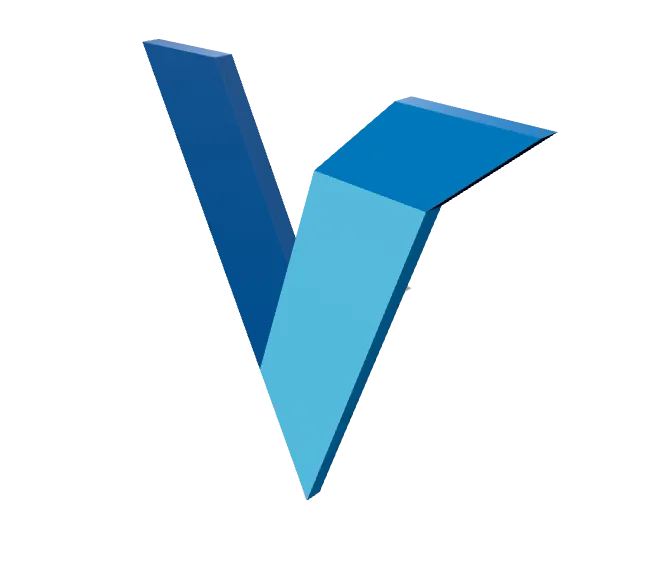
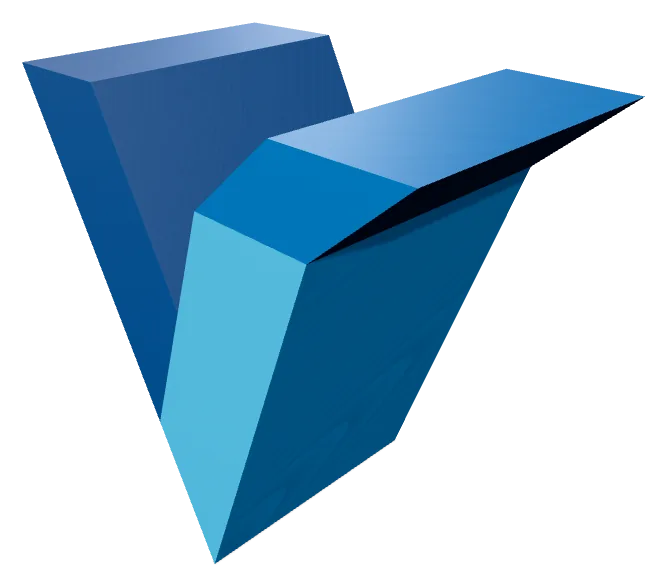
成品模型的挤出深度。数值小时,SVG 看起来像徽章或镶嵌;数值大时,它就成了一件独立实物。深度是按层应用的,因此多路径的 SVG 不必整体统一。
Vextrude 使用 WebGL 完全在您的浏览器中处理。上传任意 SVG,调整每层挤出深度和倒角半径,使用轨道控制实时预览结果,并导出生产就绪的网格 — 无需桌面软件、无需云处理、无需注册。
为什么将 SVG 转换为 STL 用于 3D 打印?
SVG 文件是 Adobe Illustrator、Figma 和 Inkscape 等矢量设计工具的首选格式。将它们转换为 STL 可以让您通过以下方式将这些设计带入物理世界: FDM、SLA 或 SLS 3D 打印机。常见用例包括自定义徽标标牌、雕刻铭牌、饼干模具、装饰性墙面艺术、压花手机壳和建筑模型。
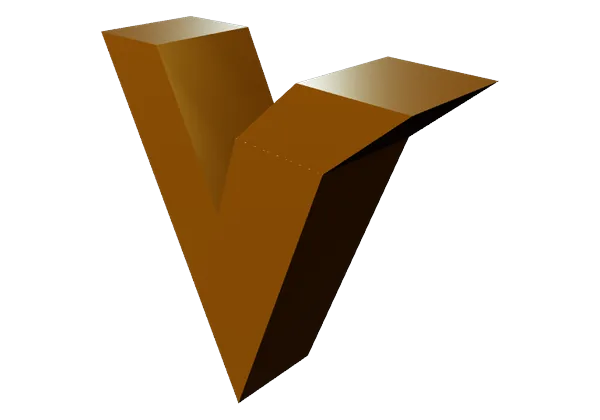
层间距
在本工具中渲染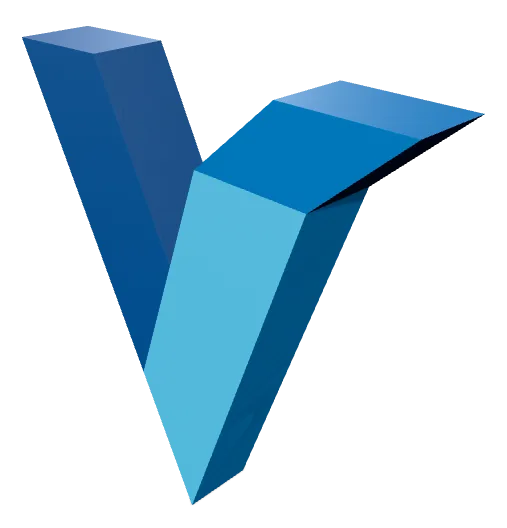
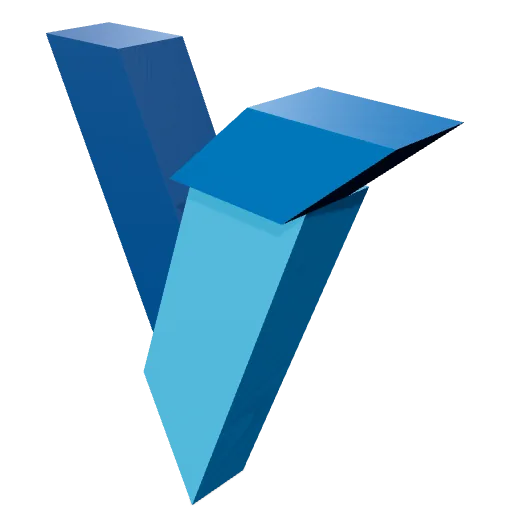
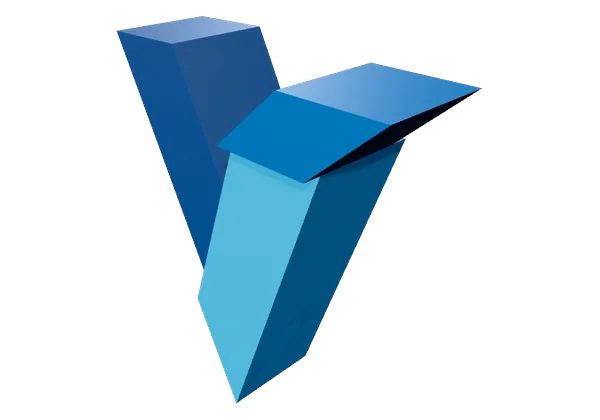
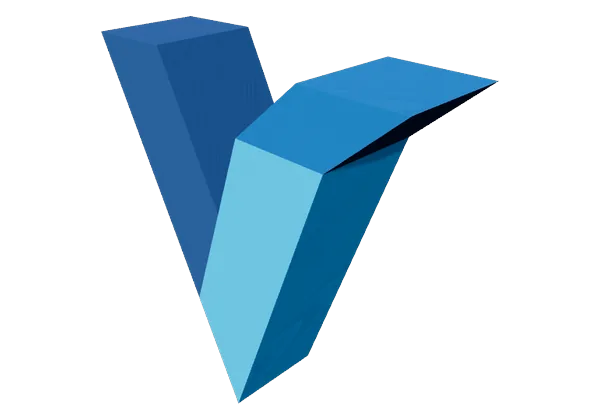
层间距会沿 Z 轴把 SVG 的各条路径推开。为零时它们融成一个整体;调大之后,图形就变成一叠彼此分离的壳体,可以用不同耗材分别打印再拼装起来。这个间距是真实几何,导出后依然保留。
Vextrude 生成干净、优化的拓扑,具有 多层支持 — 您 SVG 中的每条路径都可以有自己的挤出深度、颜色和可见性。生成的 STL 是流形(水密)的,可在 Cura、PrusaSlicer、Bambu Studio、OrcaSlicer 和所有主要切片机中干净地切片。
支持的导出格式
3D 打印 — 适用于所有切片机
Blender、Maya、Cinema 4D、ZBrush
网页、AR/VR、Three.js、Sketchfab
顶点颜色和全彩打印
现代制造标准
视口截图和缩略图
支持的导出格式
把一个 SVG 转换成 3D 打印机、游戏引擎或渲染器所需的任何格式——每种格式都在你的浏览器本地生成。
STL
Stereolithography
通用的 3D 打印格式——可直接导入任何切片软件。
OBJ
Wavefront
广泛支持的网格格式,包含材质与贴图数据。
GLB
Binary glTF
专为网页、AR 和游戏引擎打造的紧凑格式。
3MF
3D Manufacturing
现代打印格式,可携带颜色、单位和元数据。
输入
3D 网格
图像与视频
寻找具有 6 种形状和打印提示的专用照片到光雕工作流程? 试用专用光雕制作器 →
常见问题
关于 SVG 转 3D 转换器的常见问题。
Vextrude 可以免费使用吗?
是的。Vextrude 对个人和商业项目 100% 免费,没有水印、注册或隐藏限制。所有处理都在您的浏览器中本地运行。
我的文件会上传到服务器吗?
不。所有处理都通过 WebGL 在您的浏览器中本地进行。您的 SVG 文件和图像从未离开您的设备,确保完全隐私。
我可以导出哪些 3D 文件格式?
Vextrude 支持 STL (3D 打印), OBJ (Blender 和 Maya 等 DCC 工具), GLB (网页和 AR/VR), PLY (顶点颜色打印),以及 3MF (现代制造)。您还可以导出 PNG 截图。
如何将 SVG 转换为 3D 可打印 STL 文件?
将您的 SVG 文件上传到 Vextrude(拖放或粘贴 SVG 代码),然后使用面板调整挤出深度、倒角大小和比例: 设置 面板。实时预览 3D 模型,应用材质预设,然后点击 STL 导出按钮以下载可在 Cura、PrusaSlicer 或 Bambu Studio 中切片的水密网格。
我可以把我的徽标做成 3D 打印钥匙扣吗?
可以。在“设置”面板中启用钥匙扣模式,即可在你的设计周围添加底板和悬挂环。选择凸起、平面或雕刻样式,挑选圆角、圆形或六边形底板,并调整孔径和底板深度。然后导出为 STL 并打印。
我可以用 SVG 制作饼干模具吗?
可以。开启饼干模具模式,即可将你的 SVG 轮廓转换为带有薄切壁和按压法兰的可打印模具。设置“真实宽度 (mm)”字段,例如 80,导出的 STL 就会是精确的物理尺寸,无需在切片软件中重新缩放。