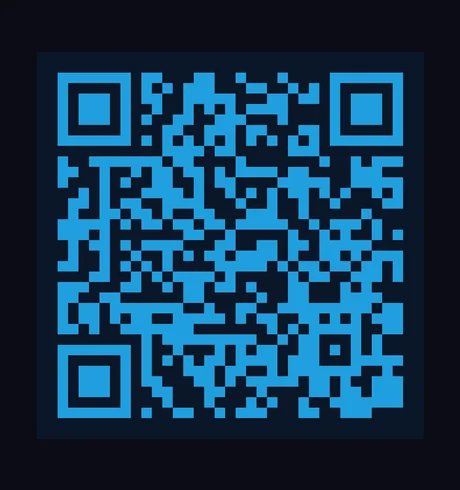
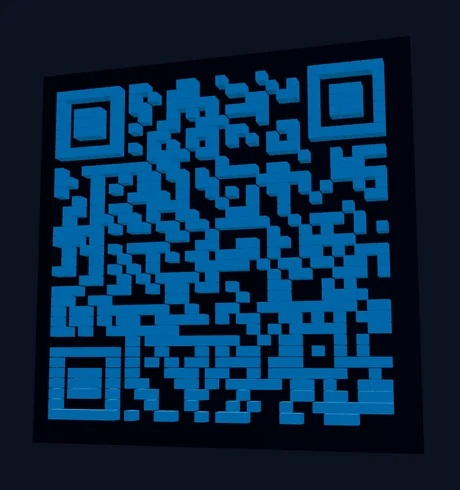
Vextrude
ГОТОВ
Перетащите для вращения • Прокрутка для масштаба
Scan Test
Проверка камерой
Живой
Point your camera at the QR code to verify
Features

Зачем использовать Vextrude 3D QR?

The most advanced free 3D QR code generator on the web. No signup, no watermarks, no limits.

24+ стиля модулей

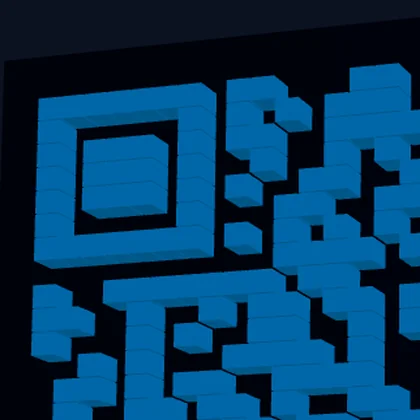
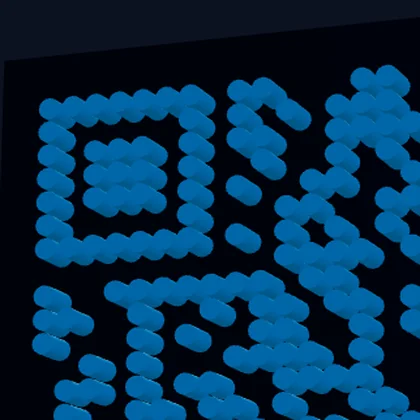
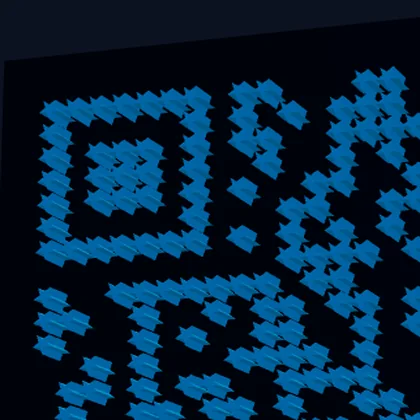
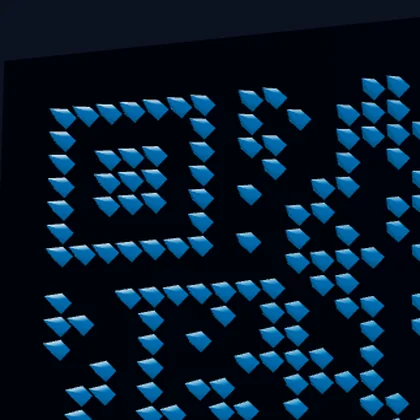
Classic squares, rounded dots, stars, hexagons, diamonds, arrows, hearts, and more. Each style generates proper 3D geometry optimized for FDM and resin printing.

WiFi & vCard QR

Generate QR codes for WiFi networks (SSID, password, encryption) and contact cards (vCard 3.0) — not just URLs.

Экспорт в несколько форматов

Download as STL for 3D printing, OBJ for Blender & Maya, GLB for web/AR, 3MF with embedded color data for multi-color printers, or SVG/PNG for digital use.

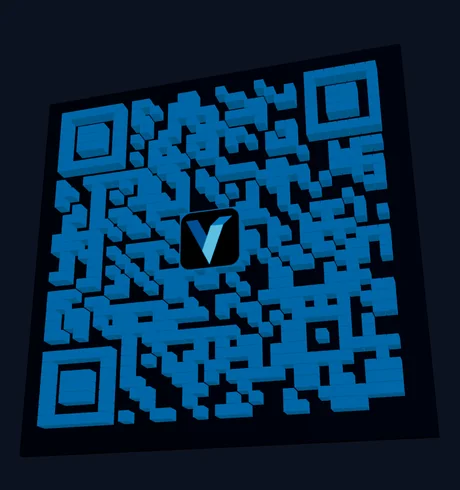
Встраивание логотипа

Upload your brand logo (PNG, JPG, or SVG) and embed it in the center of the QR code. Uses High error correction (30%) to ensure the QR stays scannable.

Цвета градиента

Apply linear or radial gradients to QR modules with adjustable angle and endpoint colors. Create eye-catching QR codes that stand out while staying fully scannable.

Встроенный тест сканирования

Verify your QR code works before printing using the built-in camera scanner. No external app needed — test directly in your browser with one click.

Бесплатный 3D генератор QR-кодов

Create stunning 3D-printable QR codes instantly in your browser. No signup, no installation.

Встраивание логотипа

Upload your brand logo and embed it in the center of the QR code. Works with PNG, JPG, and SVG files.

Тест камерой

Verify your QR code works before printing using the built-in camera scanner. No external app needed.

3D предпросмотр в реальном времени

Real-time Three.js viewport with drag-to-rotate, zoom, and auto-rotation. Changes update instantly.

Как создать 3D QR-код

  1. Выберите тип QR: Select Text/URL, WiFi, or vCard and fill in the content.
  2. Выбрать стиль: Browse 23 module styles in the Styles tab — from classic squares to dots and stars.
  3. Customize: Adjust size, depth, base thickness, and colors. Choose a base shape (square, circle, or hex).
  4. Добавить логотип (необязательно): Upload your logo in the Logo tab. Use High error correction for best results.
  5. Экспорт: Download as STL for 3D printing, OBJ for modeling, or 3MF for multi-color printing.

Лучшие практики для 3D печати QR-кодов

For the best scan results, use a минимальный размер 50 мм with at least глубина экструзии 2 мм. Print with high contrast colors — dark modules on a light base or vice versa. высота слоя 0,2 мм gives the cleanest edges.

For двухцветная печать, use the 3MF export which embeds color data, or use the multi-part STL option to import base and QR modules as separate objects in your slicer. You can also pause the print at the base layer height and swap filament for a manual color change.

Поддерживаемые типы контента QR

Beyond simple URLs, this tool generates QR-коды WiFi (SSID, password, encryption type) that let people connect to your network with a single scan, and QR-коды vCard (name, phone, email, company, website) for sharing contact information. All content types produce fully scannable 3D QR codes.

Уровни коррекции ошибок QR-кода

QR codes use Reed-Solomon error correction to remain scannable even when partially damaged or obscured. Vextrude supports all four levels: Низкий (7%) for maximum data density, Средний (15%) as the default balance, Четверть (25%) for moderate resilience, and Высокий (30%) which is required when embedding a logo in the center. Higher error correction increases the QR module count, so choose the lowest level that meets your needs for smaller, cleaner designs.

Базовые формы и 3D геометрия

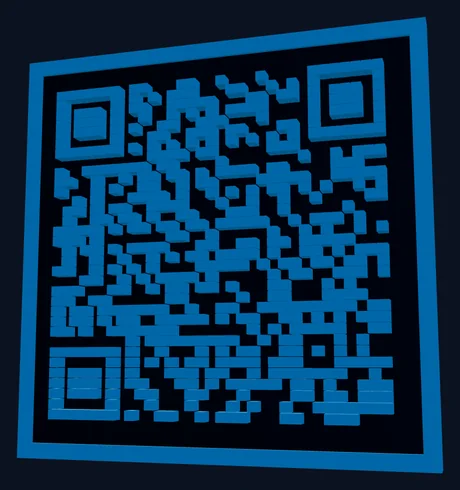
Choose from three base shapes: Квадрат (standard, best for framing and mounting), Скруглённый (soft corners, modern aesthetic), and Круг (perfect for coasters, keychains, and badges). Each shape generates watertight 3D geometry with configurable глубина модуля, толщина основания, and an optional приподнятая рамка for structural rigidity. The no-base option outputs only the QR modules for embedding into your own designs.

Популярные случаи использования

3D-печатные QR-коды are used for business cards and desk signs, retail product tags, restaurant table numbers with menu links, WiFi access codes for offices and Airbnbs, event badges and conference swag, museum exhibit labels, real estate listing signs, and personalized gifts. The raised 3D surface is more durable than printed stickers, resistant to weather, and adds a premium tactile quality that flat QR codes lack.

Последнее из блога

Советы, уроки и обновления от команды Vextrude.

Часто задаваемые вопросы

Можно ли 3D печатать QR-код?

Yes! Export as STL and print with any FDM or resin 3D printer. Use 0.2mm layer height and high contrast colors for best scan results. Minimum recommended size is 50mm.

Будет ли 3D QR-код сканироваться?

Yes. The QR data pattern is preserved in the 3D model. Use the built-in Scan Test button to verify with your camera before printing. High contrast between module and base colors gives best results.

Можно ли добавить логотип в QR-код?

Yes. Go to the Logo tab and upload any PNG, JPG, or SVG image. Set Error Correction to "High (30%)" — this creates enough redundancy for the QR to remain scannable even with the center area replaced by your logo.

Для чего нужен 3MF экспорт?

3MF files include embedded color data. When imported into slicers like PrusaSlicer or BambuStudio, the QR modules and base plate are automatically assigned different colors — no manual painting needed.

Бесплатен ли он для коммерческого использования?

Yes. The tool is 100% free with no signup required. All processing happens locally in your browser — your data is never uploaded to any server. You can use generated QR codes for any purpose.

Какой уровень коррекции ошибок использовать?

Use Средний (15%) for standard QR codes without a logo. If you're embedding a logo, switch to Высокий (30%) so the QR remains scannable even with the center area obscured. Low (7%) maximizes data density but offers minimal resilience to damage.

Можно ли использовать градиент на 3D QR-кодах?

Yes. Enable gradients in the Colors section and choose between linear or radial gradient types. Adjust the start and end colors and the angle. Gradients apply to the QR modules in both 2D SVG and 3D preview. For 3D printing, use the SVG/PNG export for color reference.

Какие базовые формы доступны?

Three base shapes: Квадрат (standard), Скруглённый (soft corners), and Круг (ideal for coasters and keychains). You can also enable a приподнятая рамка for structural rigidity or use режим без основания to export only the QR modules for embedding into custom designs.