Что такое генератор 3D-текста?
Генератор 3D-текста — это бесплатный онлайн-инструмент, который превращает любое слово или фразу в настоящую, печатную 3D-модель — полностью в вашем браузере, без установки, аккаунта и загрузки. Введите текст, выберите из десятков шрифтов, настройте глубину, фаску, кривизну, материалы и освещение в реальном времени. Когда всё готово, экспортируйте OBJ, GLB или PLY для рендера, STL и 3MF для печати, прозрачный PNG для дизайна или видео WebM анимации. Всё обрабатывается локально на вашем устройстве, поэтому ваши проекты никогда его не покидают.
Создавайте 3D типографику за секунды
Превращайте стандартные шрифты в эффектные 3D-модели для веба, печати и AR.
Тип
Введите текст и выберите стандартный шрифт или загрузите свой файл .TTF/.OTF.
Стиль
Настраивайте глубину экструзии, толщину фаски, высоту строки и материалы в реальном времени.
Экспорт
Скачивайте 3D-текст в файлах .OBJ, .GLB или .STL, готовых для любого 3D-ПО.
Зачем использовать Vextrude Text?
Создан для дизайнеров, которым нужны быстрые и качественные 3D-надписи без запуска Blender.
Высокая производительность
Оптимизированное объединение геометрии, умное устранение дребезга и плавная сцена с автоподгонкой камеры.
Пользовательские JSON шрифты
Загружайте свои файлы шрифтов .json. Создавайте их мгновенно с помощью инструмента Font Converter.
Материальные пресеты
Просматривайте текст в материалах «Пластик», «Металл» или «Неон» с реалистичным освещением и тенями.
Основы 3D-типографии и экструзии
Всё, что нужно знать о превращении плоских слов в настоящую 3D-геометрию.
Что делает текст трёхмерным?
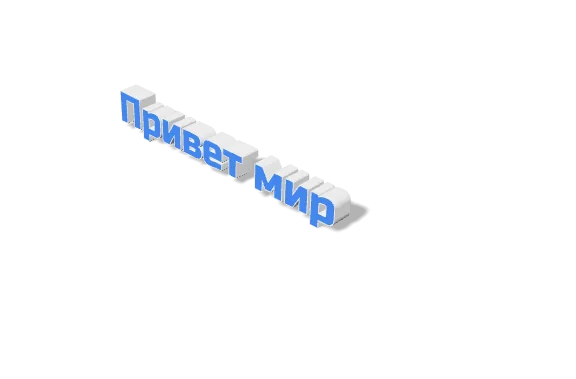
3D-текст строится из 2D-контура буквы путём «экструзии» — каждая точка контура выталкивается наружу, создавая реальную глубину. Результат — сплошной меш с лицевой и тыльной сторонами и боковыми стенками, который 3D-принтер, игровой движок или рендерер примет как любой другой объект.
Выбор подходящего шрифта
Жирные геометрические шрифты (например, акцидентные гротески) чисто экструдируются и надёжно печатаются. Тонкие, рукописные или сильно декорированные шрифты могут дать хрупкие стенки, которые ломаются на принтере, или смазать детали на рендере. Если сомневаетесь, начните с более жирного начерка и посмотрите в живом предпросмотре, прежде чем выбрать.
Глубина и фаска
Глубина задаёт, насколько буквы выталкиваются назад — малое значение читается как вытисненный логотип, большое — как массивный титул. Фаска смягчает резкий 90°-шов там, где лицевая сторона встречается со стенкой, ловит свет и делает экструзию осязаемой. Малые фаски (0,5–1) лучше всего для печати; большие блестят в рендере.
Глубина экструзии
отрисовано в этом инструменте
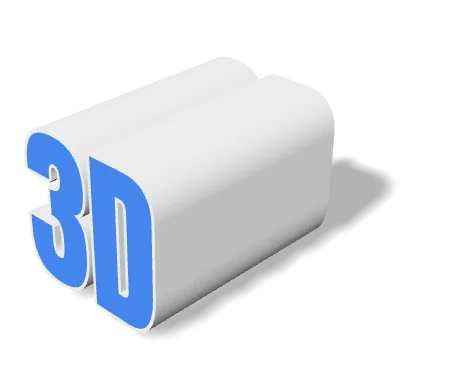
Глубина измеряется в тех же единицах, что и кегль шрифта, поэтому оба ползунка связаны. Малое значение читается как тиснение, большое — как самостоятельный объект. При печати именно глубина даёт букве достаточную площадь опоры, чтобы она стояла ровно.
Фаска: сравнение
отрисовано в этом инструменте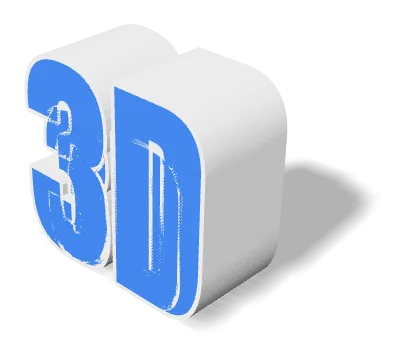
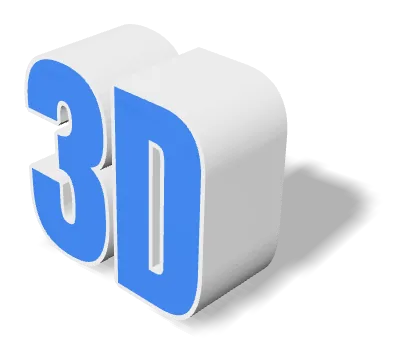
Та же модель, та же камера, тот же свет — отличается только фаска. Фаска заменяет острое ребро в 90° узким скосом, и край ловит блик, а не растворяется в боковой стенке. Для печати держите её небольшой.
Материалы и освещение
Семь встроенных пресетов материалов (Standard, Plastic, Metal, Glass, Neon, Chrome, Gold) плюс процедурные текстуры позволяют одним кликом превратить одно и то же слово из глиняного макета в хромированный герой-кадр. Ползунок поворота света крутит ключевой источник вокруг сцены, чтобы быстро найти выгодные ракурсы с правильными тенями.
Пресеты материалов
отрисовано в этом инструменте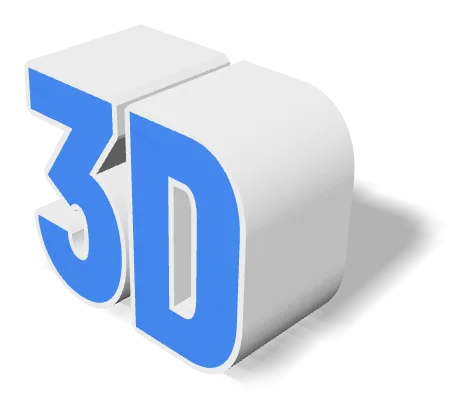
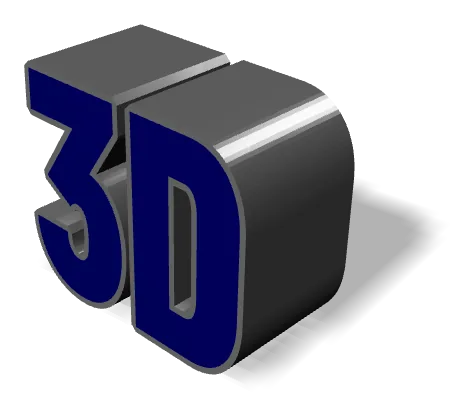
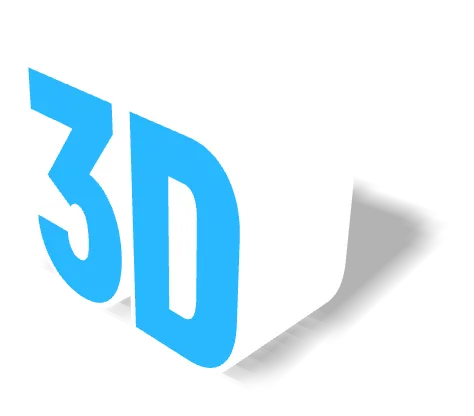
Та же геометрия под тремя пресетами. Материал влияет только на затенение — меш остаётся тем же, а STL и OBJ вообще не хранят данные о материале, поэтому экспортированный STL выглядит одинаково при любом пресете. Экспортируйте GLB, если внешний вид должен уйти вместе с файлом.
Изогнутый и волнистый текст
Регулятор Text Curve изгибает вашу строку по дуге — отлично для бейджей, логотипов и продуктовой графики. В связке с Wave (синус вдоль базовой линии) вы можете создавать макеты в виде ленты или волны без правки меша. Оба эффекта недеструктивны: в любой момент верните их к нулю.
Формы базовой линии
отрисовано в этом инструменте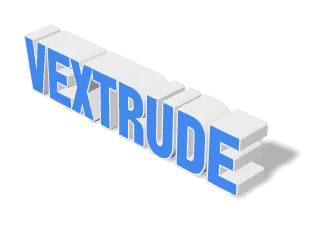
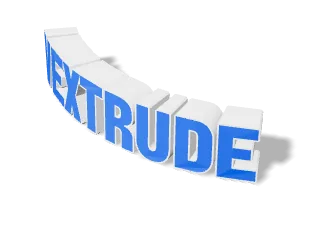
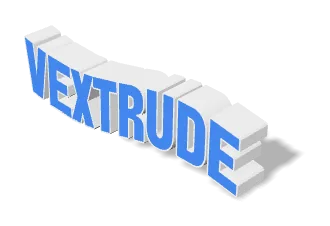
Дуга изгибает базовую линию по окружности, волна накладывает на неё синусоиду. И то и другое применяется к самой геометрии, а не имитируется ракурсом камеры, поэтому изгиб сохраняется в экспортированном меше. Верните ползунок на ноль, чтобы отменить.
Экспорт: печать вс. веб
Для 3D-печати выберите STL или 3MF и задайте Кеальную ширину (мм), чтобы экспортированная модель соответствовала нужному физическому размеру на столе. Для реального времени, игр или AR выбирайте GLB — он компактный и с материалами. Для статики или макета логотипа обычно достаточно прозрачного PNG (или WebM-рила анимации).
Поддерживаемые форматы экспорта
Превратите одну строку текста в любой формат, нужный вашему 3D-принтеру, игровому движку, рендереру или дизайн-приложению — каждый формат создаётся локально в вашем браузере.
STL
Stereolithography
Универсальный формат 3D-печати — открывается в любом слайсере.
OBJ
Wavefront
Широко поддерживаемый формат сетки с данными о материалах и текстурах.
GLB
Binary glTF
Компактный формат для веба, AR и игровых движков.
3MF
3D Manufacturing
Современный формат печати с цветом, единицами измерения и метаданными.
Ввод
3D-сетки
Изображение и видео
Поддержка шрифтов и языков
Десятки встроенных семейств шрифтов, возможность загрузить свои TTF/OTF и полная поддержка нелатинских и RTL-письменностей.
Встроенные шрифты
Десятки в комплекте
Отобранные гротесковые, антиквенные, акцидентные и рукописные семейства — все чисто экструдируются, без загрузок.
Загрузить TTF / OTF
Любой шрифт, любой начерк
Перетащите свой файл .ttf или .otf для использования в один клик. Он остаётся на вашем устройстве и никогда не загружается на сервер.
Нелатинские письменности
CJK, кириллица, деванагари…
Китайский, японский, корейский, кириллица, арабский, иврит, тайский и другие отображаются правильными глифами для вашего языка: арабский — со связыванием, RTL — справа налево.
Живой предпросмотр
Пиши. Смотри. Публикуй.
Каждое нажатие перестраивает 3D-меш в реальном времени, чтобы вы могли перебирать слова, начерк и глубину без ожидания.
Восемь систем письма
отрисовано в этом инструменте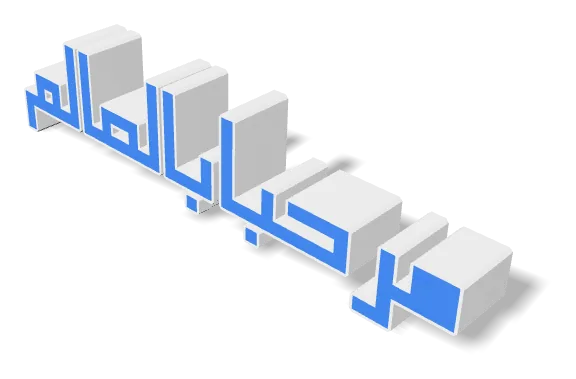
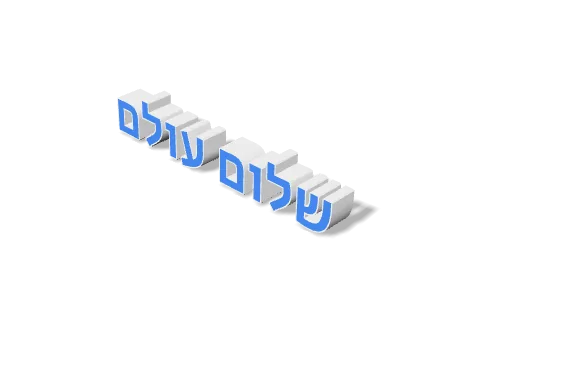
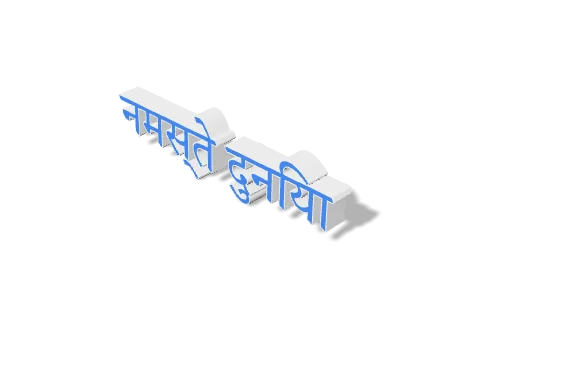
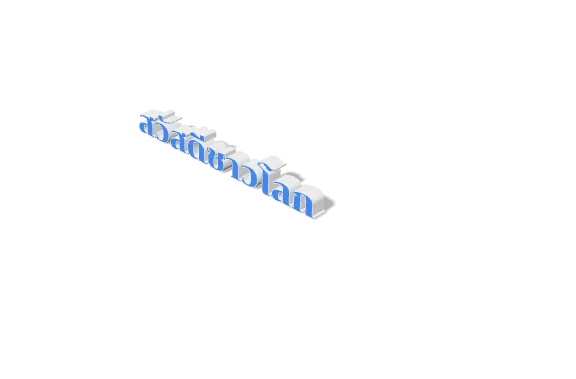
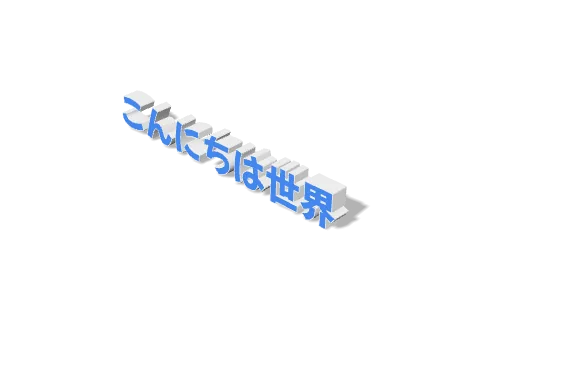
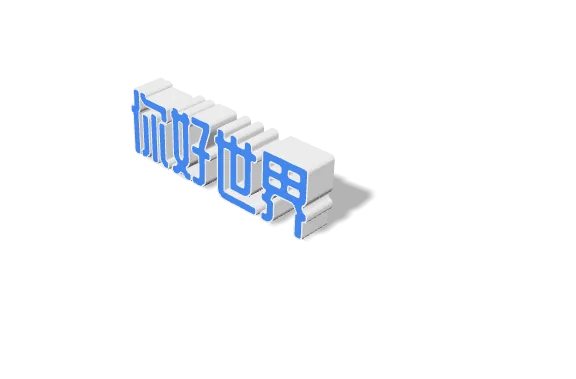
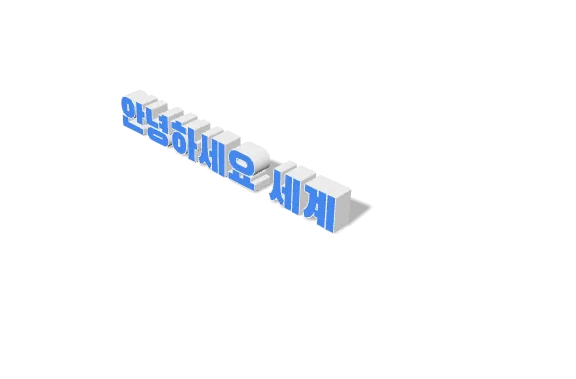
Восемь из двадцати одной письменности, для которых в инструменте есть шрифты, — все отрисованы прямо в редакторе. Сложные случаи включены намеренно: текст обрабатывается движком HarfBuzz, тем же, что используют браузеры, поэтому арабский и урду соединяют буквы по контексту — включая насталик с его наклонной каскадной базовой линией, — арабский и иврит читаются справа налево, а индийские лигатуры образуют единый слитный знак с гласными знаками с правильной стороны.
Часто задаваемые вопросы
Частые вопросы о генераторе 3D-текста.
Можно ли использовать свои шрифты?
Да! Вы можете загрузить любой файл шрифта .TTF или .OTF со своего компьютера. Шрифт обрабатывается локально в браузере и никогда не передаётся на наши серверы.
Поддерживает ли арабский или урду?
Да, Vextrude имеет встроенную поддержку языков с письмом справа налево. Просто включите «Force RTL», если текст отображается неправильно.
Бесплатен ли он для коммерческого использования?
Да, инструмент полностью бесплатный. Вы владеете созданными 3D-моделями и можете использовать их в любом коммерческом проекте.
Загружаются ли мой текст и шрифты на сервер?
Нет. Всё работает локально в вашем браузере через WebGL и Three.js. Ваш текст никуда не отправляется, а любой загруженный шрифт остаётся на вашем устройстве — на нашей стороне ничего не загружается, не кэшируется и не записывается.
Какой формат экспорта выбрать?
Для 3D-принтера выберите STL или 3MF (3MF также хранит цвет и единицы). Для веба, AR или игровых движков — GLB: компактный и с материалами. Для макета или миниатюры обычно быстрее всего — прозрачный PNG (или WebM анимации).
Могу ли я напечатать экспортированную модель в точном физическом размере?
Да. Задайте поле «Реальная ширина (мм)» на нужное значение на столе печати — экспортированный STL/3MF выйдет точно такого размера без масштабирования в слайсере.
Работают ли нелатинские письменности и языки с права налево?
Да. Арабский, урду, иврит, китайский, японский, корейский, кириллица, тайский и другие отображаются правильными глифами, а RTL-письменности располагаются справа налево. Текст обрабатывается движком HarfBuzz, тем же, что используют браузеры: арабский и урду соединяются по контексту — включая насталик, — а деванагари, бенгальская, тамильская и сингальская письменности образуют настоящие лигатуры с гласными знаками с правильной стороны. Если в загруженном шрифте нет глифов для вашей письменности, инструмент предупредит перед экструзией.
Могу ли я анимировать текст и записать видео?
Да. Панель анимаций имеет пресеты в стиле PowerPoint (вертушка, вход, выделение), а также Скорость и Обратно. Нажмите затвор в виджете камеры, чтобы записать WebM текущей анимации — соотношения fit-frame, 1:1, 16:9 или 9:16.