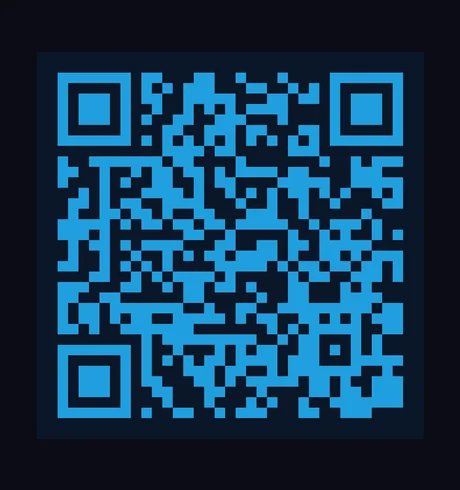
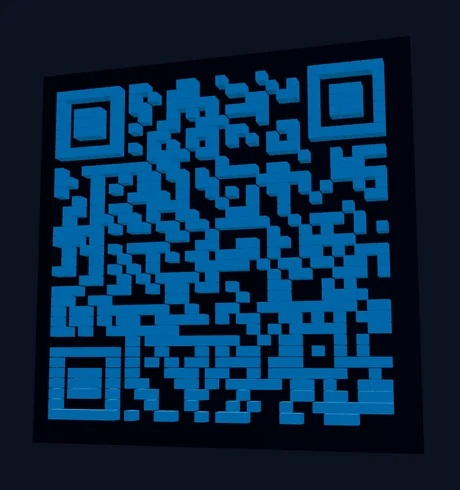
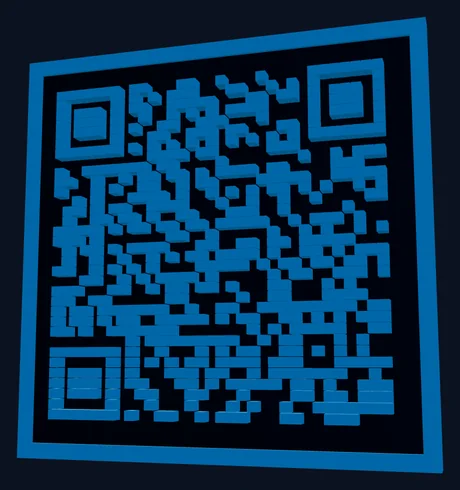
Vextrude 3D QR क्यों उपयोग करें?
वेब पर सबसे उन्नत मुफ़्त 3D QR कोड जनरेटर। कोई साइनअप नहीं, कोई वॉटरमार्क नहीं, कोई सीमा नहीं।
23 मॉड्यूल स्टाइल
क्लासिक स्क्वायर, गोल डॉट्स, स्टार, हेक्सागन, डायमंड, एरो, गियर, रिंग और बहुत कुछ। प्रत्येक स्टाइल FDM और रेज़िन प्रिंटिंग के लिए ऑप्टिमाइज़ किया गया उचित 3D ज्योमेट्री जनरेट करता है।
WiFi और vCard QR
WiFi नेटवर्क (SSID, पासवर्ड, एन्क्रिप्शन) और कॉन्टैक्ट कार्ड (vCard 3.0) के लिए QR कोड जनरेट करें — सिर्फ URL नहीं।
मल्टी-फॉर्मेट एक्सपोर्ट
3D प्रिंटिंग के लिए STL, Blender और Maya के लिए OBJ, वेब/AR के लिए GLB, मल्टी-कलर प्रिंटर के लिए एम्बेडेड कलर डेटा वाला 3MF, या डिजिटल उपयोग के लिए SVG/PNG डाउनलोड करें।
लोगो एम्बेडिंग
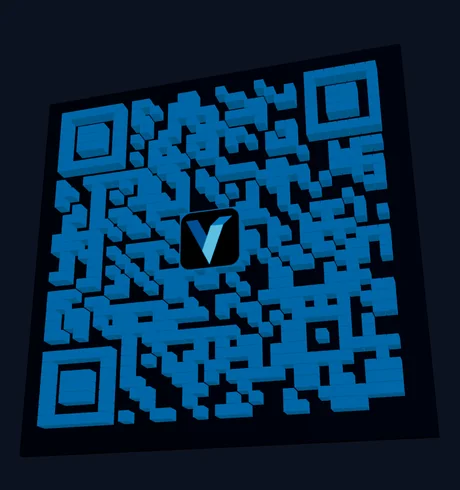
अपना ब्रांड लोगो (PNG, JPG, या SVG) अपलोड करें और QR कोड के केंद्र में एम्बेड करें। कोड मध्यम एरर करेक्शन के साथ बनते हैं, इसलिए लोगो छोटा रखें और प्रिंट से पहले स्कैन जाँच लें।
ग्रेडिएंट रंग
समायोज्य कोण और एंडपॉइंट रंगों के साथ QR मॉड्यूल पर लीनियर या रेडियल ग्रेडिएंट लागू करें। आकर्षक QR कोड बनाएं जो पूरी तरह स्कैन योग्य रहते हुए भी अलग दिखें।
बिल्ट-इन स्कैन टेस्ट
बिल्ट-इन कैमरा स्कैनर का उपयोग करके प्रिंटिंग से पहले अपने QR कोड की जांच करें। कोई बाहरी ऐप आवश्यक नहीं — अपने ब्राउज़र में एक क्लिक से सीधे टेस्ट करें।
मॉड्यूल आकार
इसी टूल में रेंडर किया गया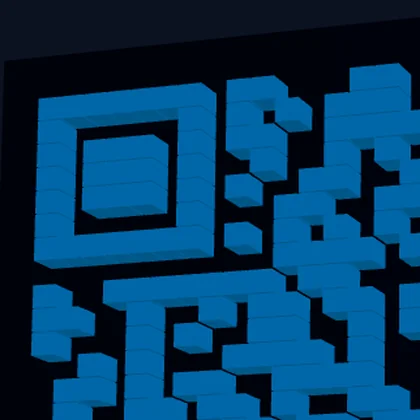
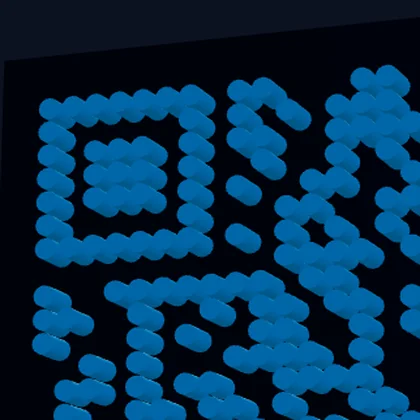
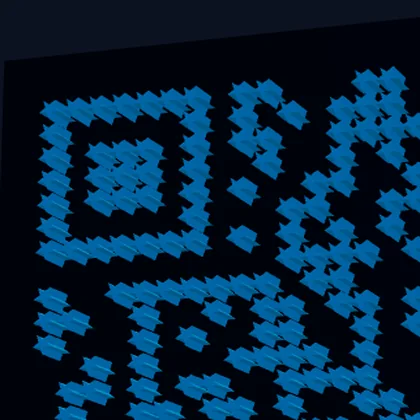
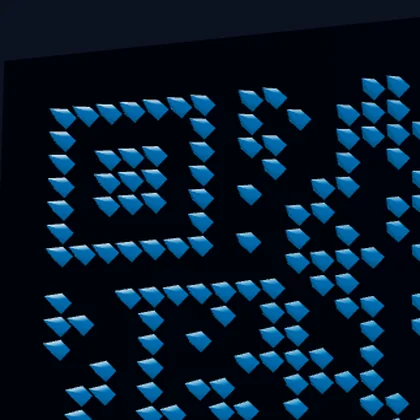
मॉड्यूल के चार आकार, कोड वही, ऊपर-बाएँ फाइंडर पैटर्न पर ज़ूम किया हुआ ताकि ज्यामिति दिखे। हर आकार असली 3D है, टेक्सचर नहीं — Pyramid नोक पर जाकर सिकुड़ता है, Dots गोल गुंबद हैं। स्कैनर हर मॉड्यूल के केंद्र से नमूना लेता है, इसीलिए सजावटी आकार भी पढ़े जाते हैं।