レイヤー間隔を調整
多層SVGの場合は、次のコントロールを使用: レイヤー間隔 (Z) コントロールでレイヤーを分離し、素晴らしい3D奥行き効果を作成しましょう!
SVG to 3D とは?
SVG to 3D は、平面的な SVG ベクターパスを実際に印刷できる 3D モデルへと変換する無料のオンラインコンバーターです。インストールもアカウントもアップロードも不要で、すべてブラウザー内で完結します。作品を、厚み・面取り・スムージング・多層ギャップを調整できる奥行き正確なジオメトリに押し出し、レンダリングや印刷にすぐ使える OBJ・GLB・STL・PLY・3MF ファイルとして書き出します。すべての処理はお使いのデバイス上でローカルに行われるため、デザインがデバイスの外に出ることはありません。
仕組み
SVG ベクターを 3D モデルに押し出すときも、Vextrude ならシンプルです。
アップロード
SVG ファイルをドラッグ&ドロップするか、SVG コードを貼り付けます。
カスタマイズ
押し出しの深さ・面取り・スケール・マテリアルをリアルタイムで調整。
プレビュー
プラスチックや金属から、ゴールド・クローム・ホログラフィックまで、10 種類のマテリアルプリセットで 3D モデルをリアルタイムに回転・ズーム・確認できます。
エクスポート
STL、OBJ、GLB、PLY、3MFとしてダウンロード — 3Dプリント、ゲームエンジン、AR/VR、DCCツールに対応。
デザイナーとメーカーのための強力な機能
2D から 3D へ進むために必要なすべてが、ブラウザーの中に。
SVG→3D押し出し
任意のSVGファイルをアップロードするかSVGコードを貼り付けて、即座に3Dモデルに押し出します。多層サポートにより、調整可能な深さ、ベベル、スケールで各パスを独立して制御できます。
10 種類のマテリアルプリセット
スタンダード・プラスチック・メタル・ガラス・ネオン・ラバー・クローム・ゴールド・クレイ・ホログラフィックのマテリアルとプロシージャルテクスチャでモデルを表現。ロゴのモックアップ、製品プレビュー、SNS サムネイルに最適です。
マルチフォーマットエクスポート
3Dプリント用STL、Blender&Maya用OBJ、ウェブ&AR/VR用GLB、カラー印刷用PLY、製造用3MF、スクリーンショット用PNGにエクスポートします。
100%ブラウザベース
登録なし、ダウンロードなし、サーバーアップロードなし。すべてWebGLでローカルに実行されます — SVGファイルと写真はデバイスから出ません。個人および商用利用に完全無料。
リアルタイム3Dプレビュー
インタラクティブなコントロールでモデルをオービット、ズーム、パンします。ジオメトリ、ライティング、マテリアルへの変更は即座に更新されます — 見えるものがエクスポートされるものです。
マテリアルプリセット
このツールでレンダリング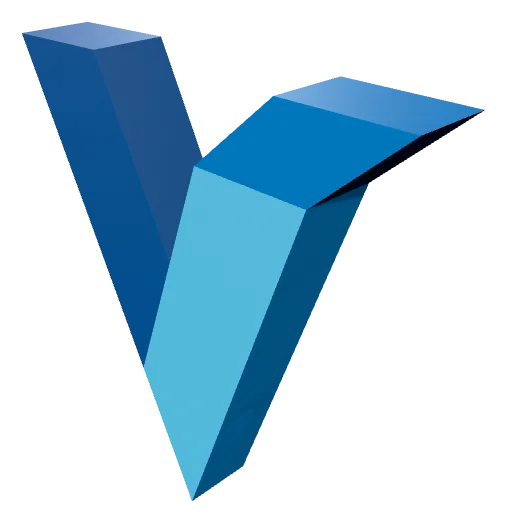
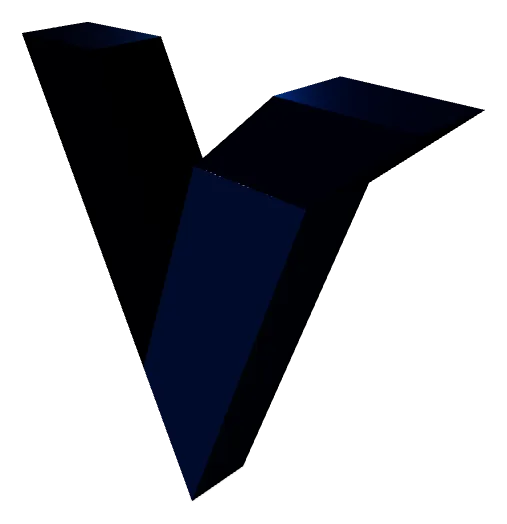
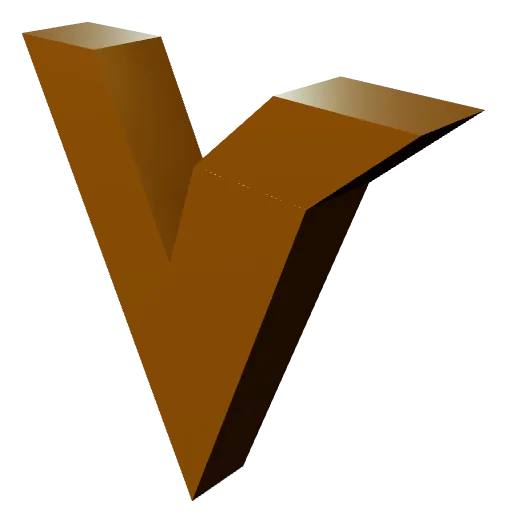
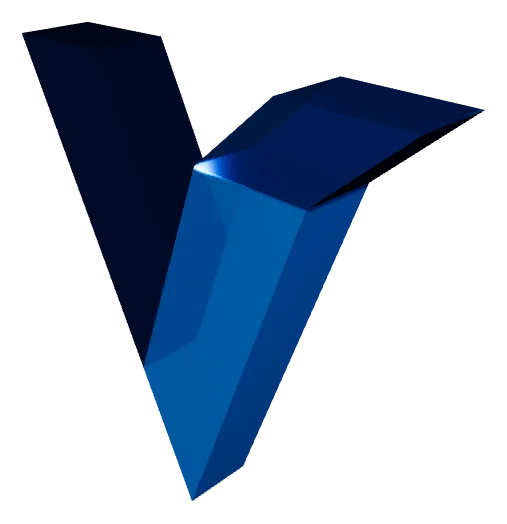
10種類のプリセットのうち4つです。マテリアルはプレビュー専用で、STLとOBJは色も仕上げも保持しません。どれを選んでも書き出されるメッシュは同じです。見た目ごと持ち出したいときはGLBを選んでください。
SVG から 3D への変換
ベクターグラフィックを 3D プリント可能なモデルに変換するために知っておくべきことのすべて。
SVG→3D変換とは?
SVG→3D変換は次のプロセスです: 平らな2Dベクターパスを押し出す ソリッドな3次元メッシュに変換します。SVG(Scalable Vector Graphics)ファイルには、数学的に定義された曲線と形状が含まれます — ロゴ、アイコン、タイポグラフィ、イラストレーション。SVGをSTLやOBJに変換すると、各ベクターパスに深さ(押し出し高さ)、より滑らかなプロファイルのためのオプションのベベルエッジ、3Dプリント・CNC加工・デジタルレンダリングに適した水密マニフォールド表面が与えられます。
押し出し深さ
このツールでレンダリング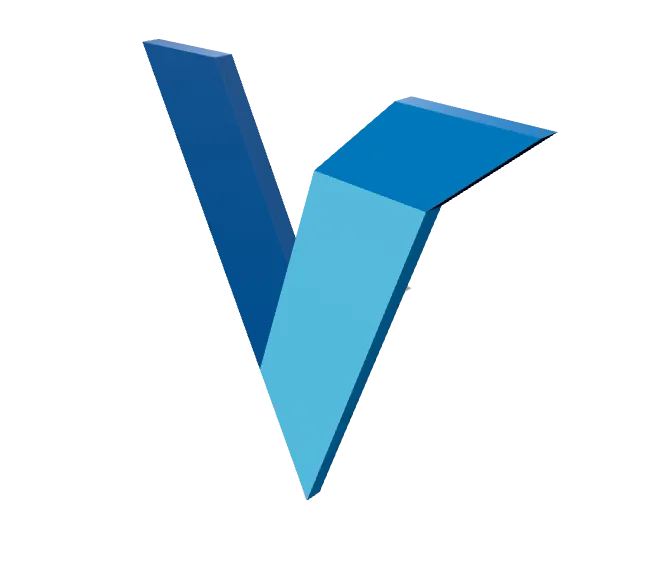
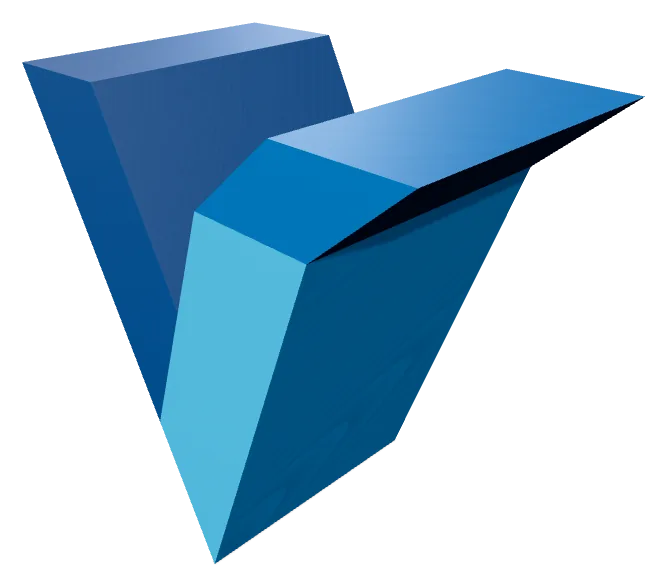
完成モデルの押し出し深さです。浅ければバッジや象嵌のように見え、深くすれば独立した立体物になります。深さはレイヤーごとに適用されるため、複数パスのSVGを一律にする必要はありません。
VextrudeはWebGLを使用してこれをブラウザ内で完全に処理します。任意のSVGをアップロードし、レイヤーごとの押し出し深さとベベル半径を調整し、オービットコントロールでリアルタイムに結果をプレビューし、製品レベルのメッシュをエクスポートします — デスクトップソフト、クラウド処理、登録のいずれも不要です。
なぜ3DプリントのためにSVGをSTLに変換するのか?
SVGファイルは、Adobe Illustrator、Figma、Inkscapeなどのベクターデザインツールの標準形式です。STLに変換することで、それらのデザインを次の方法で物理世界に持ち込むことができます: FDM、SLA、またはSLS 3Dプリンター。一般的な使用例には、カスタムロゴサイン、彫刻されたネームプレート、クッキーカッター、装飾的なウォールアート、エンボス加工の電話ケース、建築モデルが含まれます。
レイヤー間隔
このツールでレンダリング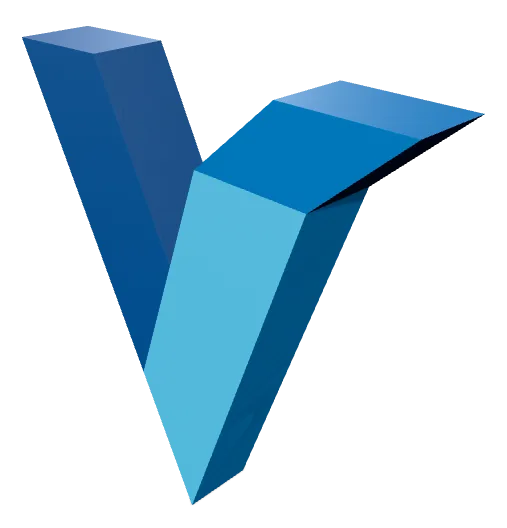
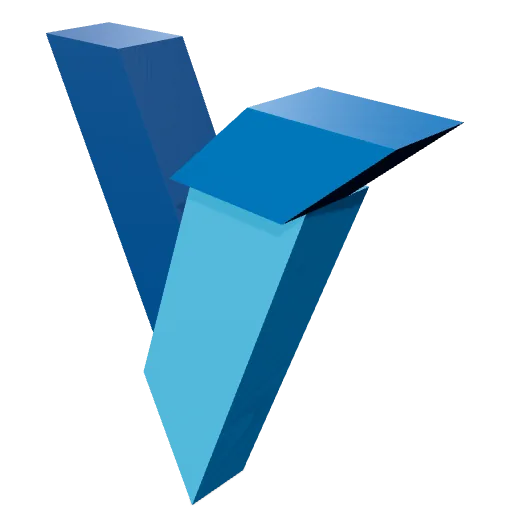
レイヤー間隔は、SVGの各パスをZ方向に引き離します。0では一つの塊に融合し、上げていくと図案が別々のシェルの積み重ねになります。フィラメントを変えて印刷し、あとから組み合わせることもできます。この間隔は実際のジオメトリなので、書き出しても残ります。
Vextrudeは次でクリーンで最適化されたトポロジーを生成します: 多層サポート — SVGの各パスは独自の押し出し深さ、色、可視性を持つことができます。結果のSTLはマニフォールド(水密)で、Cura、PrusaSlicer、Bambu Studio、OrcaSlicer、およびすべての主要スライサーでクリーンにスライスされます。
サポートされるエクスポート形式
3Dプリント — すべてのスライサーで動作
Blender、Maya、Cinema 4D、ZBrush
ウェブ、AR/VR、Three.js、Sketchfab
頂点カラー&フルカラー印刷
現代の製造標準
ビューポートのスクリーンショット&サムネイル
サポートされるエクスポート形式
1 つの SVG を、3D プリンター・ゲームエンジン・レンダラーが必要とする形式に変換。すべての形式はブラウザー内でローカルに生成されます。
STL
Stereolithography
3D プリントの標準フォーマット。どのスライサーにもそのまま読み込めます。
OBJ
Wavefront
マテリアルとテクスチャ情報を含む、広くサポートされたメッシュ形式。
GLB
Binary glTF
Web・AR・ゲームエンジン向けに設計されたコンパクトな形式。
3MF
3D Manufacturing
色・単位・メタデータを保持する最新の印刷フォーマット。
入力
3D メッシュ
画像・動画
6つの形状と印刷のヒント付きの専用写真→リトフェンワークフローをお探しですか? 専用リトフェンメーカーを試してください →
よくある質問
SVG to 3D コンバーターに関するよくある質問。
Vextrudeは無料で使えますか?
はい。Vextrudeは個人および商用プロジェクトに対して、ウォーターマーク、登録、隠れた制限なしで100%無料です。すべての処理はブラウザでローカルに実行されます。
ファイルはサーバーにアップロードされますか?
いいえ。すべての処理はWebGLでブラウザ内でローカルに行われます。SVGファイルと画像はデバイスから出ないため、完全なプライバシーが保証されます。
どの3Dファイル形式をエクスポートできますか?
Vextrudeは次をサポート STL (3Dプリント)、 OBJ (BlenderやMayaなどのDCCツール)、 GLB (ウェブとAR/VR)、 PLY (頂点カラー印刷)、および 3MF (現代の製造)。次にもエクスポートできます: PNG スクリーンショット。
SVGを3Dプリント可能なSTLファイルに変換するには?
SVGファイルをVextrudeにアップロード(ドラッグ&ドロップまたはSVGコードを貼り付け)し、次のパネルで押し出し深さ、ベベルサイズ、スケールを調整します: 設定 パネル。3Dモデルをリアルタイムにプレビューし、マテリアルプリセットを適用してから、次をクリックします: STL Cura、PrusaSlicer、Bambu Studioでスライスする準備ができた水密メッシュをダウンロードするためのエクスポートボタン。
ロゴを 3D プリントのキーホルダーにできますか?
はい。設定パネルでキーホルダーモードを有効にすると、デザインの周囲にベースプレートと吹り下げ用ループが追加されます。凸型・平面・彫り込みのスタイルを選び、角丸・円形・六角形のプレートを選択し、穴のサイズとプレートの深さを調整します。あとは STL として書き出して印刷するだけです。
SVG からクッキー型を作れますか?
はい。クッキー型モードをオンにすると、SVG の輪郭を、薄い刃の壁と押し出し用フランジを備えた印刷可能な型に変換します。実寸幅(mm)欄に例えば 80 と設定すれば、書き出した STL はスライサーでの再スケール不要で正確な実寸になります。