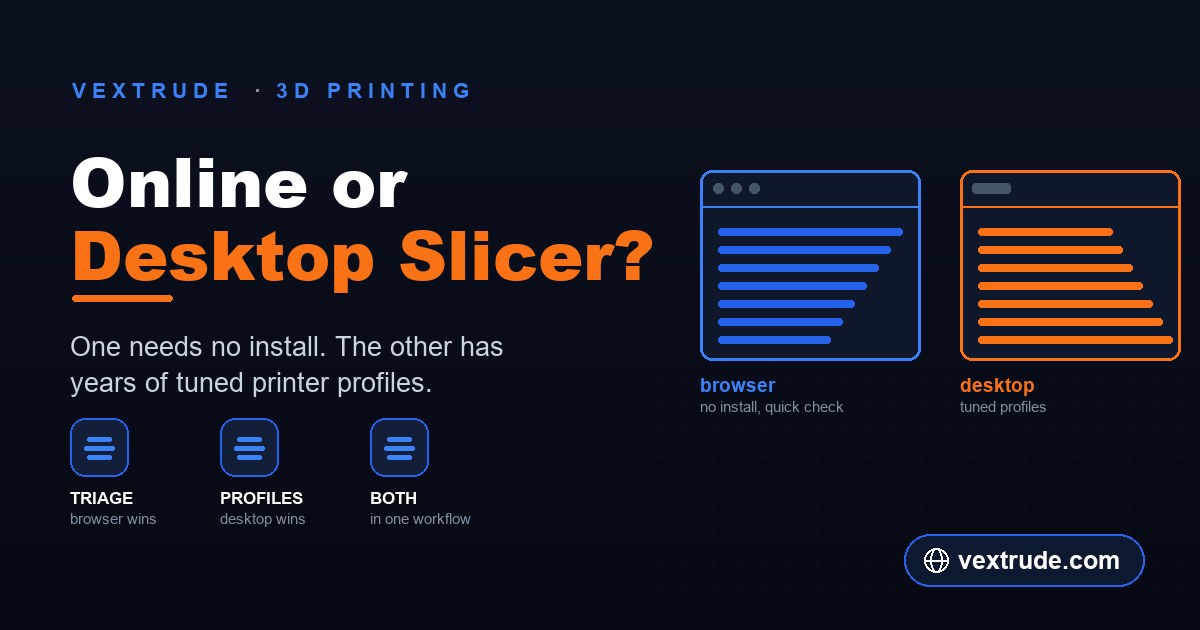
Desktop slicers such as Cura and PrusaSlicer are maintained by printer manufacturers and have been refined for years. A slicer that runs in a browser tab is not competing with that, and pretending otherwise leads to bad prints. Here is what each one is genuinely for.
The Real Difference Is the Profile, Not the Slicing
The geometry half of slicing is well understood. Intersect the mesh with horizontal planes, walk the resulting contours inward to make perimeters, fill what is left, detect overhangs, emit toolpaths. Any competent implementation produces broadly similar paths from the same settings — the step-by-step version of that pipeline is worth reading if you want the detail.
What separates a mature desktop slicer is everything wrapped around those steps. Years of accumulated printer profiles: this machine's actual bed shape and nozzle offsets, retraction distances that suit its extruder, acceleration limits that match its firmware. Years of material profiles: temperatures, cooling curves and flow rates per filament type and often per brand.
Those profiles are the product. They encode thousands of hours of other people's failed prints, and no browser tool arrives with them. A generic slice at generic settings will produce a part; a slice against a tuned profile for your exact machine and filament produces a good part, reliably, without you discovering the settings yourself.
If you print regularly on a machine you own, that is the whole argument, and it is decisive.
What a Browser Slicer Is Genuinely Good For
There are real situations where not needing an installation is the deciding factor rather than a nice extra.
A machine you cannot install software on. Work laptops, school and library computers, locked-down corporate builds, a borrowed machine. The slicer you cannot install is worth nothing at that moment.
A quick answer to a specific question. Roughly how long will this take? Will it fit on the bed? How many layers is this at 0.2 mm? Does the first layer look sane? These do not need a tuned profile; they need any correct slice, quickly. Opening a tab beats launching a desktop application and picking a printer profile you are going to ignore.
Checking a file before you trust it. Downloaded models are frequently not what the thumbnail suggested — wrong scale, hollow where you expected solid, detail below what your nozzle can resolve. Stepping through the first few layers catches all of that in under a minute, and catching it before you commit an hour of print time is the entire value.
Someone else's printer. Sending a part to a print service or a friend's machine means you do not have the target profile anyway. A rough slice tells you whether the geometry is sensible; the person running the printer supplies the profile.
What You Give Up in a Browser
The honest list, because the gaps are real and you should know them before relying on one.
Tuned profiles, as above. This is the big one and everything else is secondary to it.
Deep per-object control. Modifier meshes, per-object settings, painted supports, variable layer height and custom start and end G-code are mature desktop features. If your part needs supports painted onto one overhang and left off another, that is a desktop job.
Firmware-specific output. Desktop slicers emit G-code flavoured for a specific firmware, with the right preamble, the right temperature sequencing and the right end-of-print behaviour. Generic G-code usually runs, but "usually" is doing work in that sentence, and you should read the first and last few lines before sending it to a machine you care about.
Very large models. Slicing cost scales with layers multiplied by triangles, and a browser tab has less memory headroom than a desktop process. A scan-density mesh will slice more comfortably on the desktop. If your file is enormous, reducing it first helps both.
The Workflow That Uses Both
Most people who own a printer end up with the same division of labour, and it is worth adopting deliberately rather than discovering it.
Use the browser for triage. A file arrives, you want to know within a minute whether it is the right scale, whether it fits, roughly how long it will take, and whether the first layers look like the shape you expected. That is a browser question and the answer costs you nothing.
Use the desktop for the print you are actually going to run. Correct profile, correct filament, supports where you want them, then send it to the machine.
The failure mode worth avoiding is the reverse: treating a generic browser slice as production-ready output for a tuned machine, then blaming the slicer when the first layer does not adhere. Check one known dimension after loading a model, whichever tool you are in — most "my print came out tiny" reports are a millimetre-versus-inch mismatch, and STL carries no unit information to prevent it.
Frequently Asked Questions
Can I print directly from browser-generated G-code? Often yes, but read the start and end sections first and confirm the temperatures and homing sequence suit your machine. Treat it as generic output that needs a glance, not as a profile-matched file.
Is a browser slicer accurate? The geometry is. Layer counts, fit and rough time estimates are reliable. What is not tuned is everything profile-dependent — retraction, cooling and flow — which is exactly where print quality comes from.
Why is my browser slice slower than my desktop one? Less memory headroom and no multi-core native code. On ordinary models the difference is small; on very dense meshes it is not.
Does my file get uploaded? That depends entirely on the tool, and it is worth checking rather than assuming. Print Control slices in the page using the browser's file APIs, so the model stays on your machine — open the Network tab and slice something if you want to confirm it.
Which formats can I slice? Print Control accepts STL, OBJ, 3MF, PLY, GLB and GLTF. If your model is in something else, convert it first.
Related reading
Slice without installing anything
STL, OBJ, 3MF, PLY, GLB and GLTF to G-code, entirely in your browser.
Open Print Control