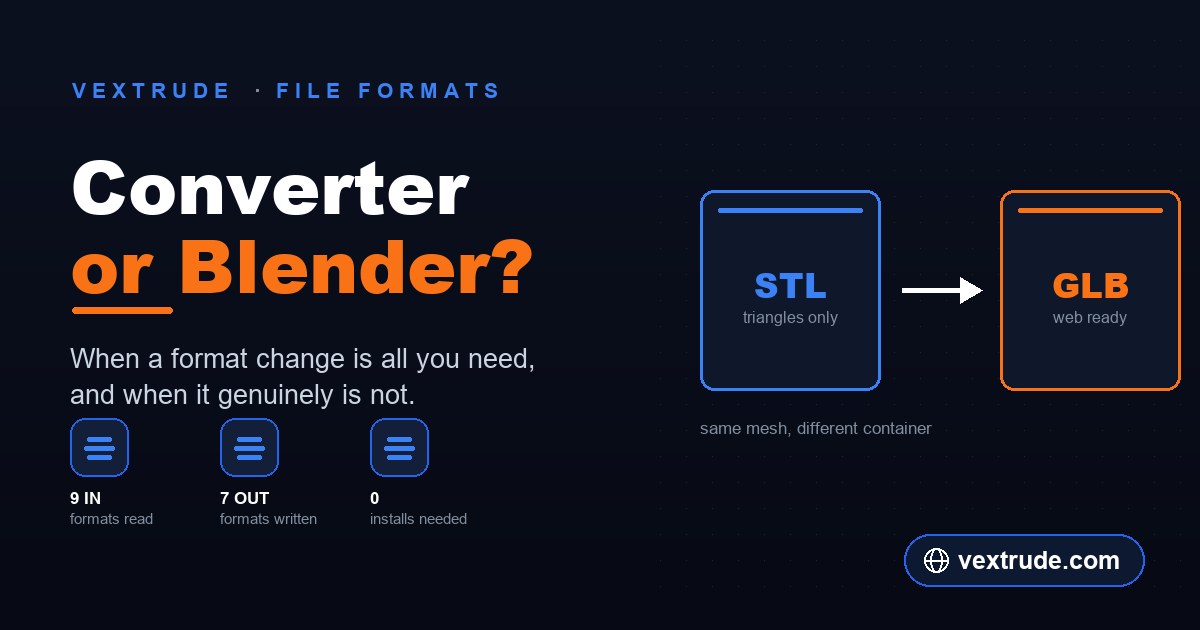
Every few weeks someone asks whether they should install Blender just to change a file extension. Almost always the answer is no — but the reason why is more interesting than the answer, and it tells you when you genuinely do need it.
Conversion and Authoring Are Different Jobs
A format converter reads a mesh and writes it back out under different rules. The geometry that goes in is the geometry that comes out. What changes is the container, and how much of the surrounding information that container can carry.
An authoring application — Blender is the obvious free, open-source example, and it is a desktop program you install — exists to change the model. Move vertices, retopologise, unwrap UVs, rig, animate, sculpt, boolean two shapes together. Format import and export is a side effect of being able to do all that, not the point of it.
So the useful question is not "which tool is better". It is whether the thing you need to change is the file or the model. If the mesh that comes out should be identical to the mesh that went in, you have a conversion job, and reaching for a modelling application means installing a few hundred megabytes to perform a read and a write.
If you need to merge two shells into one printable solid, delete a stray object, fix flipped normals, or decimate a scan, that is a modelling job. No converter will do it, and you should use the tool built for it.
What a Converter Cannot Do for You
Being honest about this matters more than the sales pitch, because the failure mode is discovering the limit after you have already shipped the file.
It cannot add information the source never had. STL stores triangles and nothing else — no colour, no materials, no units, no object names. Converting an STL to GLB gives you a GLB containing exactly that: untextured triangles. The conversion is not broken; the source simply never carried the data. If you want a coloured web model, the colour has to be authored somewhere, and that is a modelling step.
It cannot repair a mesh. Non-manifold edges, inverted normals, self-intersections and holes survive conversion intact, because a faithful converter's job is to preserve what it was given. A file that a slicer rejected as non-watertight will still be rejected after a round trip through a different extension.
It cannot make a decision you have not made. Multiple separate shells stay separate. If your design needs them fused into one solid, something has to perform that boolean, and that something is a modelling application.
The honest summary: a converter is a translator, not an editor. It is very fast at translation and completely incapable of editing.
What the Big Tool Costs on a Small Job
None of this is a criticism of Blender. It is remarkable software, it is free, and for anything on the authoring list it is the right answer. The cost is not money — it is the distance between opening it and being done.
For a pure format change that distance is: install it, open it, clear the default scene, find the right importer, set the import scale, select the mesh, find the exporter, work out which of the export options matter for your target, export, then check the result. None of those steps is hard. Together they are several minutes of attention on a task whose entire content is "read this, write that".
There is also a real learning cost the first time. Blender's import and export dialogs expose axis conventions, scale factors and per-format options that assume you know why they exist. Getting a GLB out with the wrong forward axis is a common first result, and debugging it means learning a piece of the tool you only needed for thirty seconds of work.
The sensible split most people land on is to keep the modelling application installed for modelling, and use something faster when the job is genuinely just a translation.
Where the File Actually Goes
This is worth being precise about, because "online tool" is often assumed to mean "uploaded to someone's server", and that assumption is sometimes correct and sometimes not.
A desktop application processes the file on your machine. That is the baseline people trust, and it is a reasonable thing to want for client work, unreleased products or anything under NDA.
Browser-based tools split into two groups. Some send your file to a server, convert it there and send a result back — which is a genuine consideration if the model is confidential. Others do the work in the page itself using the browser's own file APIs, so the bytes never leave the machine.
The Vextrude converter is in the second group: it reads the file with the browser's file reader and does the conversion in the tab. You can check this for yourself on any browser tool, and it is worth doing rather than taking a claim on trust — open the developer tools, switch to the Network tab, and convert a file. If nothing large leaves in a request, the work happened locally.
That check works on any site, including this one, and it is a better habit than believing a badge.
Choosing, in One Pass
Run down this list and stop at the first line that matches your situation.
Use a modelling application if you need to change geometry, fuse shells, fix a broken mesh, reduce triangle count, add or edit materials and UVs, rig or animate, or lay out a scene.
Use a converter if the mesh is already correct and you need it in a different container — an STL for a print service, a GLB for a web viewer, a USDZ for iPhone AR, an OBJ for a renderer that wants one.
Use whichever is already open if the answer is genuinely close. The point of knowing the distinction is to stop installing software for translation jobs, not to add a step to a workflow that already works.
One practical note on the conversion side: check which formats a converter actually reads and writes before committing to it, because import and export lists are rarely identical. The Vextrude converter reads STL, OBJ, GLTF, GLB, PLY, FBX, DAE, AMF and 3MF, and writes STL, OBJ, GLTF, GLB, PLY, FBX and USDZ — so it reads two formats it does not write back out, which is normal and worth knowing in advance.
Frequently Asked Questions
Will converting a file lose quality? Not in the way image compression does. Mesh geometry is a list of coordinates and it transfers exactly. What can be lost is information the target format has nowhere to put — converting anything to STL discards colour, materials and object structure, because STL has no concept of them.
Does converting to GLB make my file smaller? Usually, but binary packaging is not compression. Real size reduction comes from mesh compression such as Draco, or from reducing triangle count. See the GLB and glTF breakdown for what actually moves the number.
Why does my model arrive rotated or a thousand times too large? Different formats assume different up-axes and units. This is a conversion setting, not a corrupted file. Check the bounding box after conversion and before you print or publish.
Can I convert a file with animations? Only between formats that support them — GLTF, GLB and FBX carry rigs and animation; STL, OBJ and PLY do not, so exporting to those flattens the model to static geometry.
Do I still need Blender if I have a converter? Yes, for anything on the authoring list above. The two are complements, not substitutes.
Related reading
Convert without installing anything
Nine formats in, seven out, processed entirely in your browser.
Open 3D Converter