ضبط فاصل الطبقات
بالنسبة لـ SVG متعدد الطبقات، استخدم فاصل الطبقات (Z) للتحكم في فصل الطبقات وإنشاء تأثيرات عمق 3D مذهلة!
ما هو تحويل SVG إلى ثلاثي الأبعاد؟
تحويل SVG إلى ثلاثي الأبعاد هو محوّل مجاني عبر الإنترنت يحوّل مسارات SVG المتجهة المسطّحة إلى نماذج ثلاثية الأبعاد حقيقية قابلة للطباعة — بالكامل داخل متصفّحك، دون تثبيت أو حساب أو رفع للملفات. يقوم ببثق تصميمك إلى هندسة دقيقة العمق مع سماكة وحواف مشطوفة وتنعيم وفجوات متعددة الطبقات قابلة للضبط، ثم يصدّر ملفات OBJ وGLB وSTL وPLY و3MF جاهزة للعرض والطباعة. تتم معالجة كل شيء محليًا على جهازك، لذا لا تغادر تصاميمك جهازك أبدًا.
كيف يعمل
سواء كنت تبثق متجهات SVG إلى نماذج ثلاثية الأبعاد، يبقيها Vextrude بسيطة.
تحميل
اسحب وأفلت ملف SVG أو الصق كود SVG.

تخصيص
اضبط عمق البثق والحافة المشطوفة والمقياس والمواد في الوقت الفعلي.
معاينة
قم بتدوير نموذجك ثلاثي الأبعاد وتكبيره وفحصه في الوقت الفعلي مع عشرة إعدادات مواد مسبقة، من البلاستيك والمعدن إلى الذهب والكروم والهولوغرافيك.
تصدير
نزّل بصيغ STL أو OBJ أو GLB أو PLY أو 3MF — جاهز للطباعة 3D ومحركات الألعاب وAR/VR وأدوات DCC.
ميزات قوية للمصممين والصنّاع
كل ما تحتاجه للانتقال من ثنائي الأبعاد إلى ثلاثي الأبعاد، مباشرة في متصفّحك.
بثق SVG إلى 3D
حمّل أي ملف SVG أو الصق كود SVG واستخرجه فورًا إلى نموذج 3D. دعم الطبقات المتعددة يتيح لك التحكم بكل مسار بشكل مستقل بعمق وشطف ومقياس قابلة للضبط.
10 إعدادات مواد مسبقة
تصوّر نموذجك بمواد قياسية أو بلاستيك أو معدن أو زجاج أو نيون أو مطاط أو كروم أو ذهب أو طين أو هولوغرافيك، إضافة إلى قوام إجرائي. مثالي لنماذج الشعارات ومعاينات المنتجات والصور المصغّرة لوسائل التواصل الاجتماعي.
تصدير متعدد الصيغ
صدّر إلى STL للطباعة 3D، وOBJ لـ Blender وMaya، وGLB للويب وAR/VR، وPLY للطباعة الملوّنة، و3MF للتصنيع، وPNG للقطات الشاشة.
100% في المتصفح
بدون تسجيل، بدون تنزيلات، بدون رفع لخوادم. كل شيء يعمل محليًا عبر WebGL — ملفات SVG والصور لا تغادر جهازك. مجاني تمامًا للاستخدام الشخصي والتجاري.
معاينة 3D في الزمن الحقيقي
أدر النموذج وكبّره وحرّكه بأدوات تفاعلية. التغييرات في الهندسة والإضاءة والمواد تُحدَّث فورًا — ما تراه هو ما تُصدّره.
إعدادات المواد
مُصيَّر داخل هذه الأداة
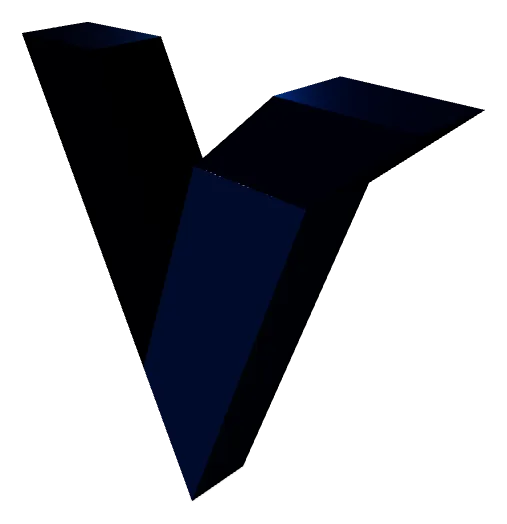
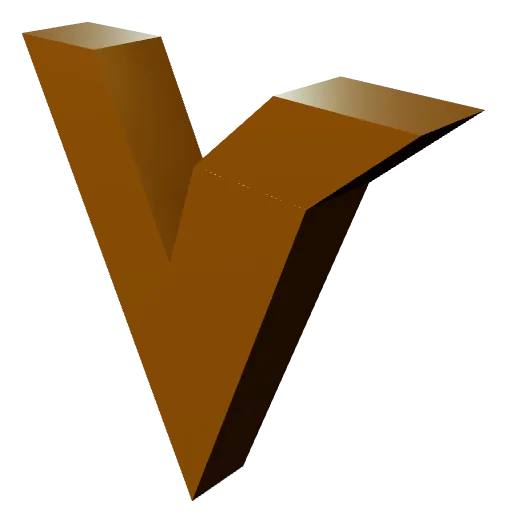
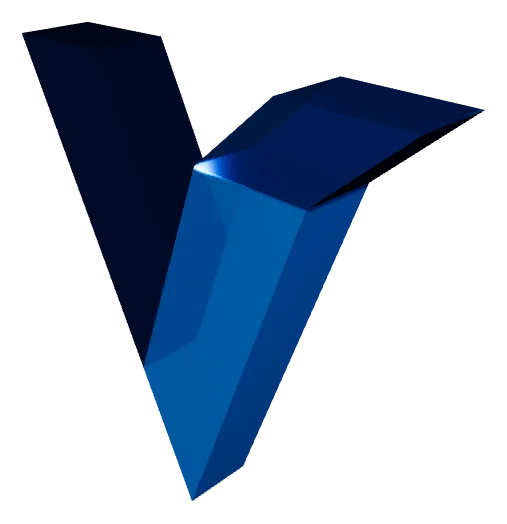
أربعة من الإعدادات العشرة. المادة للمعاينة فقط — صيغتا STL وOBJ لا تحفظان لونًا ولا تشطيبًا، لذا تبقى الشبكة المصدَّرة واحدة مهما اخترت. اختر GLB إن أردت أن ينتقل المظهر مع الملف.
تحويل SVG إلى ثلاثي الأبعاد
كل ما تحتاج معرفته حول تحويل الرسومات المتجهة إلى نماذج قابلة للطباعة ثلاثية الأبعاد.
ما هو تحويل SVG إلى 3D؟
تحويل SVG إلى 3D هو عملية بثق مسارات متجهة 2D مسطحة إلى شبكات ثلاثية الأبعاد صلبة. ملف SVG (Scalable Vector Graphics) يحتوي على منحنيات وأشكال معرّفة رياضيًا — شعارات، أيقونات، نصوص ورسوم. عند تحويل SVG إلى STL أو OBJ، يُمنح كل مسار متجه عمقًا (ارتفاع البثق)، وحوافًا مشطوفة اختيارية للحصول على ملفات أنعم، وسطحًا مانيفولد محكمًا مناسبًا للطباعة 3D أو التصنيع CNC أو العرض الرقمي.
عمق البثق
مُصيَّر داخل هذه الأداة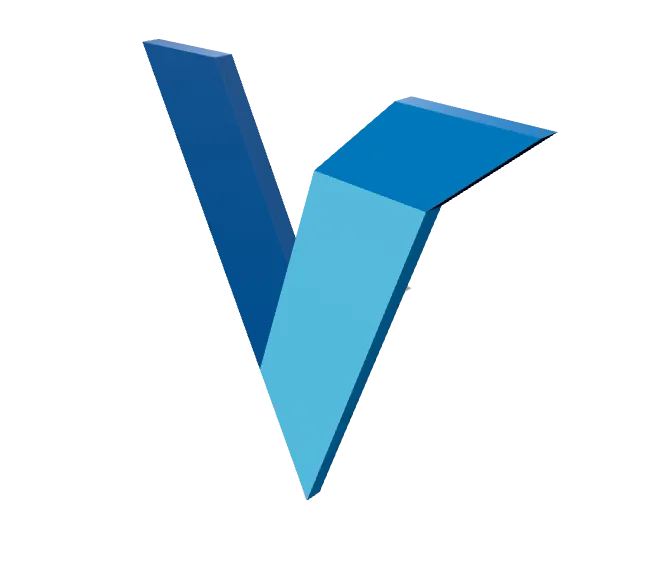
عمق البثق للنموذج النهائي. القيمة الصغيرة تجعل ملف SVG يبدو كشارة أو تطعيم، والقيمة الكبيرة تحوّله إلى مجسم قائم بذاته. يُطبَّق العمق لكل طبقة على حدة، فلا يلزم أن يكون ملف SVG متعدد المسارات موحّدًا.
يقوم Vextrude بكل ذلك في متصفحك باستخدام WebGL. حمّل أي SVG، اضبط عمق البثق ونصف قطر الشطف لكل طبقة، عاين النتيجة في الزمن الحقيقي بأدوات التدوير، وصدّر شبكة جاهزة للإنتاج — دون برنامج مكتبي، دون معالجة سحابية، دون تسجيل.
لماذا تحوّل SVG إلى STL للطباعة 3D؟
ملفات SVG هي الصيغة المفضلة لأدوات التصميم المتجهي مثل Adobe Illustrator وFigma وInkscape. تحويلها إلى STL يتيح لك جلب هذه التصاميم إلى العالم المادي عبر طابعات 3D من نوع FDM أو SLA أو SLS. تشمل حالات الاستخدام الشائعة لافتات الشعار المخصصة، وألواح الأسماء المنقوشة، وقواطع البسكويت، والفن الجداري الزخرفي، وأغطية الهواتف المنقوشة، والنماذج المعمارية.
فاصل الطبقات
مُصيَّر داخل هذه الأداة
يباعد فاصلُ الطبقات بين مسارات SVG على المحور Z. عند الصفر تلتحم في جسم واحد، وكلما رفعته تحوّل التصميم إلى طبقات قشرية منفصلة يمكن طباعة كل منها بخيط مختلف ثم تركيبها معًا. الفاصل هندسة حقيقية، لذا يبقى بعد التصدير.
ينتج Vextrude طوبولوجيا نظيفة ومحسّنة مع دعم متعدد الطبقات — كل مسار في SVG يمكن أن يكون له عمق بثق ولون ورؤية خاصة به. ملف STL الناتج مانيفولد (محكم) ويُقطّع بنظافة في Cura وPrusaSlicer وBambu Studio وOrcaSlicer وكل برامج التقطيع الرئيسية.
صيغ التصدير المدعومة
الطباعة 3D — يعمل مع كل برامج التقطيع
Blender، Maya، Cinema 4D، ZBrush
الويب، AR/VR، Three.js، Sketchfab
طباعة بألوان الرؤوس وألوان كاملة
معيار التصنيع الحديث
لقطات شاشة منفذ العرض والصور المصغّرة
صيغ التصدير المدعومة
حوّل ملف SVG واحدًا إلى ما تحتاجه طابعتك ثلاثية الأبعاد أو محرك الألعاب أو محرك العرض لديك — تُنشأ كل صيغة محليًا في متصفّحك.
STL
Stereolithography
الصيغة العالمية للطباعة ثلاثية الأبعاد — أدرجها مباشرة في أي برنامج تقطيع.
OBJ
Wavefront
صيغة شبكات مدعومة على نطاق واسع مع بيانات المواد والملمس.
GLB
Binary glTF
صيغة مدمجة مصمّمة للويب والواقع المعزّز ومحركات الألعاب.
3MF
3D Manufacturing
صيغة طباعة حديثة تحمل اللون والوحدات والبيانات الوصفية.
الإدخال
شبكات ثلاثية الأبعاد
الصورة والفيديو
تبحث عن سير عمل مخصص من الصورة إلى الليثوفان بـ 6 أشكال ونصائح طباعة؟ جرّب صانع الليثوفان المخصص ←
الأسئلة الشائعة
أسئلة شائعة حول محوّل SVG إلى ثلاثي الأبعاد.
هل Vextrude مجاني للاستخدام؟
نعم. Vextrude مجاني 100% للمشاريع الشخصية والتجارية، دون علامات مائية أو تسجيلات أو حدود مخفية. كل المعالجة تعمل محليًا في متصفحك.
هل ملفاتي تُرفع إلى خادم؟
لا. كل المعالجة تتم محليًا في متصفحك عبر WebGL. ملفات SVG والصور لا تغادر جهازك، مما يضمن خصوصية كاملة.
ما صيغ ملفات 3D التي يمكنني تصديرها؟
Vextrude يدعم STL (الطباعة 3D)، OBJ (أدوات DCC مثل Blender وMaya)، GLB (الويب وAR/VR)، PLY (طباعة بألوان الرؤوس)، و 3MF (تصنيع حديث). يمكنك أيضًا التصدير PNG لقطات الشاشة.
كيف أحوّل SVG إلى ملف STL قابل للطباعة 3D؟
حمّل ملف SVG إلى Vextrude (اسحب وأفلت أو الصق كود SVG)، ثم اضبط عمق البثق وحجم الشطف والمقياس باستخدام لوحة الإعدادات . عاين النموذج 3D في الزمن الحقيقي، طبّق إعداد مادة مسبق، ثم انقر على STL زر التصدير لتنزيل شبكة محكمة جاهزة للتقطيع في Cura أو PrusaSlicer أو Bambu Studio.
هل يمكنني تحويل شعاري إلى ميدالية مفاتيح مطبوعة ثلاثية الأبعاد؟
نعم. فعّل وضع «ميدالية المفاتيح» في لوحة الإعدادات لإضافة لوحة قاعدة وحلقة تعليق حول تصميمك. اختر أنماطًا بارزة أو مسطّحة أو محفورة، وحدّد لوحة دائرية أو مستديرة أو سداسية، واضبط حجم الفتحة وعمق اللوحة. ثم صدّر كملف STL واطبع.
هل يمكنني صنع قطّاعة بسكويت من ملف SVG؟
نعم. فعّل وضع «قطّاعة البسكويت» لتحويل مخطّط SVG إلى قطّاعة قابلة للطباعة بجدار قطع رفيع وحافة ضغط. اضبط حقل «العرض الحقيقي (مم)»، على سبيل المثال 80، وسيخرج ملف STL المصدّر بالحجم الفعلي الدقيق دون الحاجة لإعادة القياس في برنامج التقطيع.