أفلِت خريطة ارتفاع للبدء
ما هو مولّد خرائط الأوجه؟
مولّد خرائط أوجه مجاني عبر الإنترنت يعمل بالكامل داخل متصفحك. أفلِت خريطة ارتفاع فيُنتج ست خرائط PBR — نورمال وإزاحة وانسداد محيطي ولمعان وخشونة وانحناء — في الوقت الفعلي على معالج الرسوميات لديك، مع معاينة ثلاثية الأبعاد. تُعالَج صورك محليًا على جهازك ولا تُرسَل أبدًا إلى خادم.
كيفية إنشاء خريطة أوجه عبر الإنترنت
من خريطة الارتفاع إلى مجموعة PBR كاملة في أربع خطوات — بلا حساب ولا تثبيت ولا رفع.
ارفع خريطة ارتفاع
اسحب خريطة ارتفاع بتدرّج رمادي أو أي نسيج، أو انقر للتصفح (PNG، JPG، WEBP). صور PNG الشفافة مدعومة.
اضبط الخرائط
لكل خريطة شريط تمرير مباشر خاص بها — القوة، التنعيم/الحدّة، الانسداد المحيطي، اللمعان، الإزاحة، الخشونة والانحناء.
معاينة ثلاثية الأبعاد
شاهد الخامة تتحدّث فورًا على مستوٍ أو كرة أو مكعّب أو أسطوانة، أو افحص أي خريطة بالتحريك والتكبير.
تنزيل
احفظ خريطة واحدة أو المجموعة كاملة كملف ZIP — PNG أو JPG أو WEBP، مع الحفاظ على الشفافية.
من خريطة الارتفاع إلى خريطة الأوجه
مُصيَّر داخل هذه الأداة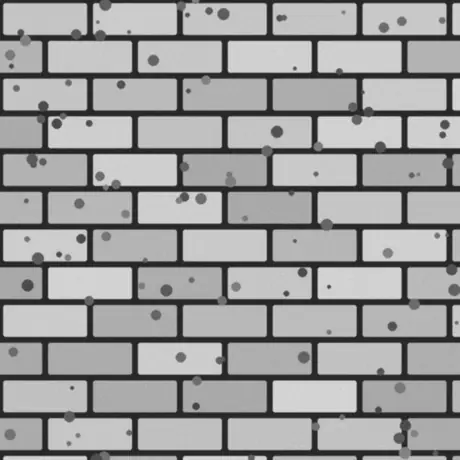
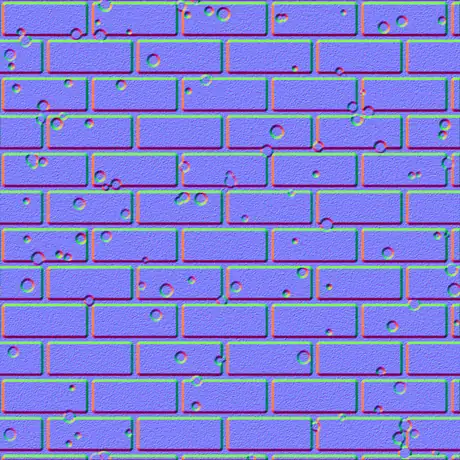
خريطة ارتفاع بتدرّج رمادي تدخل، وخريطة أوجه في الفضاء المماسّي تخرج. البكسلات الفاتحة تُقرأ مرتفعة والداكنة منخفضة، ويحوّل المولّد هذا الميل إلى القناتين الحمراء والخضراء اللتين يقرؤهما الشيدر. كل ذلك يجري على معالجك الرسومي، ولا تغادر الصورة متصفحك أبدًا.
لماذا تستخدم مولّد خرائط الأوجه هذا
معظم المولّدات عبر الإنترنت ترفع نسيجك وتعالجه ببطء على خادم. أما هذا فيعمل على معالج الرسوميات لديك داخل المتصفح ويحافظ على كل شيء.
لا يُرفع أي شيء
تُقرأ الصورة مباشرةً من القرص وتُعالَج محليًا باستخدام WebGL. لا يُرسَل أي شيء، لذا يظل يعمل دون اتصال بالشبكة.
في الوقت الفعلي على معالج الرسوميات لديك
تُولَّد كل خريطة باستخدام fragment shaders، لذا يؤدي تحريك أي شريط تمرير إلى تحديث الخرائط الست خلال أجزاء من الثانية — حتى بدقة 4K.
ست خرائط، كلٌّ قابل للضبط
نورمال، إزاحة، انسداد محيطي، لمعان، خشونة وانحناء — لكلٍّ منها تحكّم مباشر خاص.
تبقى الشفافية على شكل قصاصة
أفلِت صورة PNG بقناة ألفا فتخرج كل خريطة كقصاصة نظيفة مع بروز الحدود الخارجية — مثالية للملصقات والـ sprites.
مخرجات جاهزة للمحرّكات
نورمال بصيغة OpenGL (+Y) أو DirectX (-Y)، تفاصيل Sobel أو Scharr، تنعيم وحدّة، بالإضافة إلى خريطة خشونة metal-rough لـ glTF وUnity وUnreal.
مجاني، بلا تسجيل
لا حساب، ولا علامة مائية، ولا حدّ لحجم الملف سوى ما يمكن لجهازك الاحتفاظ به في الذاكرة.
الخرائط الست التي يُنتجها
خريطة ارتفاع واحدة تُنتج مادة فيزيائية كاملة — خريطة normal، وخريطة displacement، وخريطة الانسداد المحيطي، وثلاث خرائط أخرى. وفيما يلي شرح كل واحدة وأين تُستخدم.
| الخريطة | ما هي | الأنسب لـ |
|---|---|---|
| نورمال | اتجاهات RGB في الفضاء المماسي، OpenGL (+Y) أو DirectX (-Y). | محاكاة تفاصيل السطح تحت إضاءة الوقت الفعلي. |
| الإزاحة | بيانات ارتفاع بتباين قابل للضبط. | إزاحة هندسية حقيقية أو tessellation أو parallax. |
| الانسداد المحيطي | ظلال تلامس ناعمة في الشقوق. | تظليل مقنع وراسخ في التجاويف. |
| اللمعان | أين يلتقط السطح الضوء، مشتقة من الارتفاع. | سير عمل التظليل القديم specular / gloss. |
| الخشونة | خشونة دقيقة من تفاصيل السطح المحلية. | سير عمل metallic-roughness في glTF وUnity وUnreal. |
| الانحناء | خريطة تجويف محدّبة/مقعّرة — حواف فاتحة وشقوق داكنة. | تآكل الحواف والأوساخ وإنشاء الأقنعة. |
خرائط من صورة واحدة
مُصيَّر داخل هذه الأداة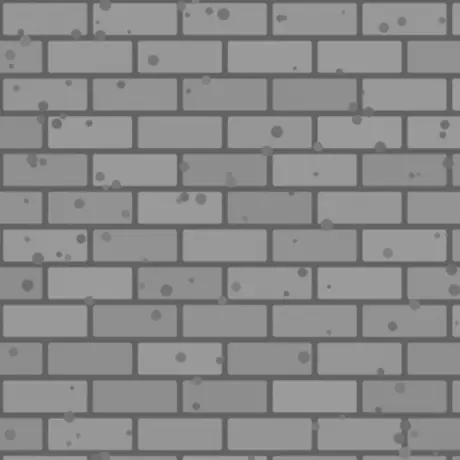
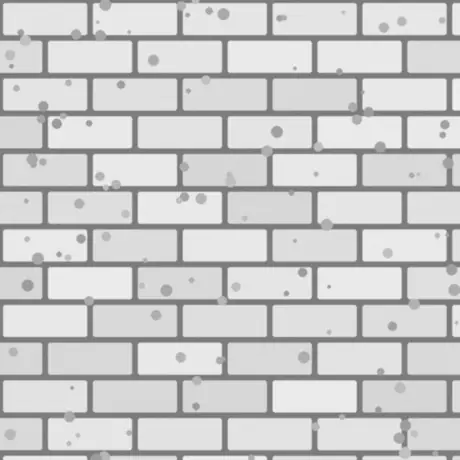
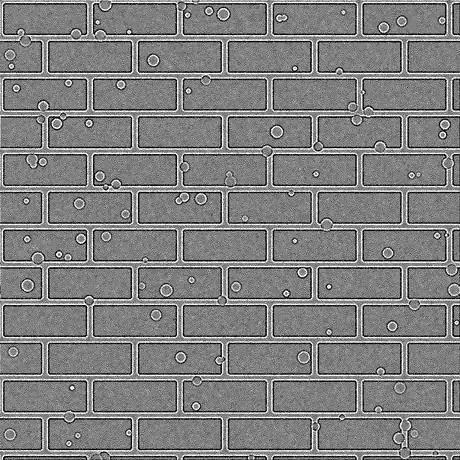
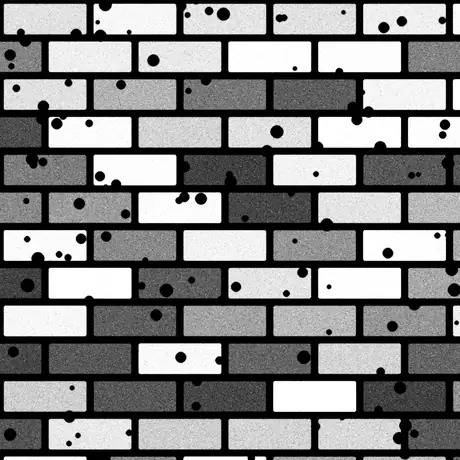
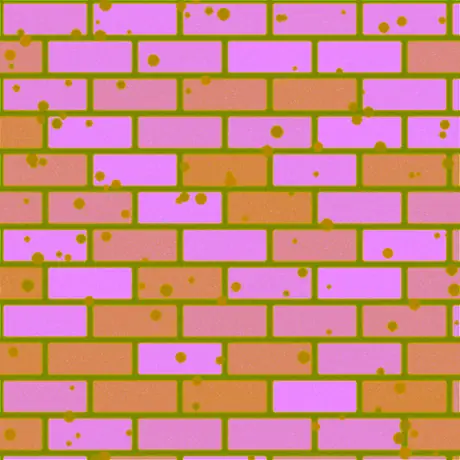
ستّ من الخرائط الثماني المشتقّة من خريطة الارتفاع الواحدة تلك. تُنتَج أيضًا خريطتا الخشونة واللمعان — وعند الشدّة الافتراضية تمرّر خريطة اللمعان قيم الارتفاع كما هي دون تغيير. أمّا ORM فتحزم الانسداد المحيطي والخشونة والمعدنية في القنوات الحمراء والخضراء والزرقاء لصورة واحدة، وهو الترتيب الذي يتوقّعه glTF.
الاستخدامات الشائعة
الطوب والحجر والبلاط
حوّل خريطة ارتفاع مصوّرة أو مرسومة إلى خريطة نورمال وانسداد محيطي لتلتقط الجدران والأرضيات المسطّحة الضوء كالبناء الحقيقي — دون هندسة إضافية.
الشعارات والملصقات من ملف PNG
أفلِت صورة PNG شفافة فتخرج خرائط النورمال والخشونة والانحناء كقصاصات نظيفة مع بروز الشكل، جاهزة للطبقات فوق خامة أخرى.
مجموعة metal-rough لـ glTF
صدّر النورمال والخشونة والانسداد المحيطي معًا لسير عمل metallic-roughness المستخدم في Unity وUnreal وGodot وBlender ومعيار glTF.
أقنعة تآكل الحواف والأوساخ
استخدم خرائط الانحناء والانسداد المحيطي كأقنعة في الـ shader أو أداة الإكساء لإضافة خدوش على الحواف وأوساخ في الشقوق.
الأسئلة الشائعة
الأسئلة الأكثر شيوعًا حول إنشاء خرائط الأوجه في المتصفح.
هل تُرفع صوري إلى أي مكان؟
لا. يقرأ المولّد صورتك مباشرةً في المتصفح ويعالجها محليًا باستخدام WebGL على معالج الرسوميات لديك. لا يُرسَل أي شيء إلى خادم، ولهذا يظل يعمل دون اتصال بعد تحميل الصفحة.
ما الخرائط التي يمكنني إنشاؤها؟
ست: نورمال، إزاحة، انسداد محيطي، لمعان، خشونة وانحناء. لكلٍّ منها شريط تمرير، ويمكنك تنزيل خريطة واحدة أو المجموعة كاملة دفعة واحدة كملف ZIP بصيغة PNG أو JPG أو WEBP.
هل هو سريع؟ وهل يستخدم معالج الرسوميات لديّ؟
نعم. تُولَّد جميع الخرائط باستخدام WebGL fragment shaders على بطاقة الرسوميات لديك، لذا يؤدي تحريك شريط التمرير إلى تحديث كل خريطة خلال أجزاء من الثانية — حتى بدقة 4K — دون تأخير ودون العودة إلى خادم.
هل يعمل مع الصور الشفافة (PNG)؟
نعم. تُحفظ الشفافية: تصبح كل خريطة مُولّدة قصاصة نظيفة مطابقة لقناة ألفا في صورتك مع بروز الحدود الخارجية. تحافظ PNG وWEBP على الشفافية؛ أما JPG فيُدمج على خلفية بيضاء.
ما الفرق بين خرائط الأوجه بصيغة OpenGL وDirectX؟
يختلفان في اتجاه القناة الخضراء (Y). تُستخدم OpenGL (+Y) في Unity وBlender وglTF؛ وتُستخدم DirectX (-Y) في Unreal Engine وكثير من الألعاب. اختر إعداد المحرك المناسب أو اعكسه عبر عكس Y.
هل يمكنني استخدامها في Unity أو Unreal أو Blender؟
نعم. تتوفّر خريطة النورمال بنمطي OpenGL وDirectX، وتناسب خريطة الخشونة سير عمل metallic-roughness المستخدم في Unity وUnreal وGodot وBlender وglTF. صدّرها بصيغة PNG لجودة بلا فقد.
من أي صورة أبدأ؟
تعطي خريطة الارتفاع بتدرّج رمادي (bump map) أفضل نتيجة: تُعامَل المناطق الفاتحة كمرتفعة والداكنة كمنخفضة. يمكنك أيضًا إدخال نسيج diffuse فتقدّر الأداة الارتفاع من السطوع، ثم اضبط بـ تنعيم/حدّة ومرشّح التفاصيل.
أدوات ذات صلة
عارض ثلاثي الأبعاد
افتح وافحص STL وOBJ وGLB وغيرها بإضاءة استوديو وتشغيل للحركات وعروض عالية الدقة.
محوّل ملفات ثلاثية الأبعاد
حوّل بين STL وOBJ وGLTF وGLB وPLY وFBX وUSDZ في المتصفح مع الحفاظ على الهياكل العظمية والحركات.