"3D viewer" describes at least three different kinds of software, and picking the wrong kind is why people conclude their file is broken when it is fine. Here is how they differ and how to tell which one you need.
Three Different Things Called a 3D Viewer
An embedded web component. The thing that puts a spinning product on a page. It typically accepts one format — GLB for the web, with USDZ alongside it for iOS augmented reality — and it is built for presentation, not inspection. It shows the model beautifully and tells you nothing about it.
A general-purpose file viewer. Accepts many formats and exists so you can open something and look at it. Usually adds measurement, mesh statistics, cross-sections and lighting controls. This is the category people mean when they search for a 3D viewer, and it is what to use when a file arrives and you need to know what it is.
The viewport of a full application. Modelling software and slicers both have one. Enormously capable, and attached to a program you have to install and learn.
The mismatch that wastes people's time is trying to inspect an engineering file in a presentation component, or installing a modelling application to answer a question as simple as "how many triangles is this".
Format Support Is Where Viewers Actually Diverge
The rendering is rarely the differentiator — most browser-based viewers draw through WebGL and look broadly similar. What separates them is which files they will open at all.
The formats worth checking for, and why each one turns up:
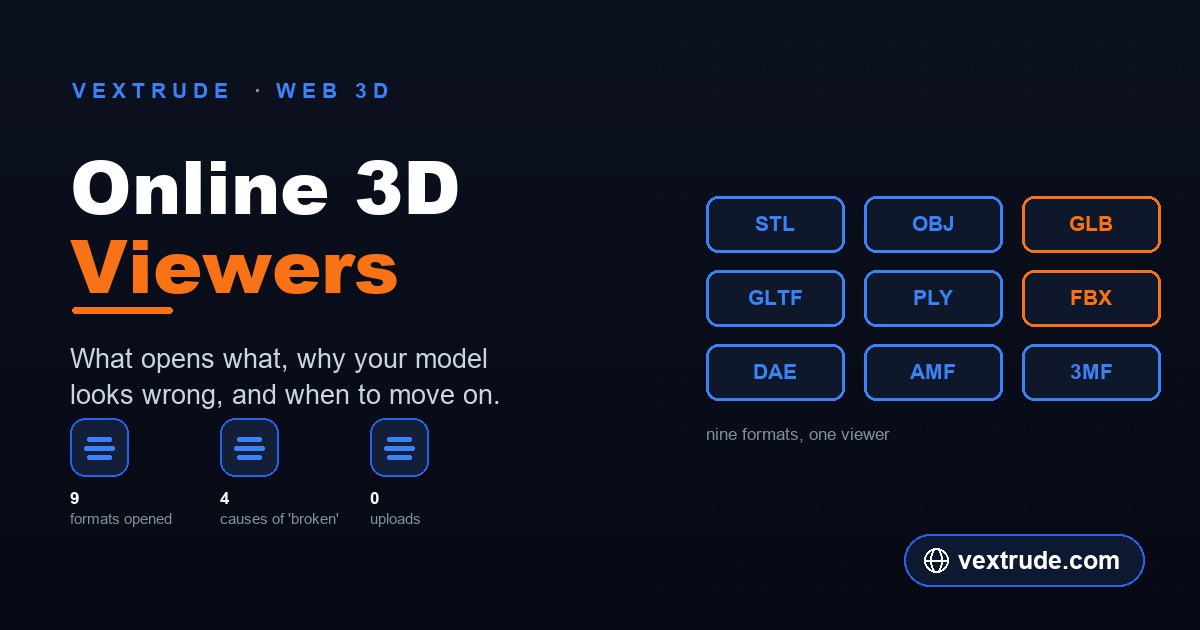
STL is the 3D printing default — triangles and nothing else. OBJ is the interchange workhorse and arrives with a companion .mtl file for materials, which is frequently missing. GLB and GLTF are the web standard and the ones most likely to carry materials and animation intact. PLY comes out of 3D scanners and often carries per-vertex colour; see the PLY breakdown for what its header tells you. FBX is common out of animation and game pipelines. DAE, AMF and 3MF turn up from older exporters, CAD and modern slicers respectively.
Most viewers handle STL, OBJ and GLB. Support thins out quickly after that, and FBX in particular is where a lot of tools stop. The Vextrude viewer opens all nine of the above, which is the reason it exists — the common case is a file arriving in a format your usual viewer will not take.
A viewer is also not a converter. Opening a file and exporting it are separate capabilities, and plenty of viewers deliberately do only the first.
Why Your Model Looks Wrong in a Viewer
Four causes account for nearly every "it opened but it is broken" report, and none of them means the file is corrupt.
Nothing appears at all. Usually scale or origin. A model authored in metres opened by a viewer assuming millimetres is either microscopic or so large the camera is inside it. Look for a frame or fit-to-view control before concluding the file is empty.
It is there but grey. The materials did not come with it. An OBJ without its .mtl, or an STL, which never had colour to begin with. The geometry is correct; the surface data was never in the file.
Parts are inside out or patchy. Flipped normals. Individual faces are wound in the wrong direction, so they are lit from behind or culled entirely. This one is a genuine mesh defect and it will follow the file into a slicer, so it is worth fixing at the source rather than looking for a viewer that hides it.
It is lying on its side. Different formats assume different up-axes — some treat Y as up, others Z. An unexpected rotation on import is a convention mismatch, not damage.
When a Viewer Is Not Enough
A viewer answers questions. It does not change anything, and that boundary is the point — you can open an unknown file without any risk of modifying it.
Move up to a modelling application when you need to repair a mesh, fuse separate shells, reduce triangle count, edit materials or UVs, or change the geometry in any way. Move to a slicer when the question is about printing specifically — supports, adhesion, real time estimates against a tuned profile.
But a surprising number of questions stop at the viewer: what format is this, what scale is it, how many triangles, is it one object or forty, does it have animation, is the inside hollow. All of those are inspection, and inspection is faster in something that does not need installing.
One workflow worth knowing: inspect first, then decide. Opening the file and reading its statistics takes seconds and frequently tells you the next step is a converter rather than a modelling session.
Frequently Asked Questions
Which format should I ask people to send? GLB if materials or animation matter, STL if it is going to a printer and only the shape matters. Both are widely supported.
Why does my OBJ open with no colour? The .mtl file and its textures have to travel with it. OBJ splits geometry and materials across separate files, which is why it so often arrives incomplete. GLB avoids the problem by packing everything into one file.
Can a viewer tell me if a model is printable? Partly. It can show you scale, wall thickness by eye and obvious holes. Whether it slices cleanly is a question for a slicer.
Does viewing a file online upload it? It depends on the viewer, and the answer is worth checking rather than assuming. The Vextrude viewer renders in the page using the browser's file APIs, so nothing is sent anywhere — the Network tab in your developer tools will confirm it on any site.
Can I export from a viewer? Not from this one — it opens files and does not write them. If you need a different format out, that is a converter's job.
Related reading
Open any of nine 3D formats
STL, OBJ, GLB, GLTF, PLY, FBX, DAE, AMF and 3MF — nothing uploaded.
Open 3D Viewer