3D Metin Oluşturucu Nedir?
3D Metin Oluşturucu, herhangi bir kelime veya cümleyi gerçek, yazdırılabilir bir 3D modele dönüştüren ücretsiz bir çevrimiçi araçtır — tamamen tarayıcınızda, kurulum, hesap veya yükleme gerektirmeden. Metninizi yazın, onlarca yazı tipinden seçin ve derinlik, pah, eğri, malzemeler ve aydınlatmayı gerçek zamanlı ayarlayın. Doğru göründüğünde, render'a hazır OBJ, GLB veya PLY; baskıya hazır STL ve 3MF; tasarım için şeffaf PNG veya animasyonlu bir WebM videosu olarak dışa aktarın. Her şey cihazınızda yerel olarak işlenir, tasarımlarınız asla ayrılmaz.
Saniyeler İçinde 3D Tipografi Oluşturun
Standart yazı tiplerini web, baskı ve AR için çarpıcı 3D modellere dönüştürün.
Yaz
Metninizi girin ve standart yazı tiplerinden seçin veya kendi .TTF/.OTF dosyanızı yükleyin.
Stil
Ekstrüzyon derinliğini, pah kalınlığını, satır yüksekliğini ve malzemeleri gerçek zamanlı olarak ayarlayın.
Dışa Aktar
3D yazınızı herhangi bir 3D yazılım için .OBJ, .GLB veya .STL dosyaları olarak indirin.
Neden Vextrude Yazı?
Blender açmadan hızlı, yüksek kaliteli 3D yazılara ihtiyaç duyan tasarımcılar için tasarlandı.
Hızlı Performans
Optimize edilmiş geometri birleştirme, akıllı erteleme ve otomatik sığdırma kameralı pürüzsüz görünüm.
Özel JSON Yazı Tipleri
Kendi typeface .json dosyalarınızı yükleyin. Yazı Tipi Dönüştürücü aracıyla anında oluşturun.
Malzeme Hazır Ayarları
Yazınızı gerçekçi aydınlatma ve gölgelerle Plastik, Metal veya Neon malzemelerde önizleyin.
3D Tipografi ve Ekstrüzyon Temelleri
Düz kelimeleri gerçek 3D geometriye dönüştürmek için bilmeniz gereken her şey.
Metin Nasıl 3D Olur?
3D metin, bir 2B harf dış hattının alınıp “ekstrüzyona” uğratılmasıyla oluşur — dış hat boyunca her nokta dışarı itilerek gerçek derinlik yaratılır. Sonuç, ön yüz, arka yüz ve yan duvarları olan, 3D yazıcının, oyun motorunun veya render motorunun herhangi bir nesne gibi ele alabildiği katı bir mesh'tir.
Doğru Yazı Tipini Seçmek
Kalın, geometrik yazı tipleri (display sans-serif gibi) temiz ekstrüze olur ve güvenilir yazdırılır. İnce, script veya çok süslü yazı tipleri yazıcıda kırılan kırılgan duvarlar veya render'da ayırt edilemez detaylar üretebilir. Şüpheye düştüğünüzde bold bir ağırlıkla başlayın ve karar vermeden önce canlı önizleyin.
Derinlik ve Pah
Derinlik, harflerin ne kadar geriye doğru itildiğini kontrol eder — sığ değer kabartma bir logoya, yüksek değer kalın bir başlık kartına benzer. Pah, yüz ile yan duvarın buluştuğu keskin 90° birleşmeyi yumuşatır, ışığı yakalar ve ekstrüzyona fiziksellik katar. Küçük pahlar (0.5–1) baskı için en iyisidir; büyük pahlar render'da ışılır.
Ekstrüzyon derinliği
bu araçta oluşturuldu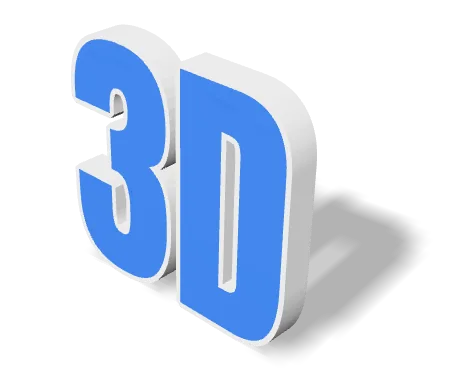
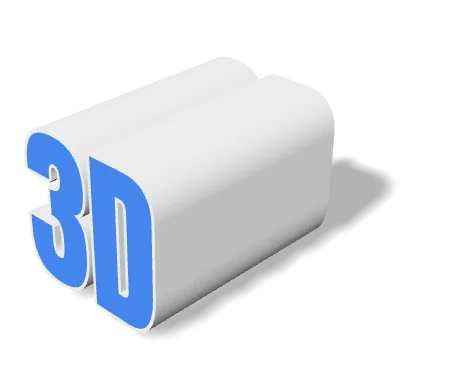
Derinlik, yazı boyutuyla aynı birimlerde ölçülür; bu yüzden iki kaydırıcı birlikte hareket eder. Düşük bir değer kabartma gibi, yüksek bir değer başlı başına bir nesne gibi görünür. Baskı alacaksanız derinlik aynı zamanda harfin devrilmeden durmasına yetecek tabanı da belirler.
Pah karşılaştırması
bu araçta oluşturuldu
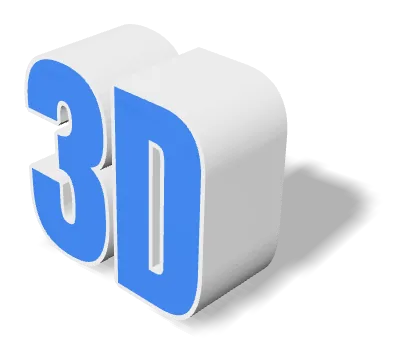
Aynı model, aynı kamera, aynı ışık — yalnızca pah değişiyor. Pah, 90°’lik keskin kenarı dar bir eğimle değiştirir; böylece kenar yan duvara karışmak yerine ışığı yakalar. Baskı için küçük tutun.
Malzeme ve Aydınlatma
Yedi yerleşik malzeme ön ayarı (Standard, Plastic, Metal, Glass, Neon, Chrome, Gold) artı prosedürel dokular ile aynı kelimeyi kil maketten krom hero çekimine tek tıklamayla taşıyabilirsiniz. Işık rotasyon kaydırıcısı anahtar ışığı sahne etrafında döndürür; böylece cazip, gölge şekilli açıları hızla bulursunuz.
Malzeme hazır ayarları
bu araçta oluşturuldu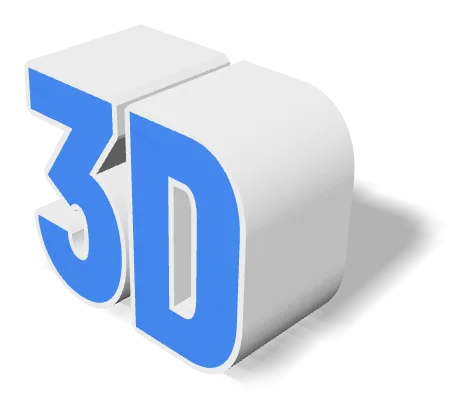
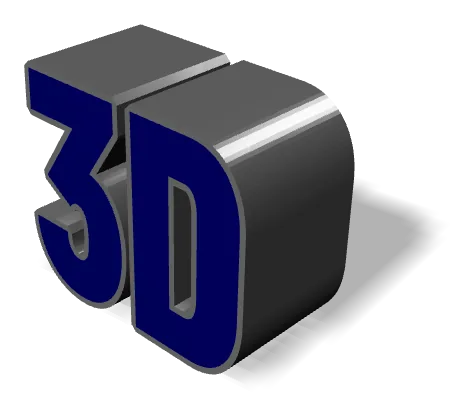
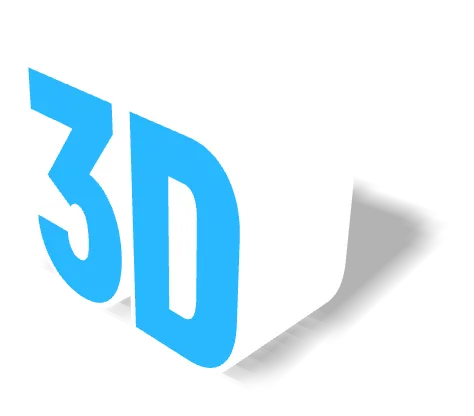
Aynı geometri, üç hazır ayarla. Malzeme yalnızca gölgelendirmeyi etkiler — mesh aynıdır ve STL ile OBJ hiçbir malzeme verisi taşımaz; bu yüzden dışa aktarılan STL hangi hazır ayarı seçerseniz seçin aynı görünür. Görünümün dosyayla birlikte gitmesini istiyorsanız GLB olarak dışa aktarın.
Eğri ve Dalgalı Metin
Metin Eğrisi kontrolü metni bir yay boyunca büker — rozetler, logolar ve ürün sanatı için harika. Dalga kontrolüyle (temel çizgide bir sinüs) birleştiğinde, mesh düzenlemesi olmadan şerit ya da dalgalı düzenler üretebilirsiniz. Her iki efekt de tahribatsızdır: istediğiniz zaman sıfıra alın.
Taban çizgisi biçimleri
bu araçta oluşturuldu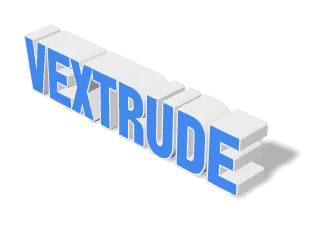
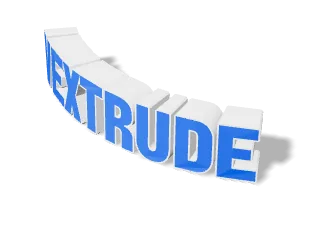
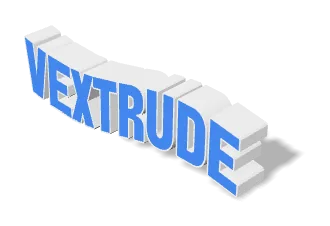
Yay, taban çizgisini bir çember boyunca büker; Dalga ise üzerine bir sinüs uygular. İkisi de kamera açısıyla yapılan bir numara değil, doğrudan geometriye uygulanır; dolayısıyla eğrilik dışa aktarılan mesh’te de kalır. Geri almak için kaydırıcıyı sıfıra döndürün.
Dışa Aktarma: Baskı - Web
3D baskı için STL veya 3MF kullanın ve dışa aktarılan modelin tabladaki istediğiniz fiziksel boyutla eşleşmesi için Gerçek Genişlik (mm) alanını ayarlayın. Gerçek zamanlı render, oyun veya AR için GLB kullanın — küçüktür ve malzeme verisi taşır. Bir sabit görüntü veya logo maketi için şeffaf bir PNG (veya animasyon reel'inin WebM'i) genellikle yeterlidir.
Desteklenen Dışa Aktarma Biçimleri
Bir satırlık metni 3D yazıcınızın, oyun motorunuzun, render motorunuzun veya tasarım uygulamanızın ihtiyaç duyduğu her şeye dönüştürün — her biçim tarayıcınızda yerel olarak oluşturulur.
STL
Stereolithography
Evrensel 3D baskı biçimi — doğrudan herhangi bir dilimleyiciye aktarın.
OBJ
Wavefront
Malzeme ve doku verileriyle yaygın olarak desteklenen mesh biçimi.
GLB
Binary glTF
Web, AR ve oyun motorları için tasarlanmış kompakt biçim.
3MF
3D Manufacturing
Renk, birim ve meta veri taşıyan modern baskı biçimi.
Giriş
3D Mesh'ler
Görüntü ve Video
Yazı Tipi ve Dil Desteği
Onlarca yerleşik yazı tipi ailesi, kendi TTF/OTF yüklemeleriniz ve Latin dışı ile sağdan-sola yazılar için tam destek.
Yerleşik Yazı Tipleri
Onlarca dahil
Temiz şekilde ekstrüze edilen seçilmiş sans-serif, serif, display ve script aileleri — indirme yok.
TTF / OTF Yükle
Herhangi bir yazı tipi, herhangi bir kalınlık
Kendi .ttf veya .otf dosyanızı tek tıklama ile kullanmak için bırakın. Cihazınızda kalır — sunucuya asla yüklenmez.
Latin Dışı Yazılar
CJK, Kiril, Devanagari…
Çince, Japonca, Korece, Kiril, Arapça, Urduca, İbranice, Tayca ve daha fazlası diliniz için doğru glifleriyle görüntülenir; metin HarfBuzz ile şekillendirildiğinden Arapça ve Urduca bitişik yazılır (Nestalik dâhil) ve sağdan sola yazılar doğru yönde dizilir.
Canlı Önizleme
Yaz. Gör. Gönder.
Her tuş vuruşu 3D mesh'i gerçek zamanlı yeniden oluşturur, böylece kelime, kalınlık ve derinlik üzerinde beklemeden yineleme yapabilirsiniz.
Sekiz yazı sistemi
bu araçta oluşturuldu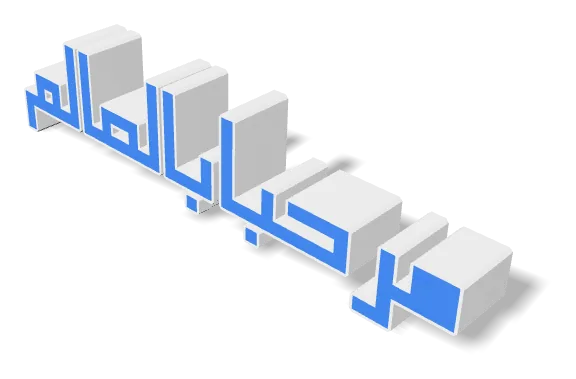
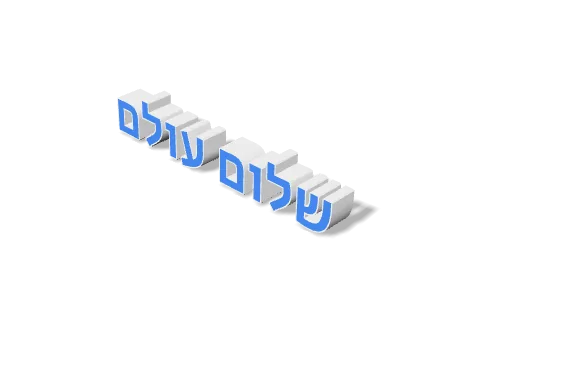
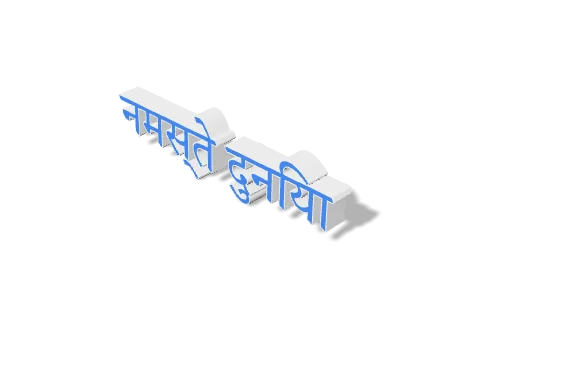
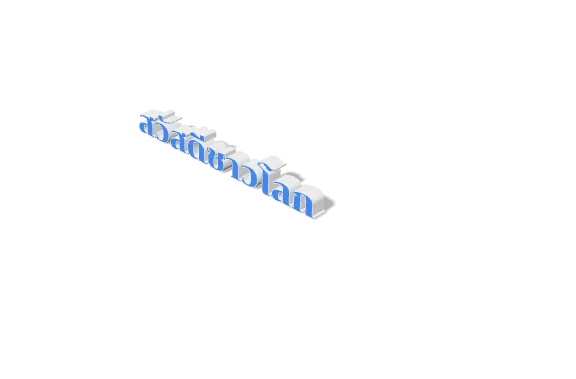
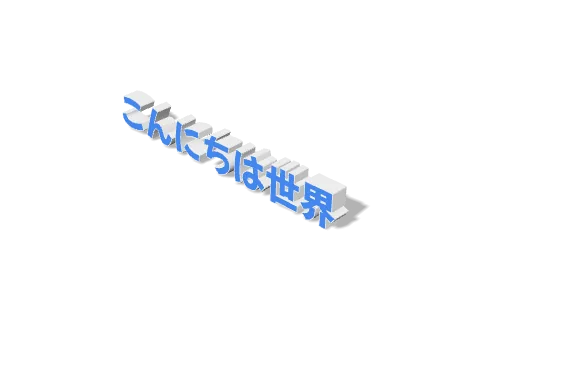
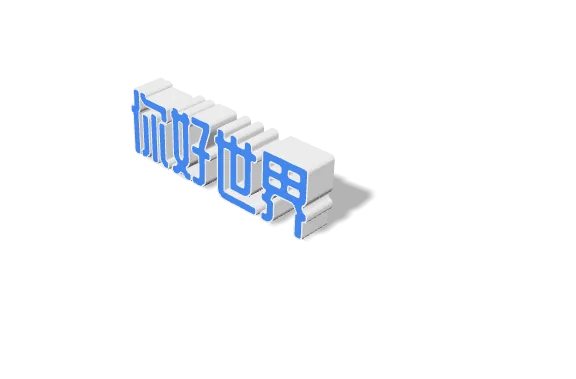
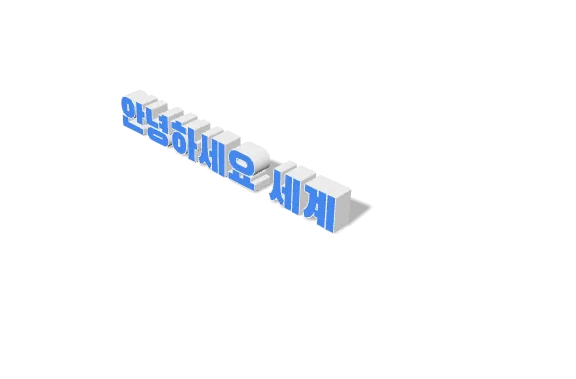
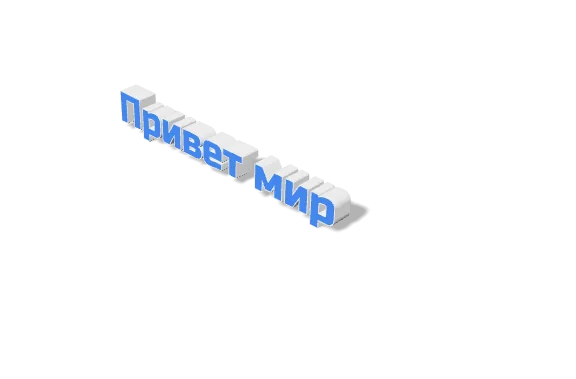
Aracın yazı tipi sunduğu yirmi bir yazı sisteminden sekizi, doğrudan düzenleyicide oluşturuldu. Zor örnekler bilerek eklendi: metin, tarayıcıların da kullandığı HarfBuzz ile şekillendirilir; böylece Arapça ve Urduca bağlama göre birleşir — eğik, basamaklı satır çizgisiyle Nestalik dâhil — Arapça ve İbranice sağdan sola akar, Hint yazılarının bitişik harfleri tek bir birleşik harf olarak oluşur ve ünlü işaretleri doğru tarafta yer alır.
Sıkça Sorulan Sorular
3D Metin Oluşturucu hakkında sık sorulan sorular.
Kendi yazı tiplerimi kullanabilir miyim?
Evet! Bilgisayarınızdan herhangi bir .TTF veya .OTF yazı tipi dosyasını yükleyebilirsiniz. Yazı tipi tarayıcınızda yerel olarak işlenir ve sunucularımıza asla yüklenmez.
Arapça veya Urduca destekliyor mu?
Evet, Vextrude RTL dilleri için yerleşik desteğe sahiptir. Metniniz doğru görüntülenmiyorsa "Force RTL" seçeneğini açın.
Ticari kullanım için ücretsiz mi?
Evet, araç %100 ücretsizdir. Oluşturduğunuz 3D modellere sahip olursunuz ve herhangi bir ticari proje için kullanabilirsiniz.
Metnim ve yazı tiplerim bir sunucuya yüklenir mi?
Hayır. Her şey WebGL ve Three.js kullanılarak tarayıcınızda yerel olarak çalışır. Metniniz hiçbir yere gönderilmez ve yüklediğiniz her yazı tipi cihazınızda kalır — bizim tarafımızda hiçbir şey yüklenmez, önbelleğe alınmaz veya kaydedilmez.
Hangi dışa aktarma biçimini seçmelliyim?
3D yazıcı için STL veya 3MF kullanın (3MF renk ve birim de taşır). Web, AR veya oyun motorları için GLB kullanın — küçüktür ve malzeme verisi taşır. Bir tasarım maketi veya küçük resim için şeffaf bir PNG (veya animasyonlu bir sürümün WebM'i) genellikle en hızlı yoldur.
Dışa aktarılan modeli tam fiziksel boyutta yazdırabilir miyim?
Evet. Gerçek Genişlik (mm) alanını baskı tablasında istediğiniz genişliğe ayarlayın — dışa aktarılan STL/3MF, dilimleyicinizde yeniden ölçeklemeye gerek kalmadan tam o boyutta çıkar.
Latin dışı yazılar ve sağdan-sola diller çalışıyor mu?
Evet. Arapça, İbranice, Çince, Japonca, Korece, Devanagari, Kiril, Tayca ve daha fazlası doğru glifleriyle görüntülenir ve RTL yazılar sağdan sola düzenlenir. Yüklediğiniz bir yazı tipi kullanılan yazının gliflerini içermiyorsa araç ekstrüzyon öncesi uyarır.
Metni animasyonlayıp video kaydedebilir miyim?
Evet. Animasyon panelinde PowerPoint tarzı hazır ayarlar (turntable, giriş, vurgu) artı Hız ve Ters seçenekleri var. Kamera aracının deklanşörüne basın; geçerli animasyonun WebM videosunu kaydedin — fit-frame, 1:1, 16:9 veya 9:16.